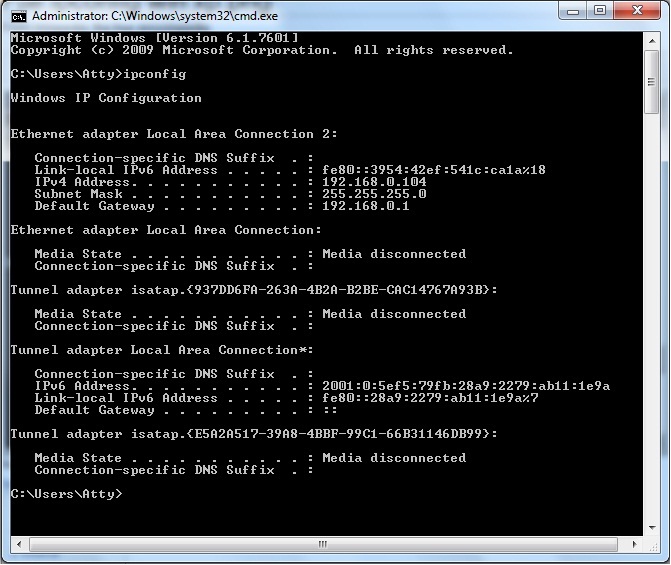
For the past month, I have been getting this error two or three times a day:
The server at Google can't be found, because the DNS lookup failed. DNS is the network service that translates a website's name to its Internet address. This error is most often caused by having no connection to the Internet or a misconfigured network. It can also be caused by an unresponsive DNS server or a firewall preventing Google Chrome from accessing the network. (Google Chrome)
I've contacted my network administrator and she said that she isn't having any problems connecting to my router and the problem must be from my PC. The only way of fixing the problem is to Disable/Enable my current connection. I've looked up on Google for numerous solutions and I've tried some of them but none resolved my problem.
Any help is greatly appreciated.
The server at Google can't be found, because the DNS lookup failed. DNS is the network service that translates a website's name to its Internet address. This error is most often caused by having no connection to the Internet or a misconfigured network. It can also be caused by an unresponsive DNS server or a firewall preventing Google Chrome from accessing the network. (Google Chrome)
I've contacted my network administrator and she said that she isn't having any problems connecting to my router and the problem must be from my PC. The only way of fixing the problem is to Disable/Enable my current connection. I've looked up on Google for numerous solutions and I've tried some of them but none resolved my problem.
Any help is greatly appreciated.
My Computer
At a glance
Windows 7 Ultimate 32 bit
- OS
- Windows 7 Ultimate 32 bit