SnapCount
New member
Hi guys,
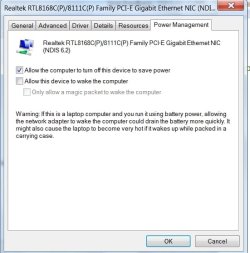
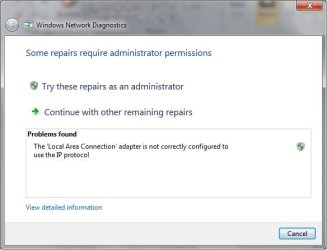
Wondering you you can help me with this issue from resuming from a hibernate or sleep state, and not being able to get a network connection at all.
I would then have to restart the laptop to get the connection back.
My laptop is a Compaq v3118au which has a nvidia nic and a broadcom 802.11b/g WLAN.
Wondering you you can help me with this issue from resuming from a hibernate or sleep state, and not being able to get a network connection at all.
I would then have to restart the laptop to get the connection back.
My laptop is a Compaq v3118au which has a nvidia nic and a broadcom 802.11b/g WLAN.
My Computer
At a glance
Windows XP Pro SP3 / Windows 7RC 7100Intel Q6600 Quad Core @ 2.802 Gb CorsairLeadtek 8800GT
- OS
- Windows XP Pro SP3 / Windows 7RC 7100
- CPU
- Intel Q6600 Quad Core @ 2.80
- Motherboard
- Gigabyte P35-DS3P
- Memory
- 2 Gb Corsair
- Graphics Card(s)
- Leadtek 8800GT
- Sound Card
- Creative X-Fi XtreamGamer
- Monitor(s) Displays
- Chimei 22"
- Case
- LianLi A70