- Local time
- 10:47 PM
- Messages
- 310
Thanks for trying to help CommonTater very appreciated.
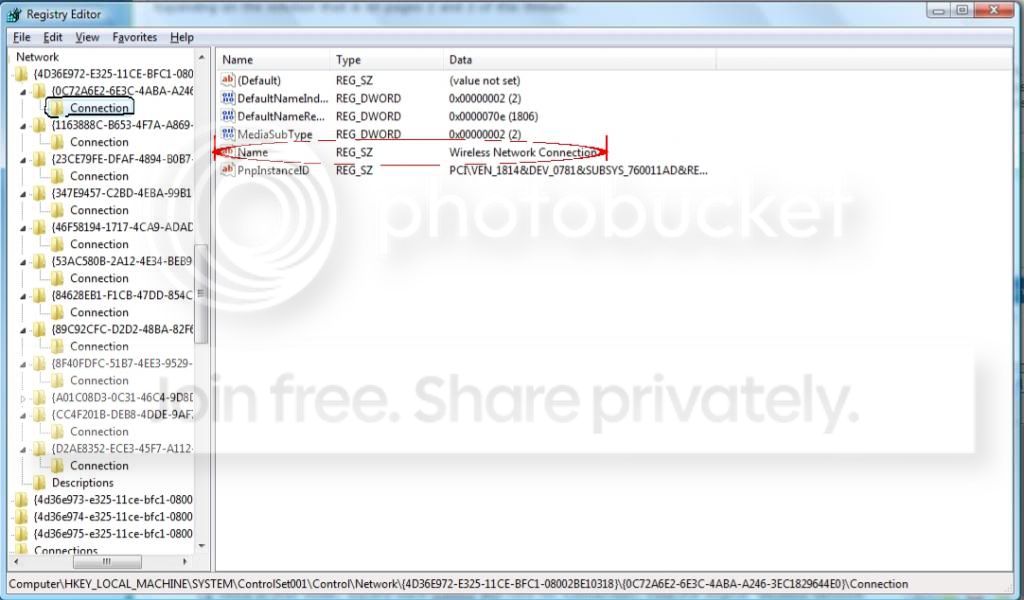
But you have reached the same conclusion i've reached in my last post before this...i should not mess with the bloo3$# register.
No problem... maybe the others will have better suggestions.
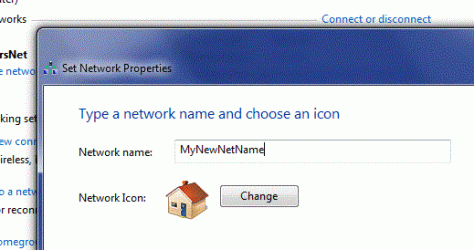
In your place I'd rename it with the right click method I showed you for the display name and leave the registry entries alone, as we agree.
I do get into the registry a lot, I'm not afraid to tinker so long as I have some basic idea what I'm messing with but experience has taught me that hardware device settings are not something you mess with.

I can't rename either of them, the wireless connection name nor the wireless adaptar name. (if i want to change them to their original name windows 7 says that they already exist).
My Computer
At a glance
Microsoft Windows 7 Ultimate 64 bits 7601 Mul...Intel(R) Core(TM) i7-3770K CPU @ 3.50GHz8.00 GBNVIDIA GeForce GTX 670
- Computer type
- PC/Desktop
- Computer Manufacturer/Model Number
- Custom Build
- OS
- Microsoft Windows 7 Ultimate 64 bits 7601 Multiprocessor Free Service Pack 1
- CPU
- Intel(R) Core(TM) i7-3770K CPU @ 3.50GHz
- Motherboard
- ASUSTeK Computer INC. P8Z68-V PRO GEN3
- Memory
- 8.00 GB
- Graphics Card(s)
- NVIDIA GeForce GTX 670
- Sound Card
- Omega Striker
- Monitor(s) Displays
- Viewsonic vx2250wm
- Screen Resolution
- 1920 x 1080 x 32 bits (4294967296 colors) @ 60 Hz
- Hard Drives
- V9CPETXT
Seagate 1TB.
- PSU
- Corsair Gold Series AX850
- Case
- nvidia 690 advanced II
- Cooling
- Air