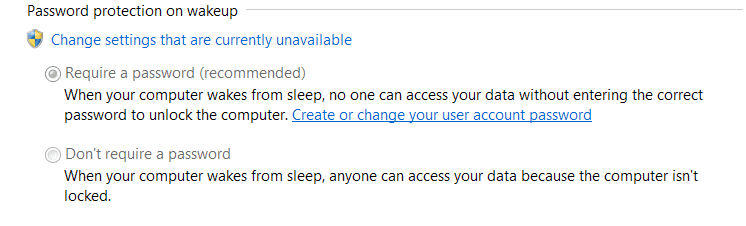
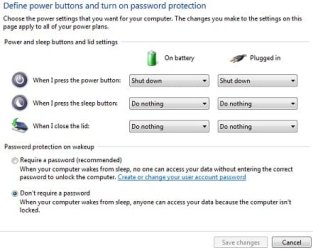
When I do this I get a blue screen with my account picture showing. As I am the only user and admin how do I get to open the lid and get right into the GUI without this screen?
I don't use a password.
Thanks.
I don't use a password.
Thanks.
My Computer
At a glance
Windows 8.1.1AMD A10-5750M APU with Radeon(tm) HD Graphics8gb
- Computer type
- Laptop
- Computer Manufacturer/Model Number
- HP Envy 15
- OS
- Windows 8.1.1
- CPU
- AMD A10-5750M APU with Radeon(tm) HD Graphics
- Memory
- 8gb
- Hard Drives
- 1TB Serial ATA 16mb buffer