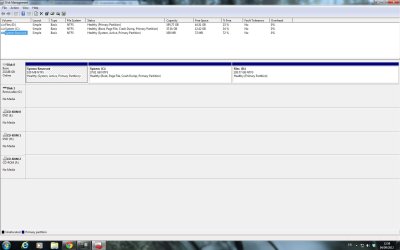
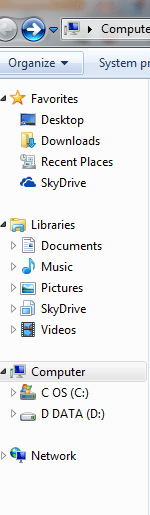
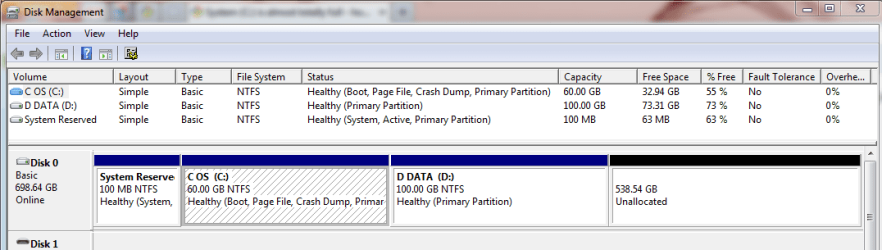
My windows 7 64 bit is installed on my C: drive. I have one 250GB hard disk that I partitioned into C: and D:. I was told that C: should only contain about 30-40GB so i set it to 37GB. for some reason C: has gotten so full recently i only have 500MB free on it and it shows up in red. I checked the actual files on the drive and my user folder has 12GB of space on it, but when i check each folder individually I can only find afew hundred MB - 1-2 GB... I have no clue where all that memory is being stored!
anyone have a clue of how to free up that memory?
anyone have a clue of how to free up that memory?
My Computer
At a glance
windows 7 64 bit
- OS
- windows 7 64 bit