
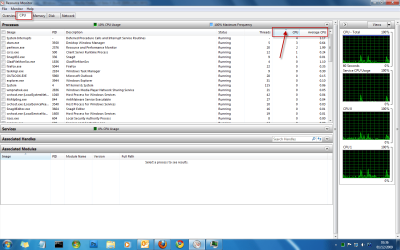
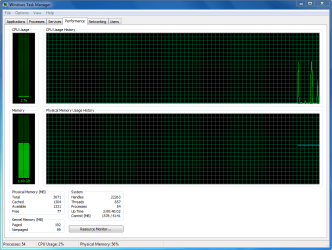
Hey guys, I got an issue with high CPU usage on my Laptop. At idle my CPU usage is around 1-4%. That seems alright, but as soon as I even open up a program of folder it jumps up to 30%+ all the way to even 85%. Is this normal? I've disabled my HDMI audio and modem in device manager. I don't notice any process hogging resources in task manager. My system specs are very good, dual core processor, 4GB RAM etc... I have Windows 7 Ultimate 64 bit installed, can anyone help me out here? This high cpu usage seems to be having my internal fan run constantly, it hasn't done this before. Any help will be appreciated, thanks!
Also, every so often I will notice that my dvd drive light will blink and will try to read a disc for a split second even though nothing is even in there. What could that be about? It happens 2-3 times a day, never noticed it before either.
Also, every so often I will notice that my dvd drive light will blink and will try to read a disc for a split second even though nothing is even in there. What could that be about? It happens 2-3 times a day, never noticed it before either.
My Computer
At a glance
Windows 7Intel Core 2 Duo T6500 @ 2.1GHz per core4GB RAMMobile Intel 4 Series Express Chipset Familiy
- Computer Manufacturer/Model Number
- HP Pavilion DV4
- OS
- Windows 7
- CPU
- Intel Core 2 Duo T6500 @ 2.1GHz per core
- Memory
- 4GB RAM
- Graphics Card(s)
- Mobile Intel 4 Series Express Chipset Familiy


 )
)

