

There shouldn't be any doubt that Windows 7 is the evolution of Windows Vista. And even with the first Beta development milestone, Win7 provides ample proof of this, as you will be able to see from the screenshots at the bottom of this article. Fact is that as Windows 7 evolved from Milestone 1 to M2 and to M3, the operating system was making small steps away from its precursor, small but consistent enough to be felt. So much so that Windows 7 pre-Beta Build 6801 could qualify as the point of no return for the next iteration of the Windows client.
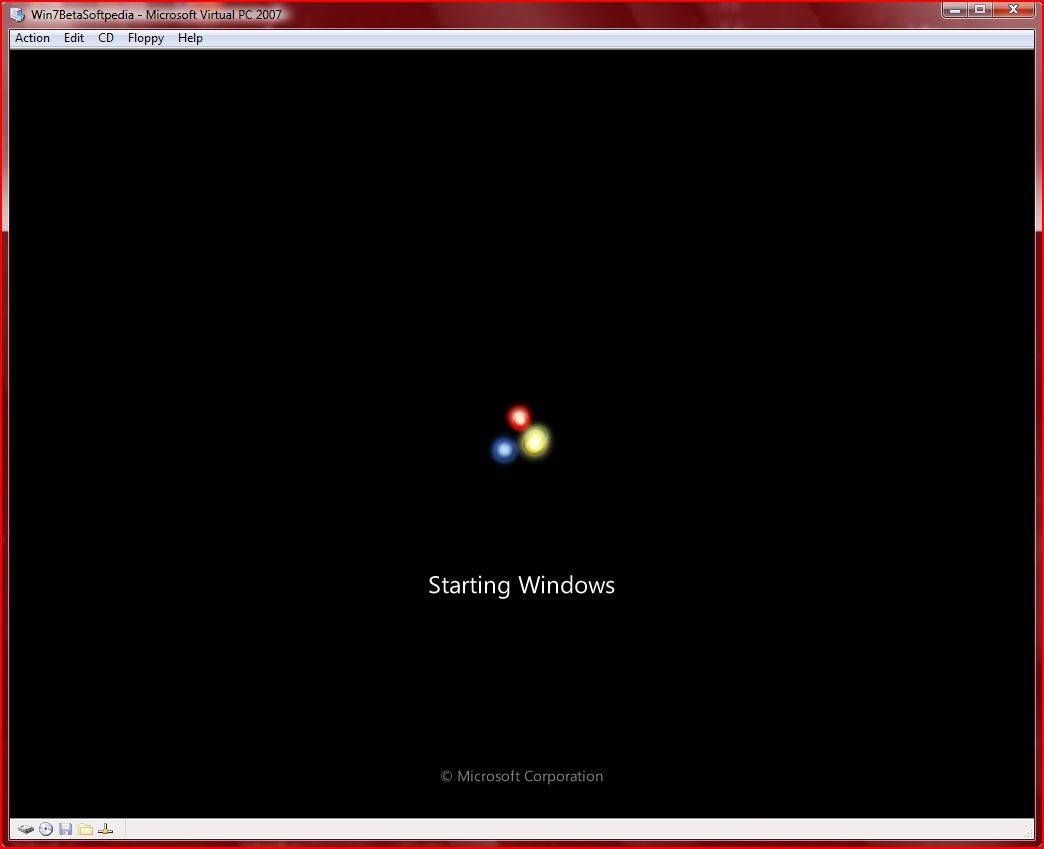
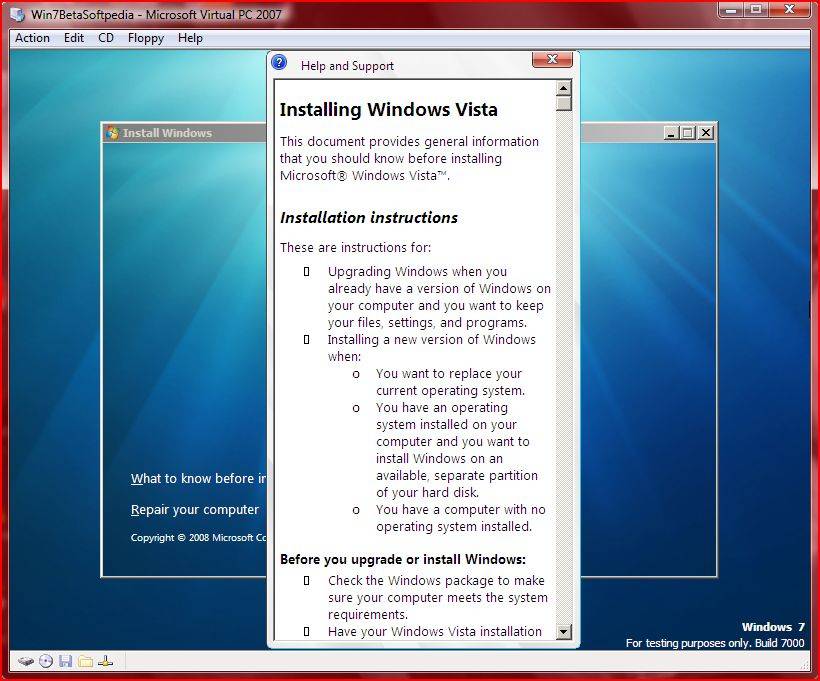
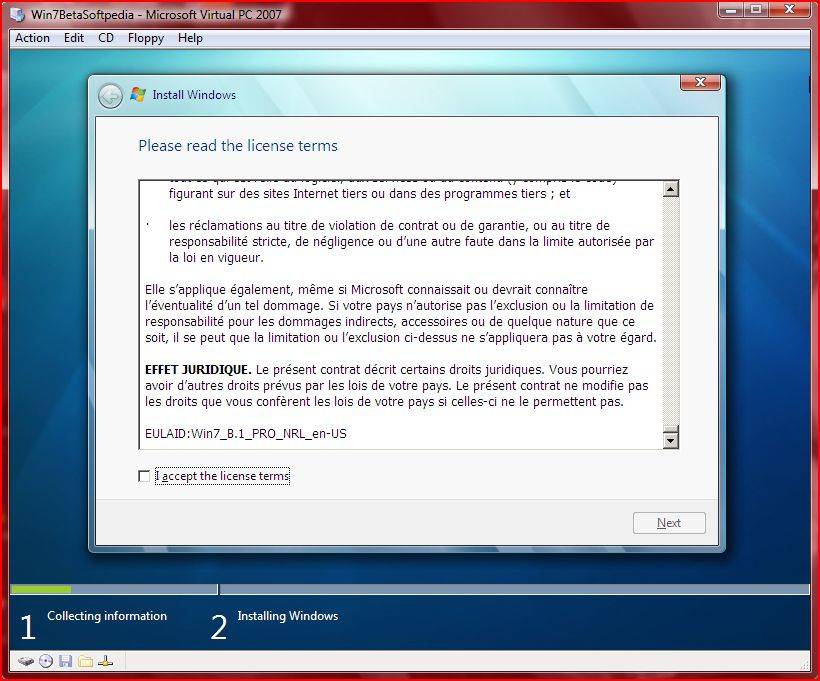
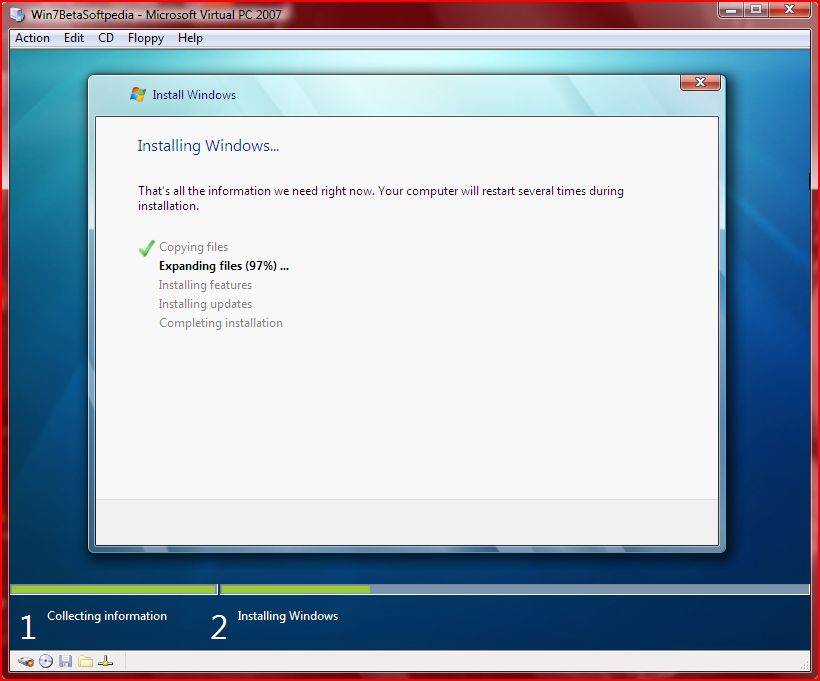
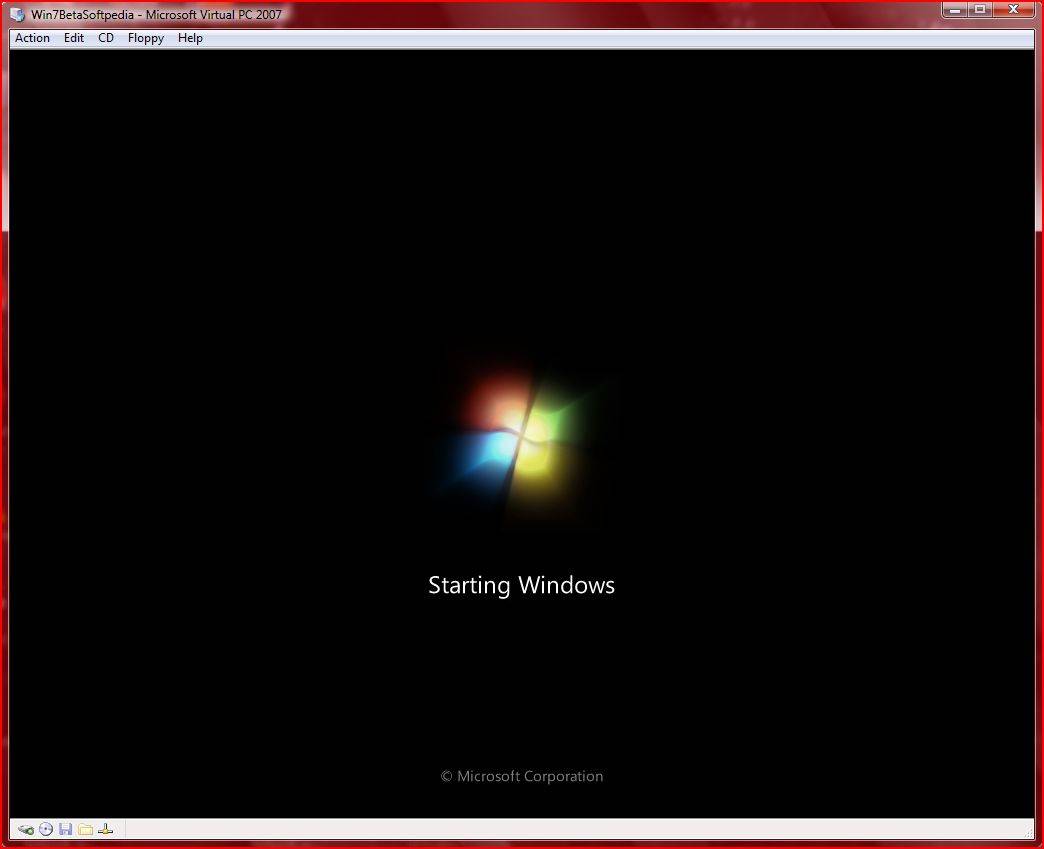
Essentially, the installation of Windows 7 Beta 1 Build 7000 brings almost nothing new to the table. In case users hit the “What to know before installing Windows” link, the operating system will offer advice on “Installing Windows Vista” although the Windows 7 Build 7000 label will accompany the entire deployment process. A major change indeed is related to the End User License Agreement. The EULA now clearly indicates that the bits are Windows 7 Beta. In addition, the new Windows 7 boot animation now feels at home, since it is already old news, as the platform was still in pre-Beta Build 69xx stage.
Still, Windows 7 is in many ways an embryo and the Beta label comes to emphasize just this aspect. While Microsoft is not yet ready for a public release of Win7 Beta, it has already delivered Build 6.1.7000.0.081212-1400 to close partners and to MSDN and TechNet subscribers. According to the full Build number, the code for Windows 7 Beta 1 was signed off internally at Microsoft as early as December 12, 2008. Microsoft is gearing up for what it referred to as the public release of Windows 7 Beta in early January 2009. But with the Beta 1 Bits already out of the oven, it's bound that Microsoft will deliver on the promise of opening up the testing program for Windows Vista's successor come January 2009.
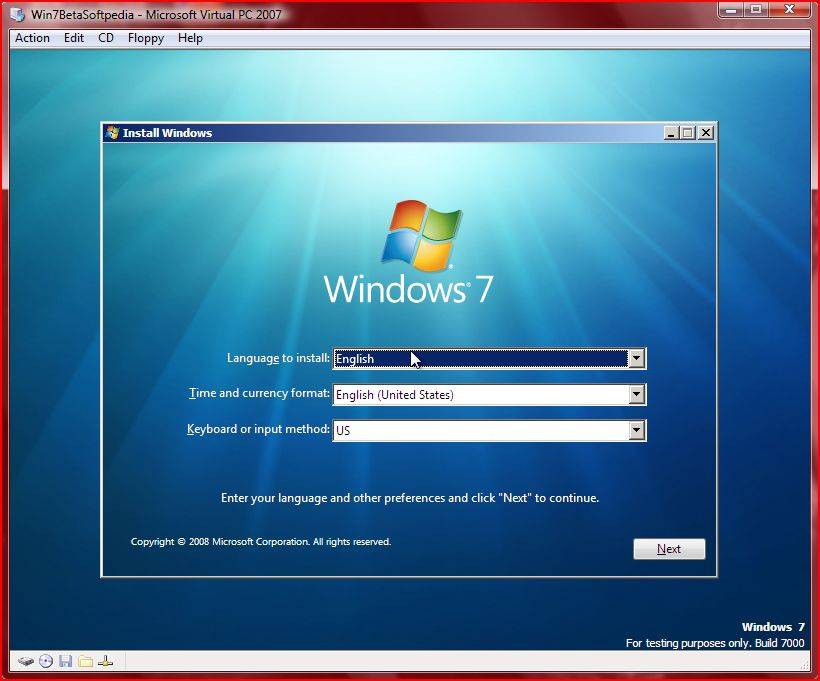
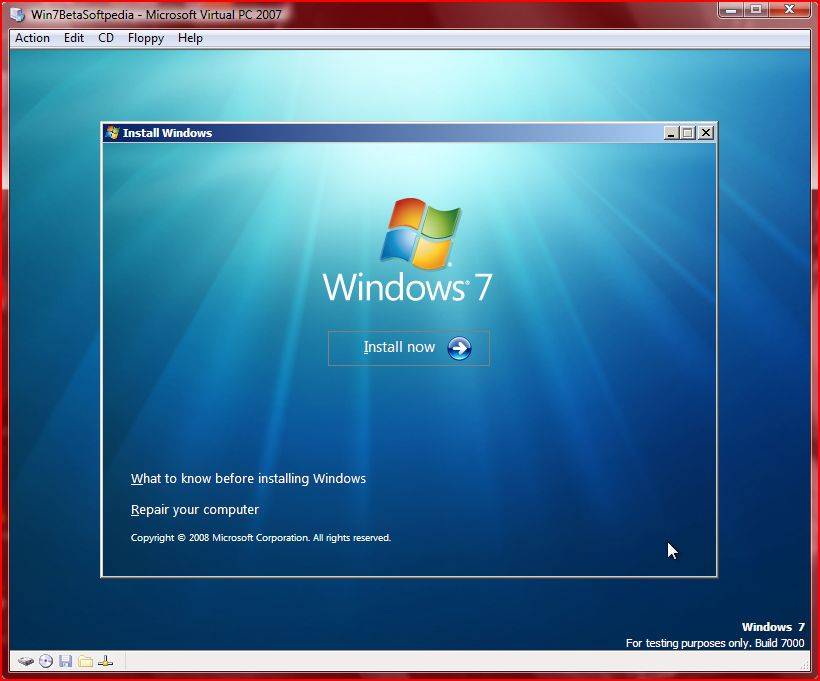
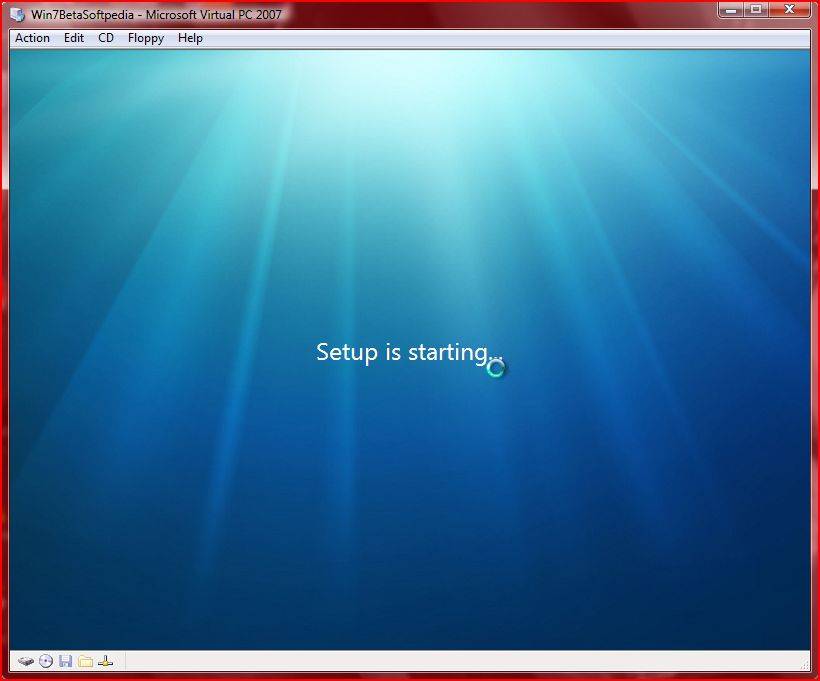
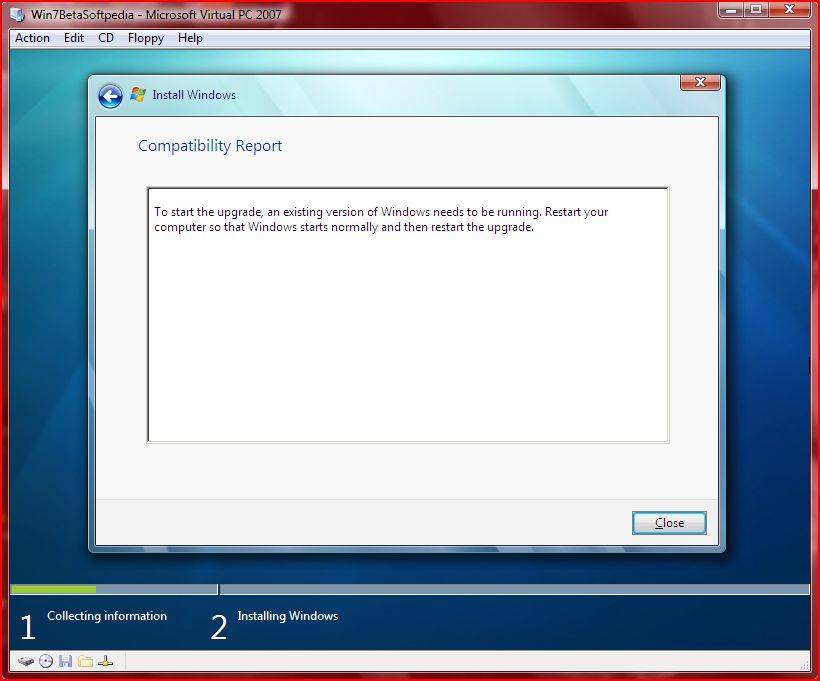
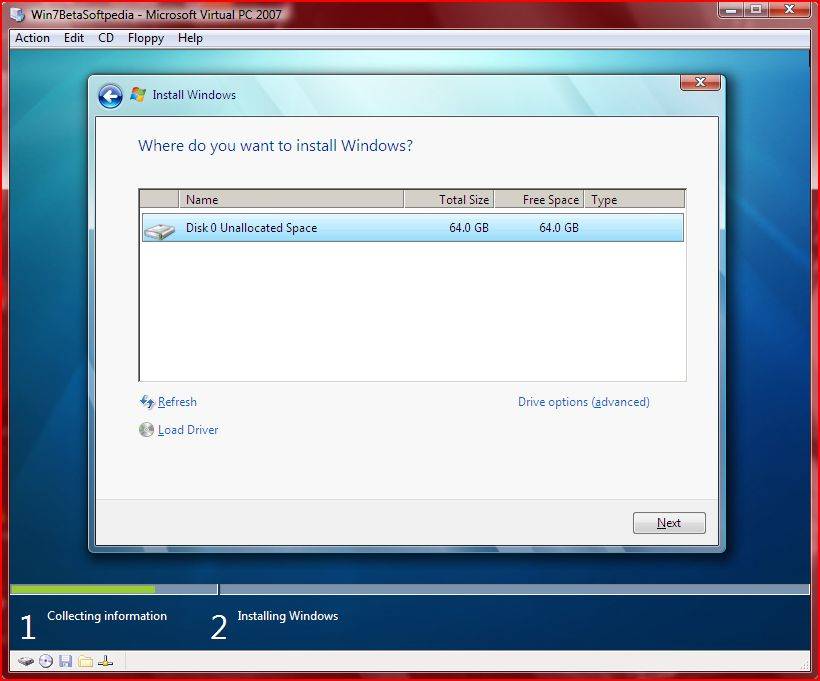
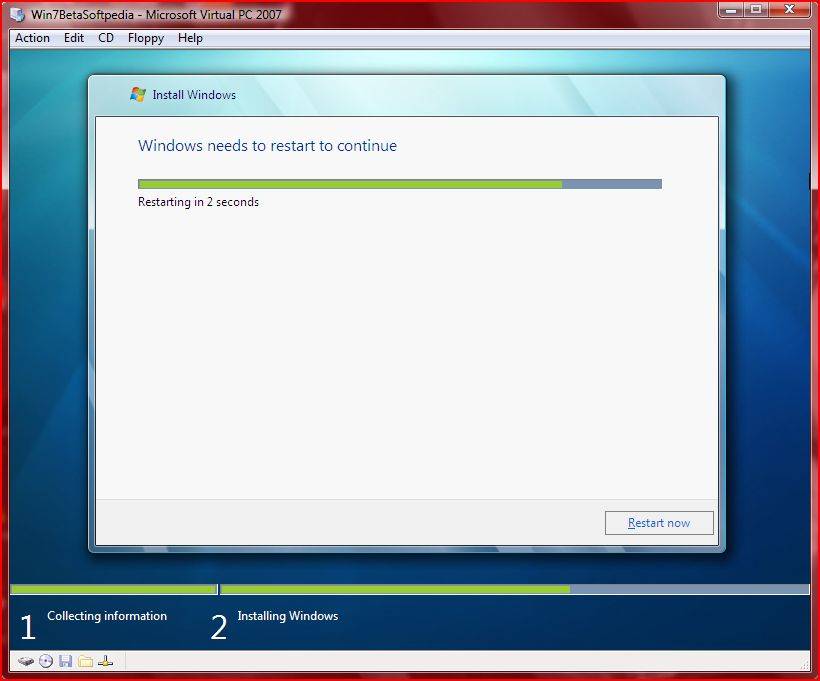
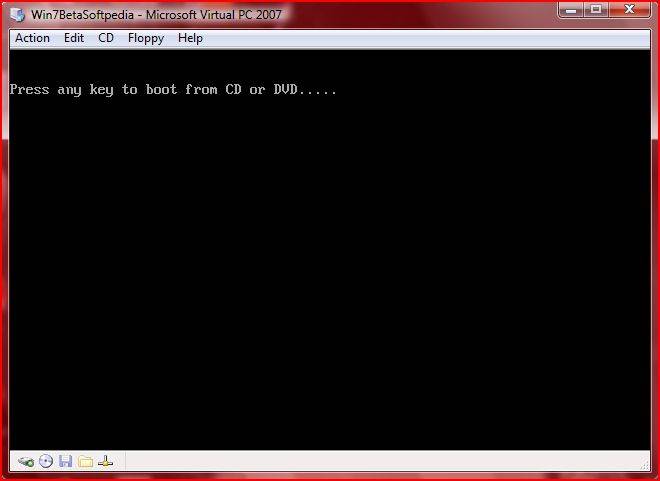
Below you will be able to find 45 screenshots with the installation process of Windows 7 Beta 1 on a virtual machine.


Windows 7 Beta 1 Build 7000 Installation in 45 Screenshots - Windows Vista is still very much a part of the Windows 7 embryo - Softpedia
Essentially, the installation of Windows 7 Beta 1 Build 7000 brings almost nothing new to the table. In case users hit the “What to know before installing Windows” link, the operating system will offer advice on “Installing Windows Vista” although the Windows 7 Build 7000 label will accompany the entire deployment process. A major change indeed is related to the End User License Agreement. The EULA now clearly indicates that the bits are Windows 7 Beta. In addition, the new Windows 7 boot animation now feels at home, since it is already old news, as the platform was still in pre-Beta Build 69xx stage.
Still, Windows 7 is in many ways an embryo and the Beta label comes to emphasize just this aspect. While Microsoft is not yet ready for a public release of Win7 Beta, it has already delivered Build 6.1.7000.0.081212-1400 to close partners and to MSDN and TechNet subscribers. According to the full Build number, the code for Windows 7 Beta 1 was signed off internally at Microsoft as early as December 12, 2008. Microsoft is gearing up for what it referred to as the public release of Windows 7 Beta in early January 2009. But with the Beta 1 Bits already out of the oven, it's bound that Microsoft will deliver on the promise of opening up the testing program for Windows Vista's successor come January 2009.
Below you will be able to find 45 screenshots with the installation process of Windows 7 Beta 1 on a virtual machine.
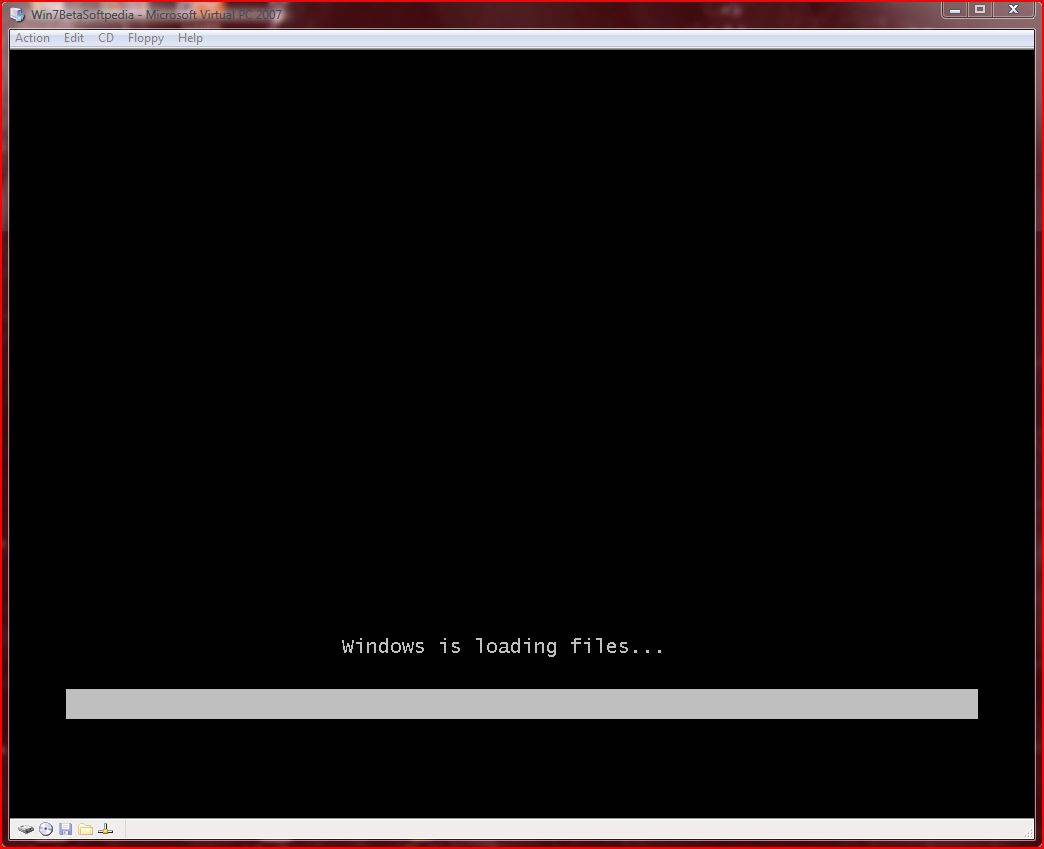
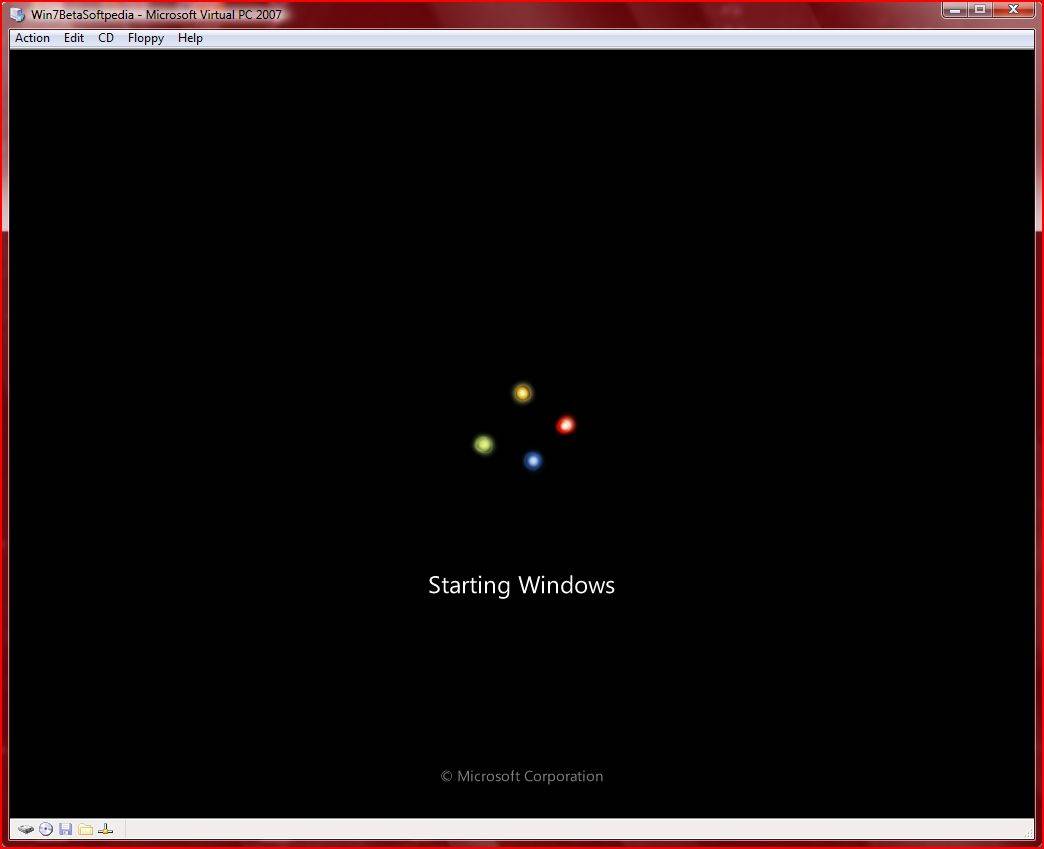
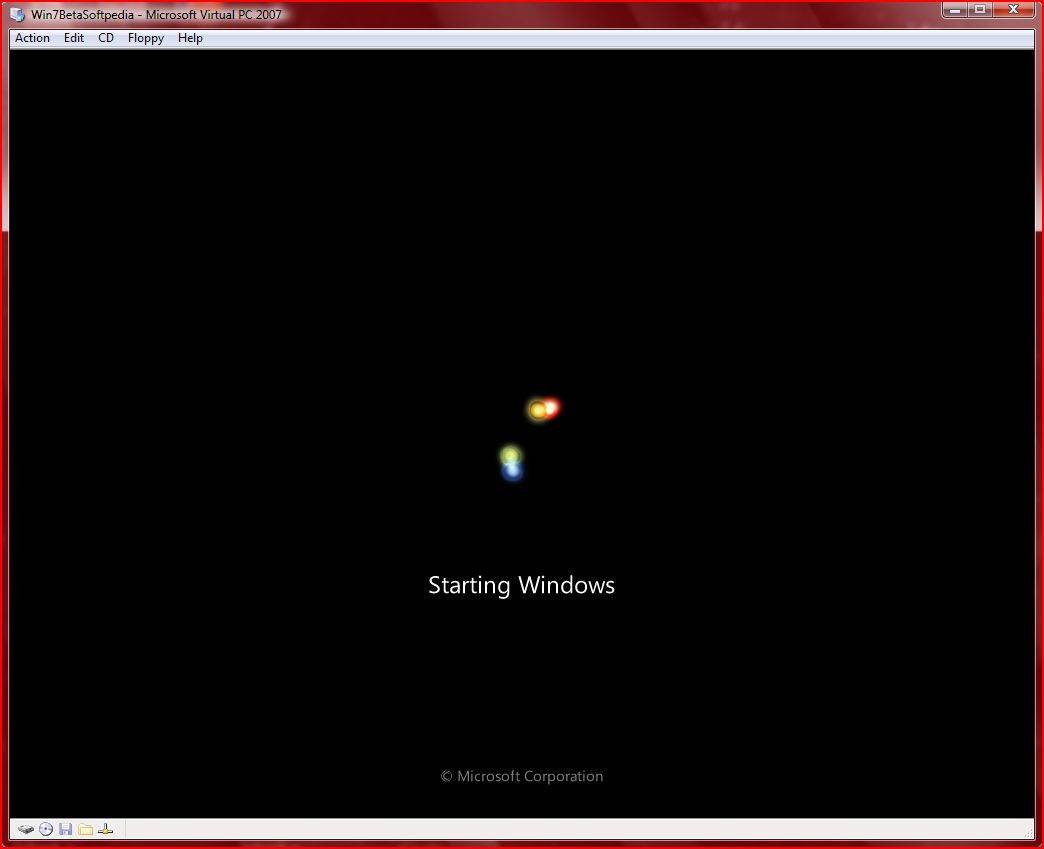
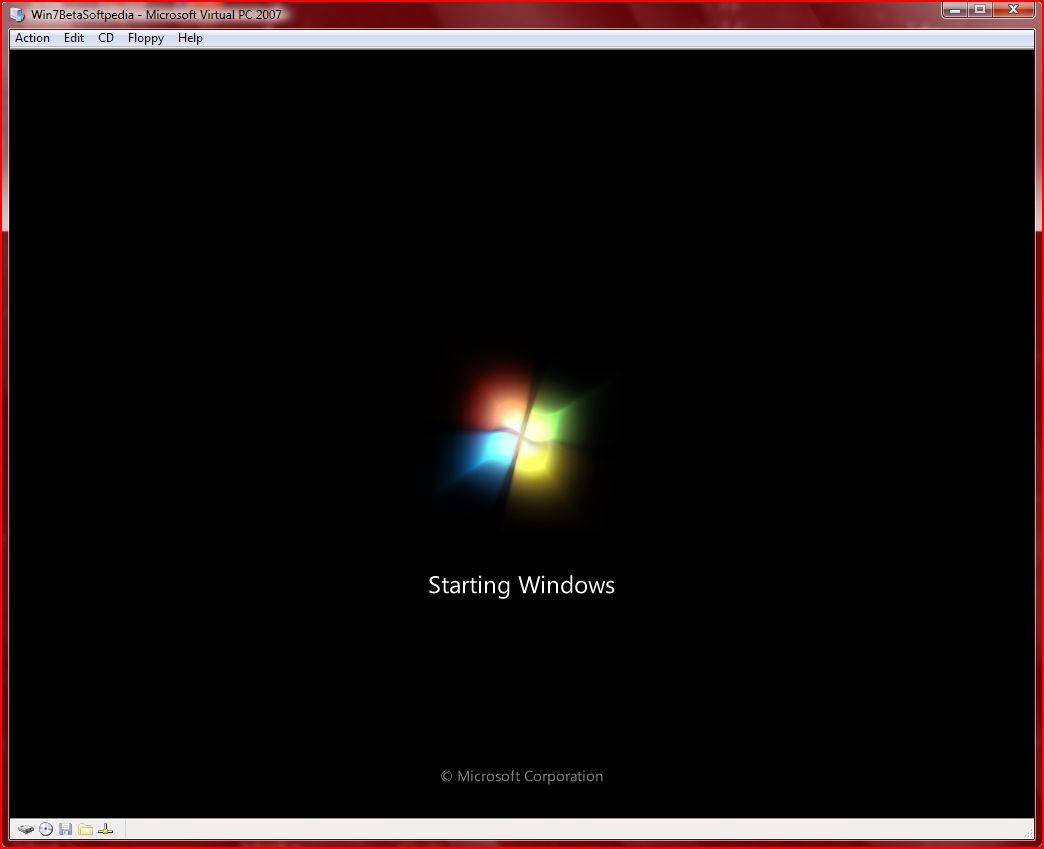




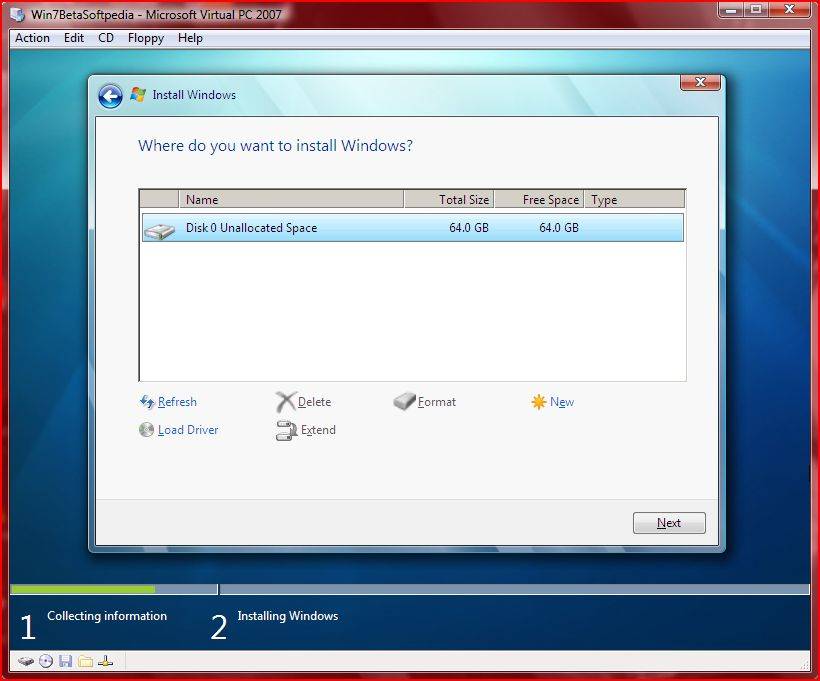
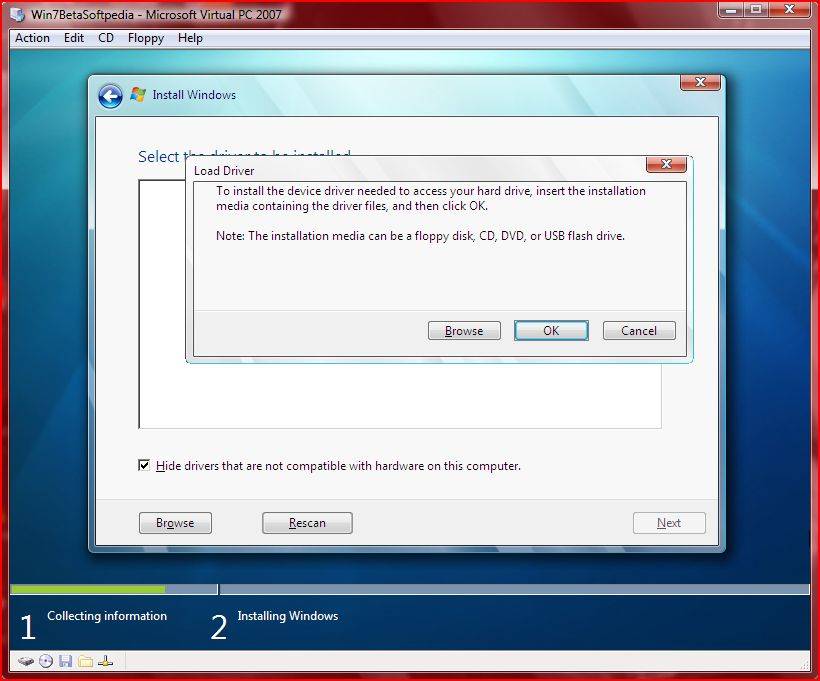
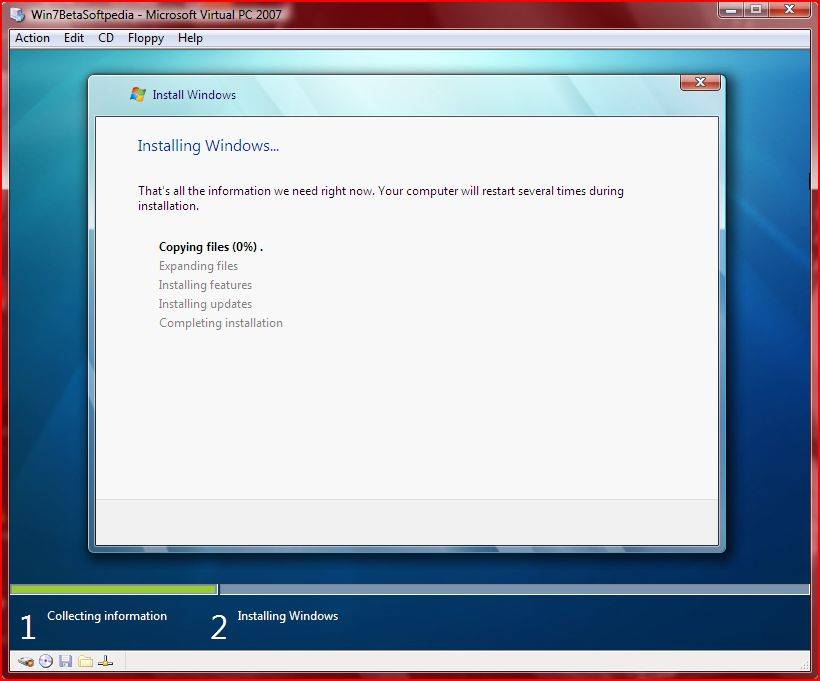
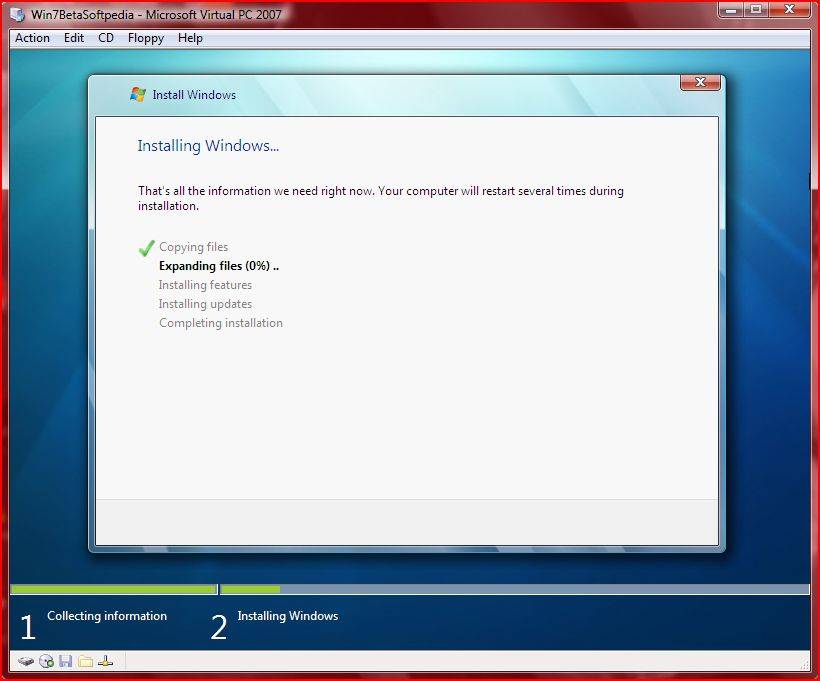

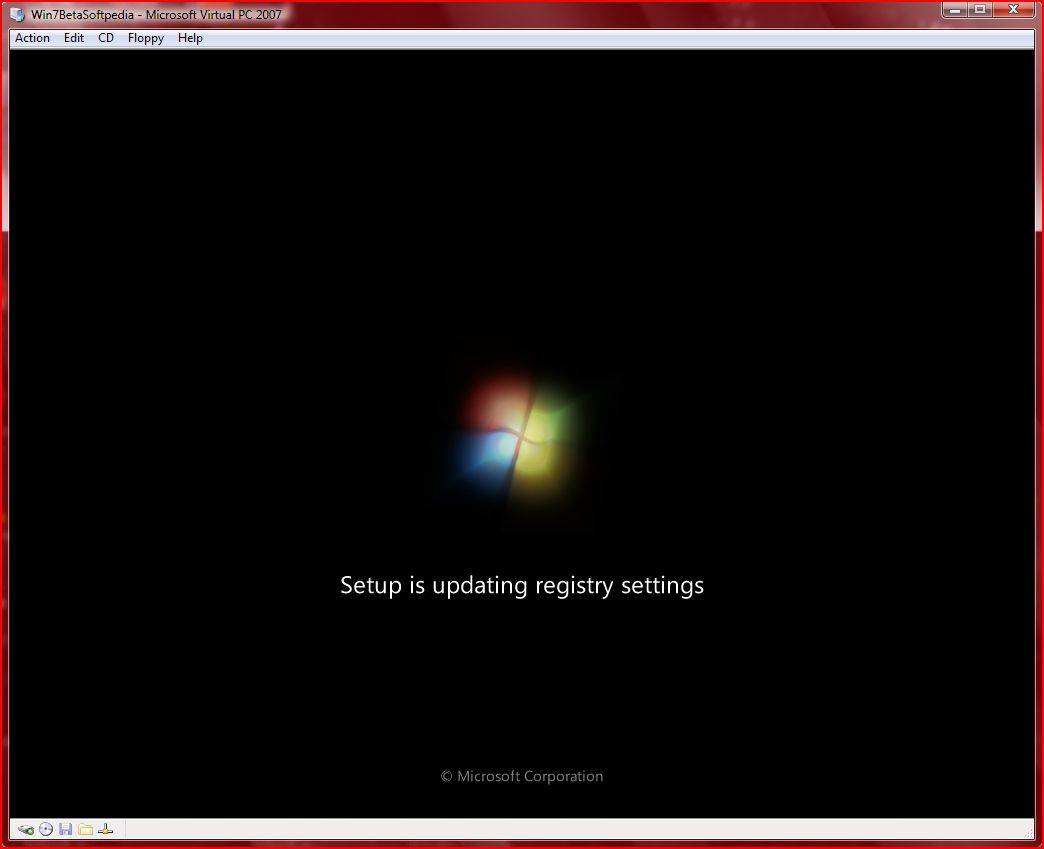

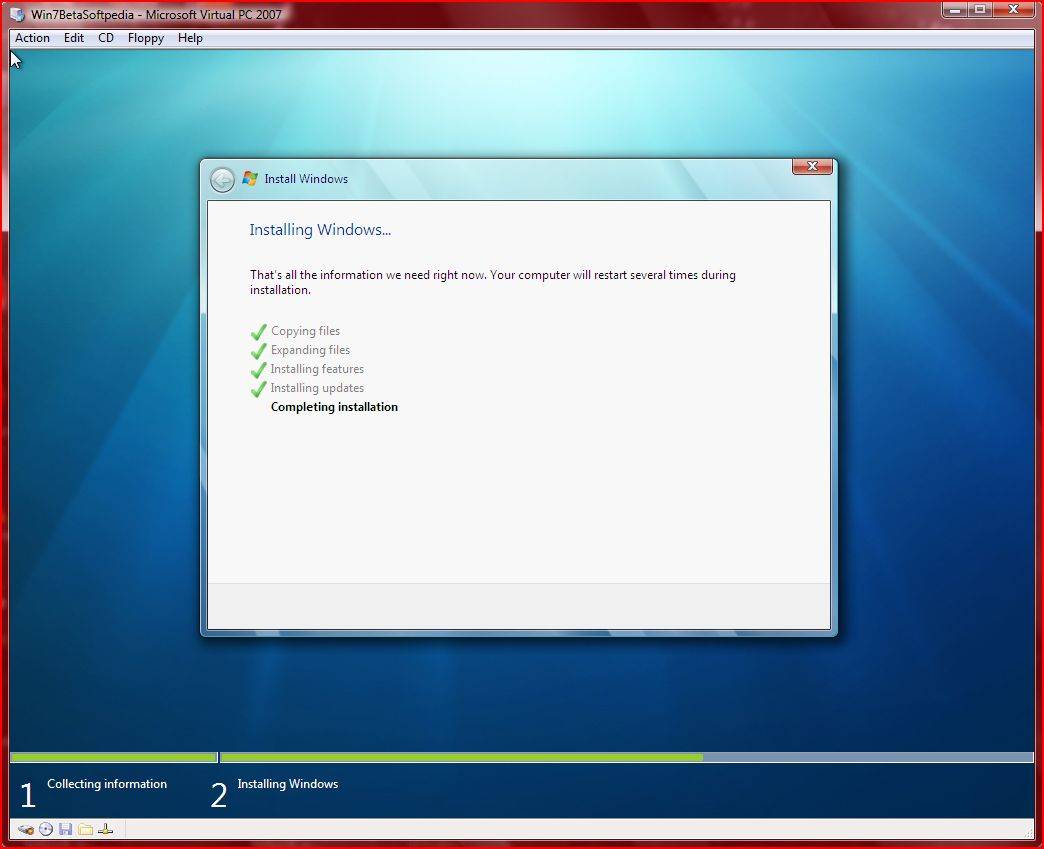

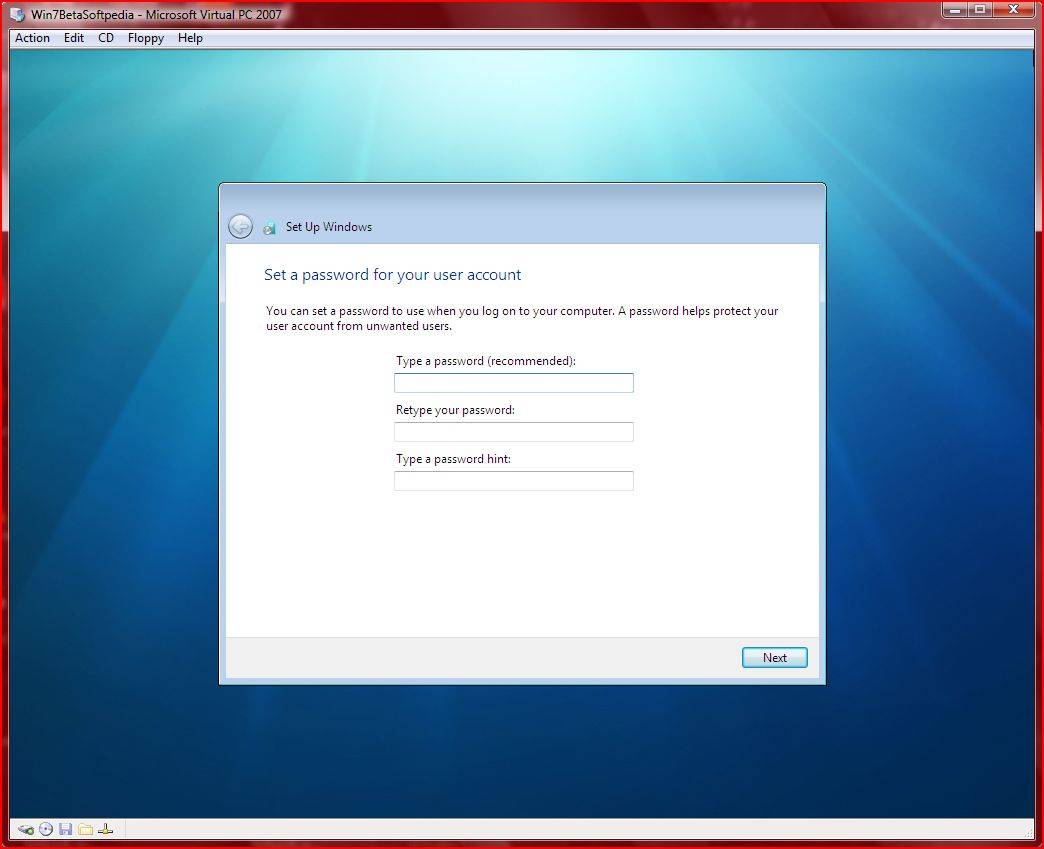
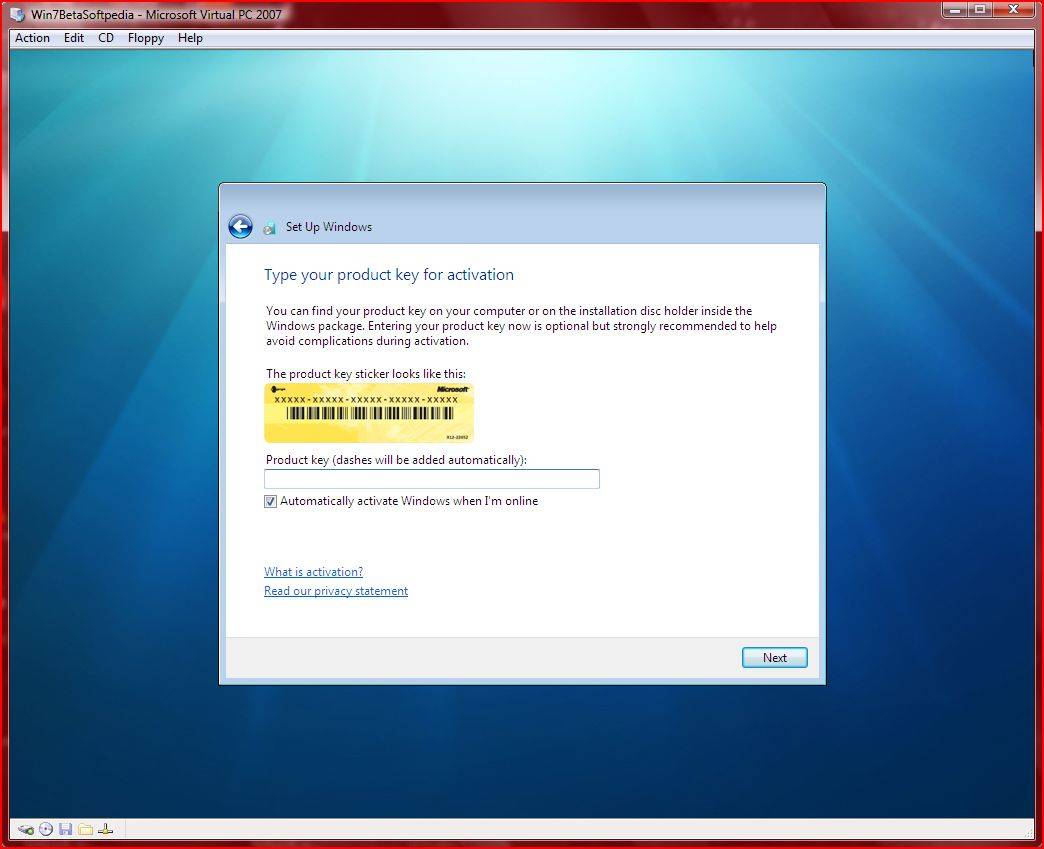
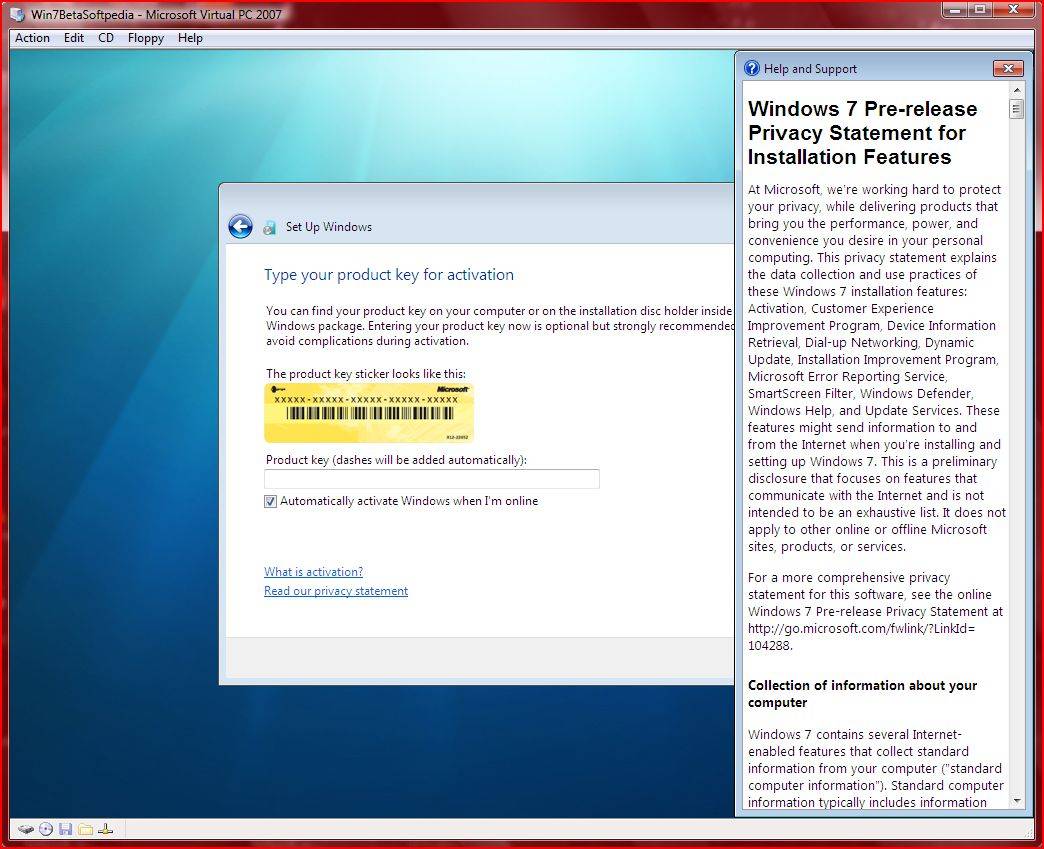
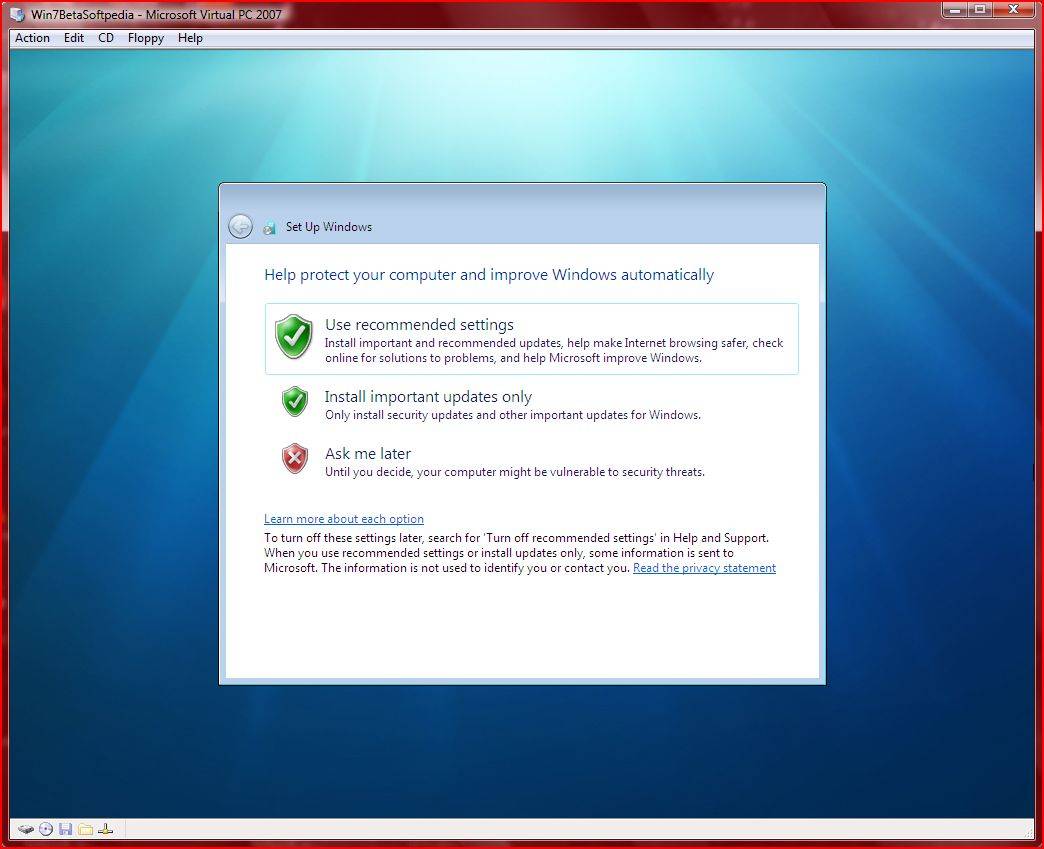
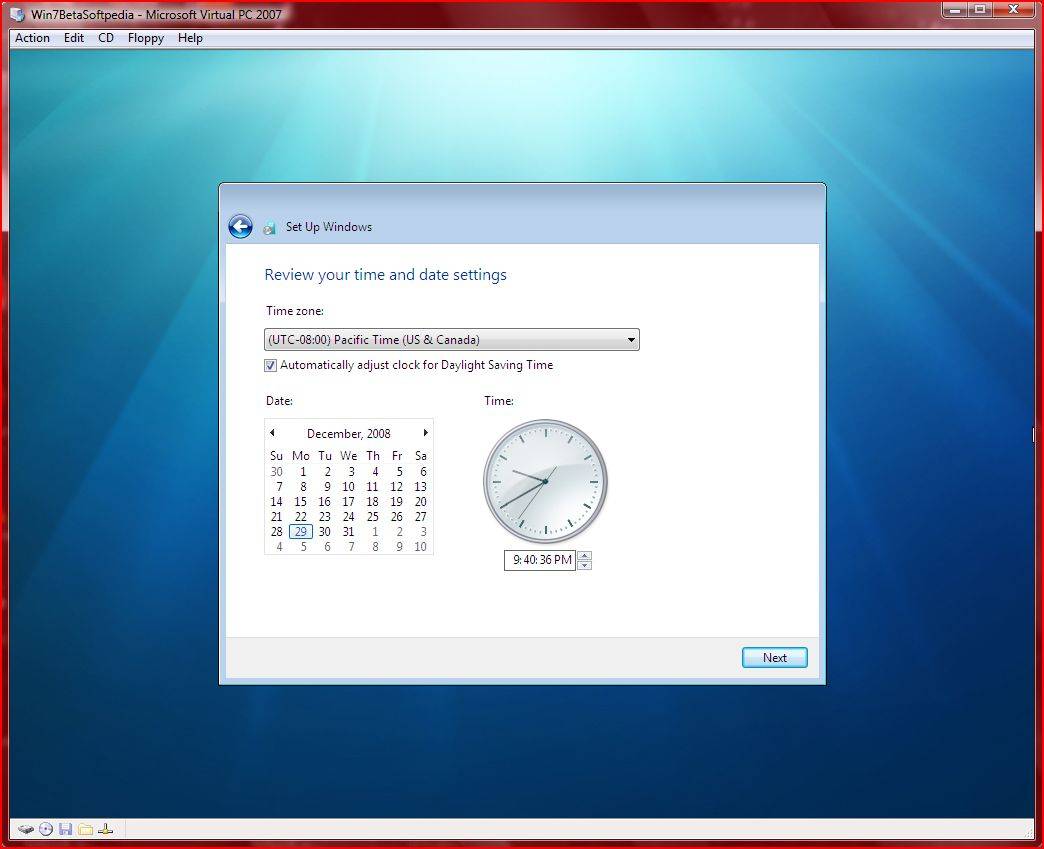

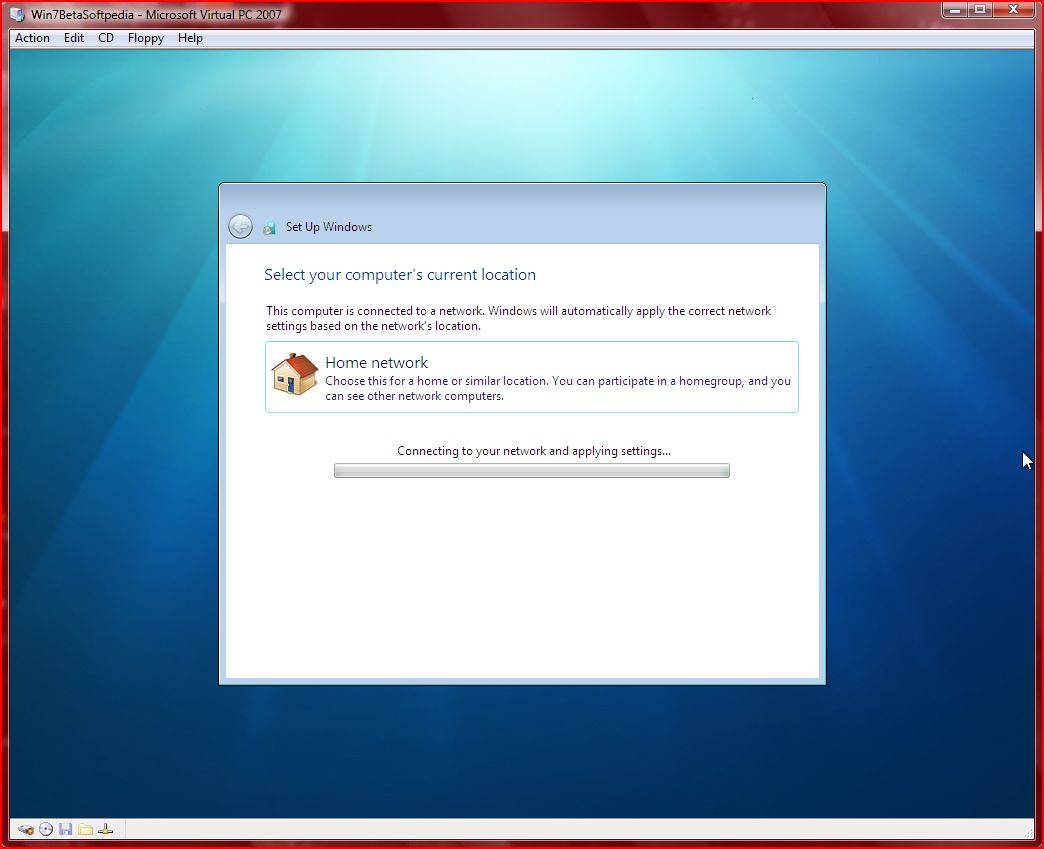
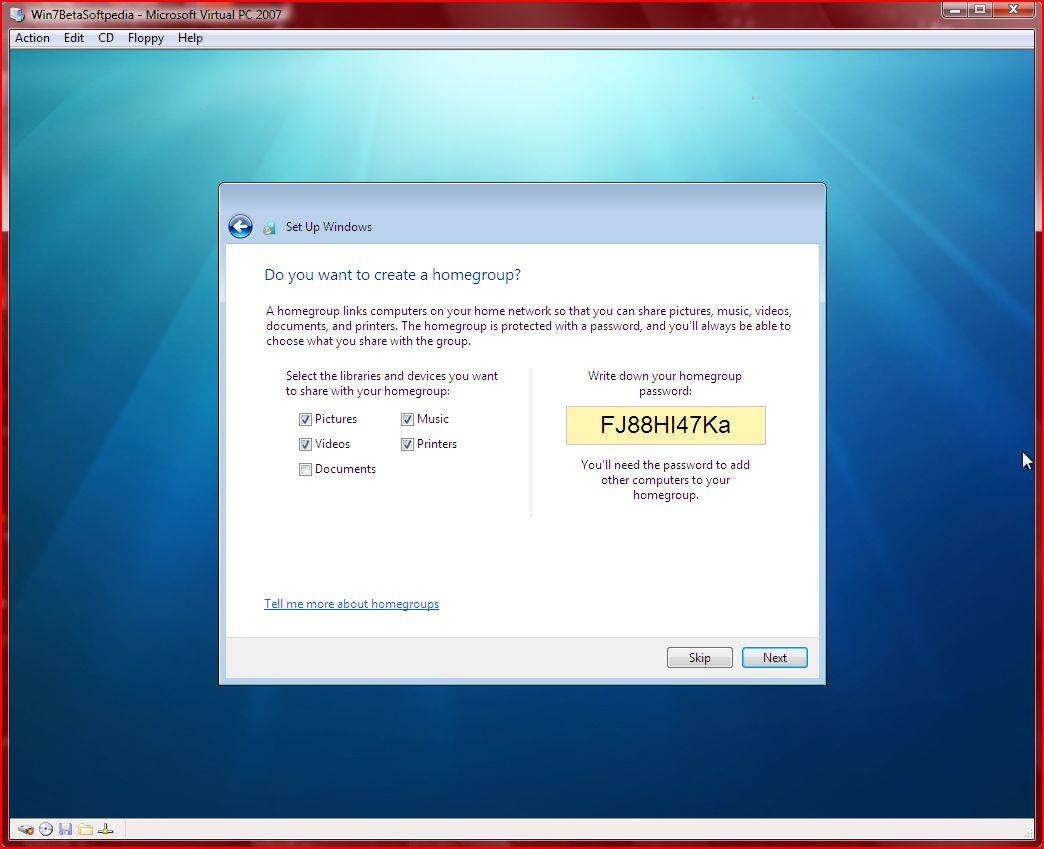
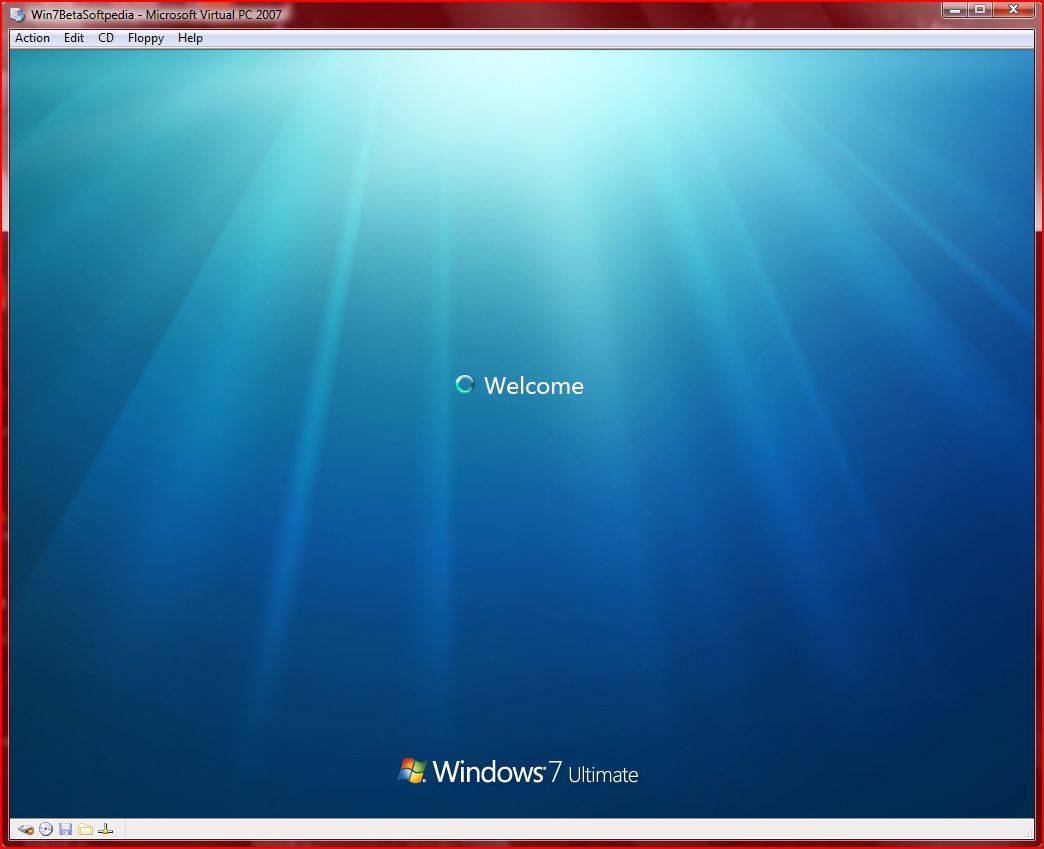
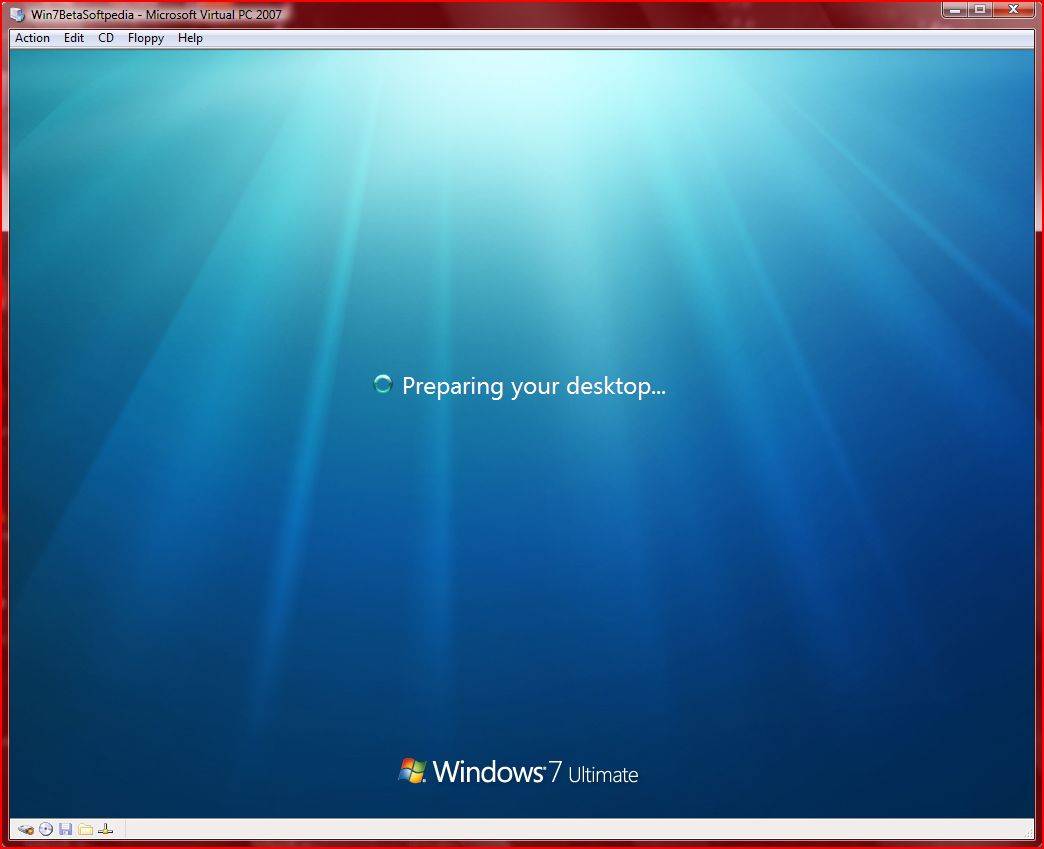
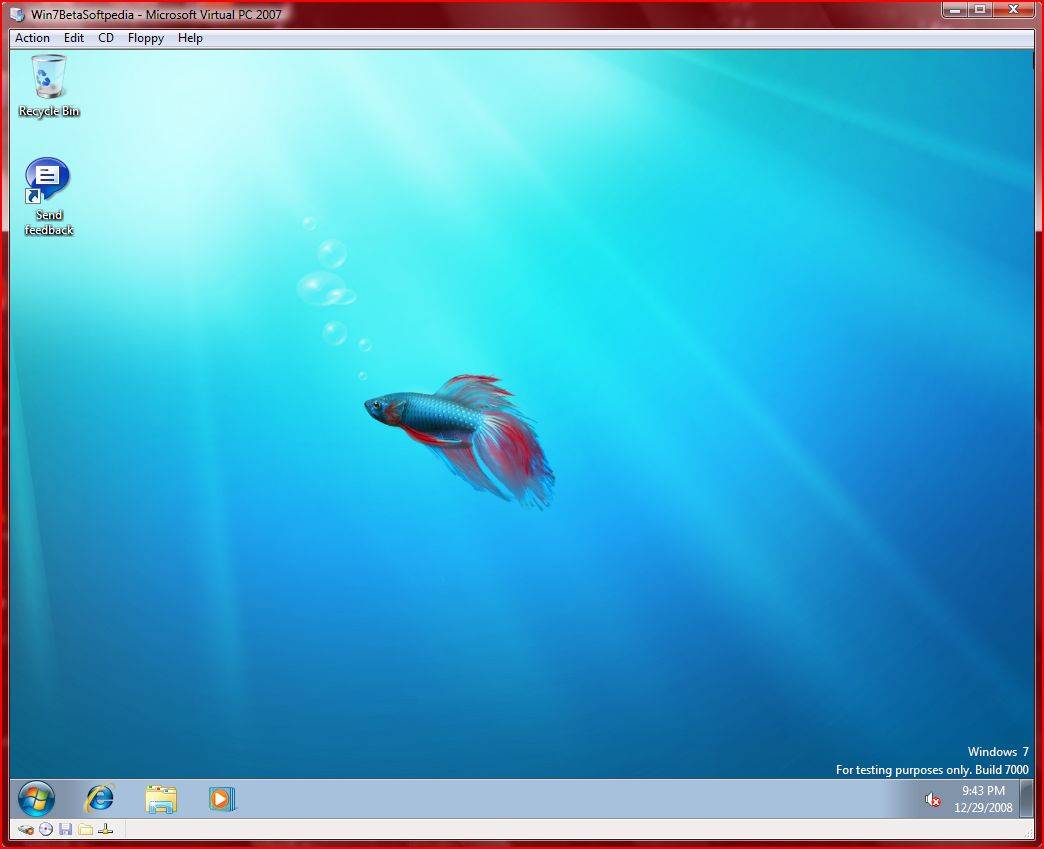
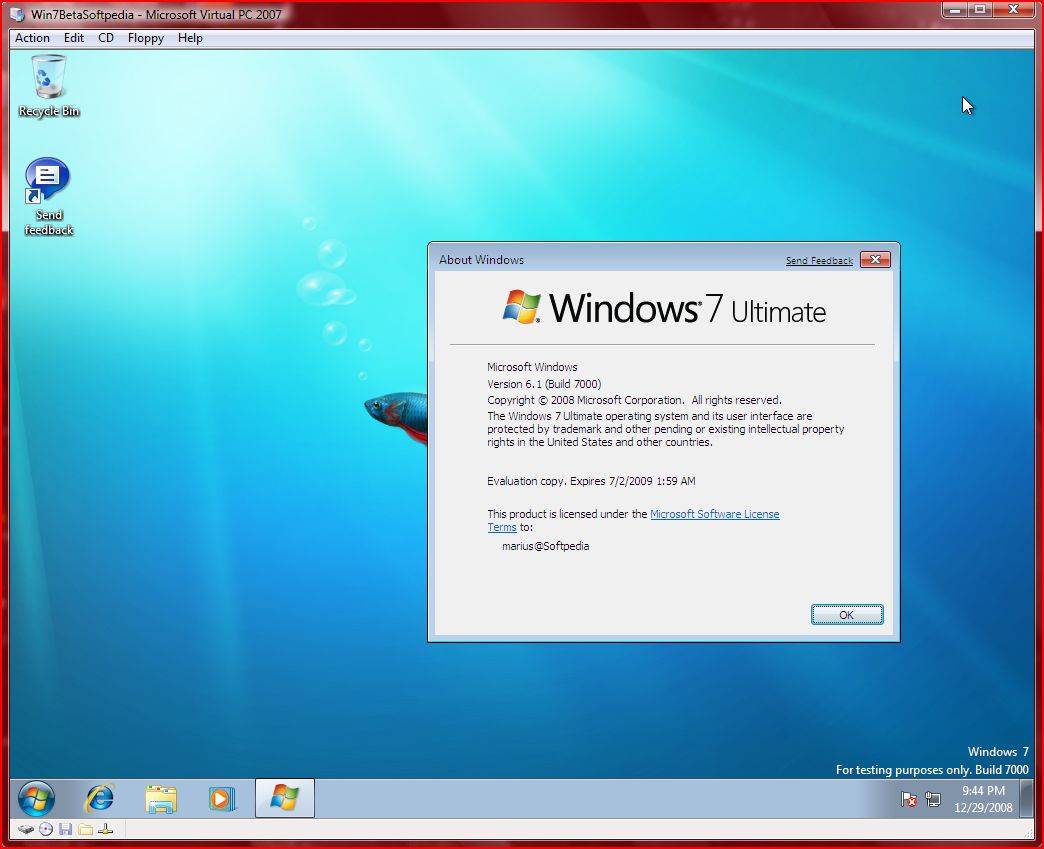
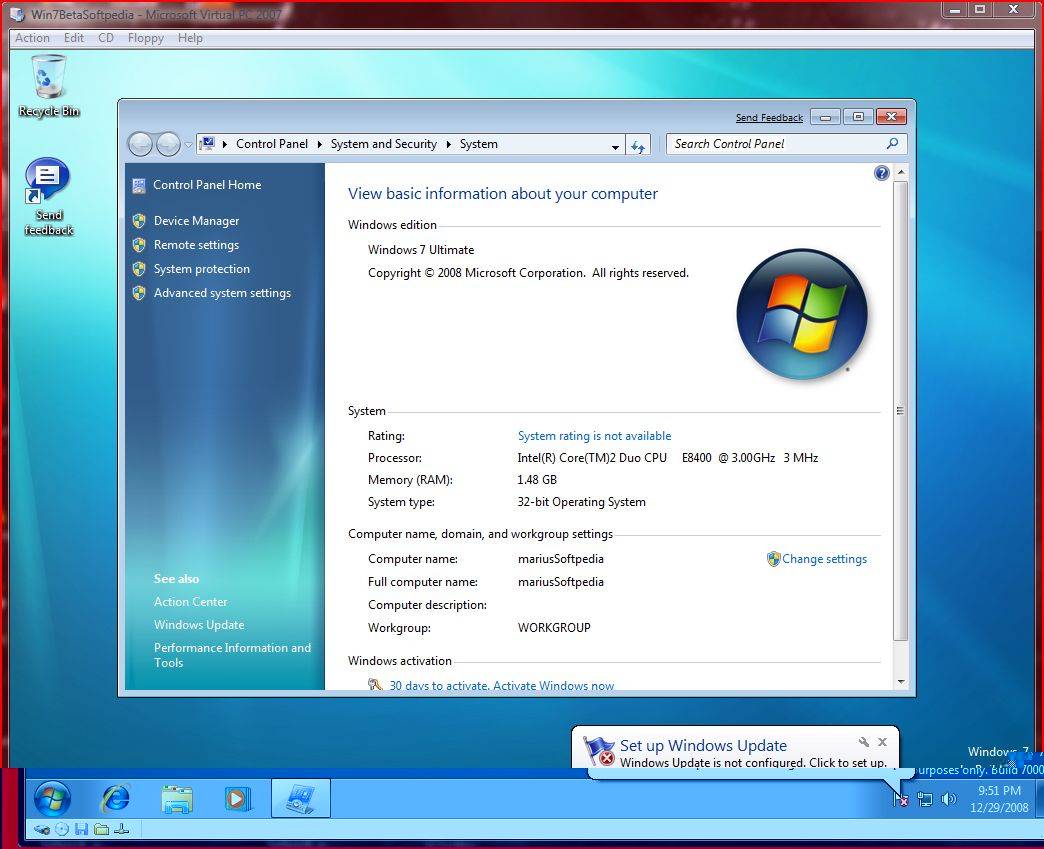
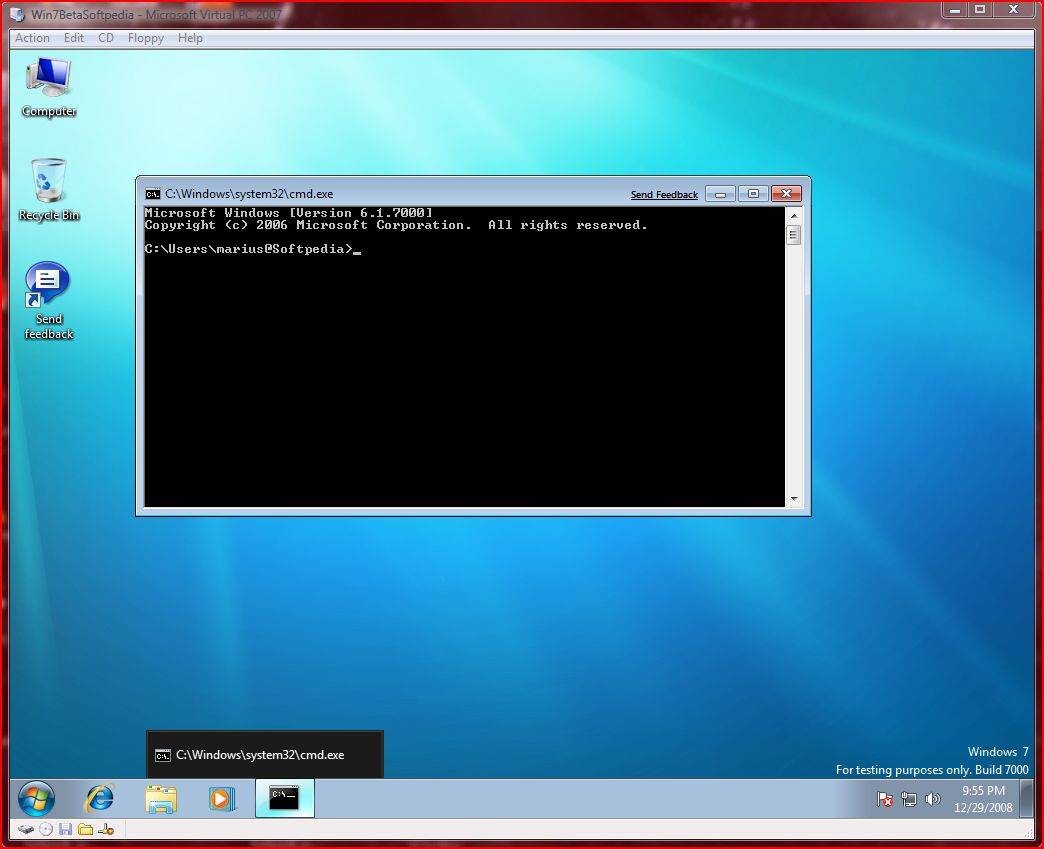
Windows 7 Beta 1 Build 7000 Installation in 45 Screenshots - Windows Vista is still very much a part of the Windows 7 embryo - Softpedia
Last edited:
My Computer
At a glance
Windows 7 Ult x64(x2), HomePrem x32(x4), Serv...Turion X2 ultra (oh well came with laptop)/P4...OCZ Dual Channel 4GB kit/ 1gb Dual ChannelHD 3200 graphics /GMA x3100 (yay for intergra...
- Computer Manufacturer/Model Number
- Tx2500z Tablet Pc/Homemade Server
- OS
- Windows 7 Ult x64(x2), HomePrem x32(x4), Server 08 (+VM), 08 R2 (VM) , SuSe 11.2 (VM), XP 32 (VM)
- CPU
- Turion X2 ultra (oh well came with laptop)/P4 @3.2 (yes P4)
- Motherboard
- IDK HP Motherboard / Intel DG965SS
- Memory
- OCZ Dual Channel 4GB kit/ 1gb Dual Channel
- Graphics Card(s)
- HD 3200 graphics /GMA x3100 (yay for intergrated!!)
- Sound Card
- Realtek HD Audio(mic working, well sort of)/Siig IC-70012
- Monitor(s) Displays
- built-in Hp 12" laptop screen/ Acer 19"
- Screen Resolution
- 1280x800 /1440x900
- Cooling
- All Air Cooled
- Mouse
- Logi MX Rev. /MS Wheel Optical 1.1A /Logitech Optical Mouse
- Internet Speed
- College baby but its still routed through vpn to 1536k...
- Other Info
- love my wacom pen and pressure sensitivity...
wished it worked in 7, SUSE for that matter though


