
How to Search Using Various Search Engines from the URL Bar in Firefox
Information
This tutorial will show you how to search the web from the URL bar in Firefox using a number of different search engines including Google, Yahoo and Bing.
Warning
When you enter about:config (Unless you know what you're doing of course), be careful not to change any other values as it can change the stability, security and performance of your browser.
Here's How:
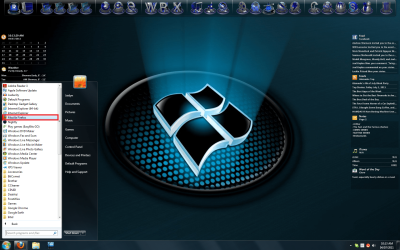
1. Open Mozilla Firefox.
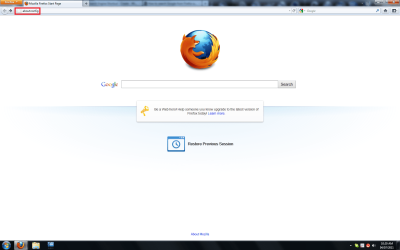
2. In the URL bar, type about:config and press Enter on your keyboard.
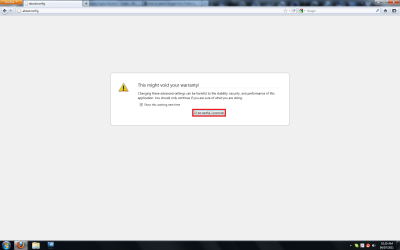
3. A warning message should pop up. Click I'll be careful, I promise!
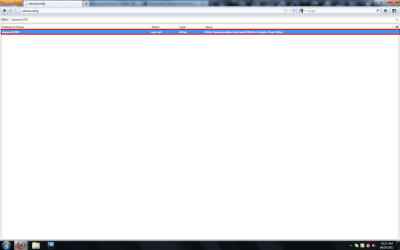
4. In the filter, type keyword.URL.

5. One value should be left. Double click it.
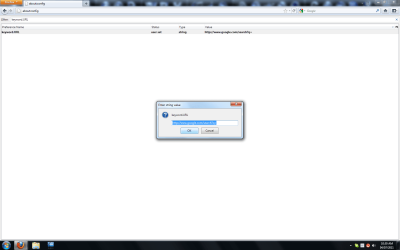
6. A new window should pop up. Change the value to one of the following:Google
http://www.google.com/search?q=
Yahoo
http://au.search.yahoo.com/search?p=
IMDb
http://www.imdb.com/find?q=
Bing
http://www.bing.com/search?q=
Wikipedia
http://en.wikipedia.org/w/index.php?title=
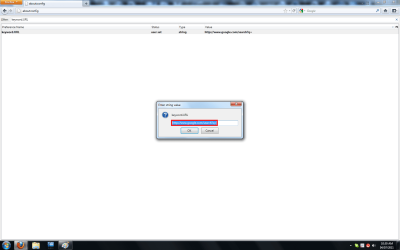
7. Click OK.
8. Type something into the URL bar and press Enter.

9. Your browser will now search the word in your preferred search engine.
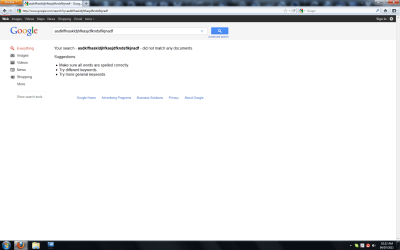
Congratulations! You can now search from your URL bar in Firefox!
That's it,
Jaidyn

Related Tutorials
- http://www.sevenforums.com/tutorials/14383-search-internet-explorer-8-address-bar.html
- http://www.sevenforums.com/tutorials/11401-firefox-reducing-memory-usage.html
- http://www.sevenforums.com/tutorials/170029-firefox-favicons-disable.html
- http://www.sevenforums.com/tutorial...nds-add-incompatiblities-firefox-updates.html
Last edited:

