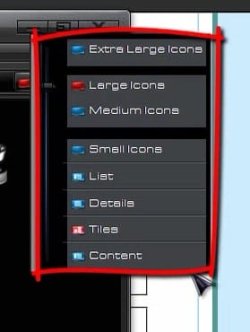
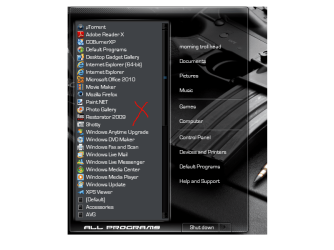
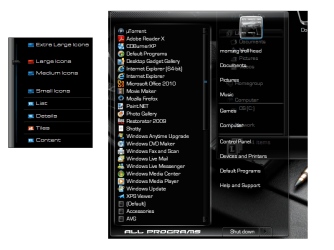
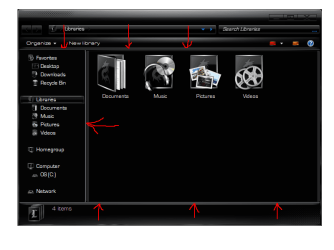
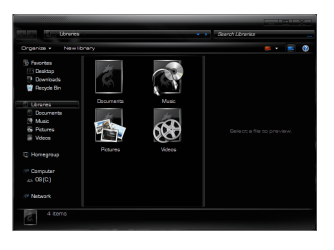
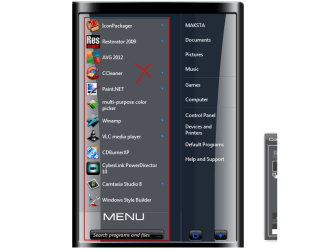
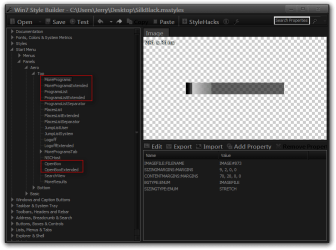
Here you go(look at screenshot)
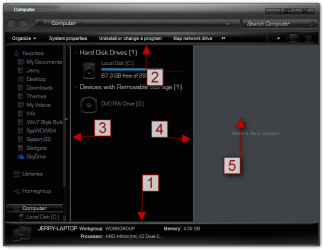
All of these are images that will need to be edited except #5 it is fill colors.
#1
Explorer & Shell > Explorer > PreviewPane > <1> > <1>
#2
Explorer & Shell > Explorer > CommandModule > <1>
#3
Explorer & Shell > Explorer > PreviewPane > <3>
#4
Explorer & Shell > Explorer > PreviewPane > <4>
#5
Explorer & Shell > Explorer > ReadingPane > Background > the 3 Gradientcolor:color
#5 is the preview pane I added it just in case you wanted to change it.
Jerry
View attachment 236889