Windows 7 Forums


Windows 7: Adobe Photoshop CS 4

29 Dec 2008  
Windows 7

Windows 7 Beta 1
3 posts
 
 
Adobe Photoshop CS 4

Hello SevenForums members! I recently just started using Windows 7 Beta 1 and I like the experience with it so far.

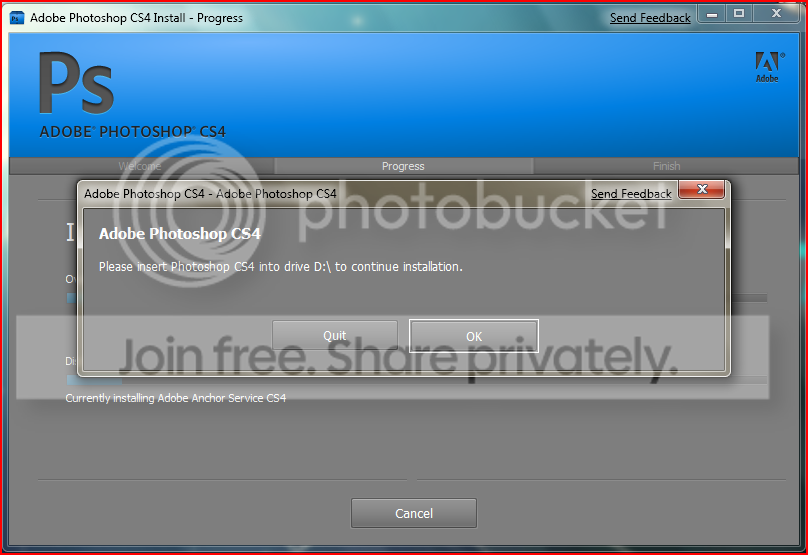
I really need Adobe Photoshop CS 4 but unfortunately an error comes up in the Setup file that I downloaded from Adobe's server. This is because it's not compatible with Windows 7.


Edit: Nevermind it's working now! I just had to choose Windows Vista in compatibility mode for the setup to continue.

Last edited by Windows 7; 29 Dec 2008 at 03:15 PM.. Reason: Problem solved!
My System SpecsSystem Spec

29 Dec 2008  
DiamondNRG

n/a posts


CS4 Master Collection installed perfectly fine for me in Windows7 without using compatibility mode.
My System SpecsSystem Spec
29 Dec 2008  
d0od

Windows 7 x64 & Ubuntu 9.04 x64
46 posts


Photoshop extended cs4 (downloaded from adobe) works flawless in windows 7 for me, too.

if you're having issues, try running it in a compatiblity mode for XP or Vista. (right click > properties > compatibility)
My System SpecsSystem Spec
.


02 Jan 2009  
zZanthraXx

Windows 7 (7127)
68 posts
Ohio


I can second that CS4 works great for me on Windows 7. I have Adobe Photoshop Version: 11.0 running. BTW do you have OpenGL installed? CS4 uses some neweffects that require it.
My System SpecsSystem Spec
08 Jan 2009  
lazevski

WINDOWS Se7en build 7000
2 posts


I have Windows 7 build 7000 and Adobe Product all WORK FINE. I have installed CS4 with 6-7 additional filters and ALL WORKS FINE.
My System SpecsSystem Spec
10 Jan 2009  
computer

Windows 7
1 posts


Works fine for me as well maybe you have a bad download?
My System SpecsSystem Spec
21 Jan 2009  
GaChanner

Windows 7
4 posts


DX

I'm running x64 Windows 7.

I'm having problems installing too.

I had it installed once, but while cleaning some bloat unattentively, I accidentally uninstalled it. I know, I'm an idiot...

Now, everytime I try installing, I get this error message "Suite Shared Configuration CS4
Error:
Error 1603. Error 1310.Error writing to file: C:\Windows\winsxs\Manifests\x86_Microsoft.VC80.CRT_1fc8b3b9a1e18e3b_8.0.50727.762_x-ww_6b128700.manifest. Verify that you have access to that directory."

I've tried going into the directory and looking for said file, and it's not even there.

I tried running as an admin, I've tried compatability mode, and neither worked.

I'm starting to wonder if when I uninstalled, it possibly took said .manifest with it...

Does anyone know what to do? Could someone possibly check if they have said .manifest, and if so, copy it and upload it to someplace like **************? Would that work? I'm a noob to this... Sorry for stupid questions...


I'm sorry, I'm kinda desperate to get this thing reinstalled. ^-^;;;
My System SpecsSystem Spec
21 Jan 2009  
renthor

Windows 7 Beta 1 b7000
180 posts


I've got mine installed fine, but almost every app seems to crash after using it for about 10 or 15 minutes. It's not memory related, I checked that first, it barely uses half of my available RAM. Any thoughts? It will always crash, I've never once been able to keep them open more than 15 minutes.
My System SpecsSystem Spec
21 Jan 2009  
thomas82

windows 7
3 posts


trouble starts if u (have to) install the application twice. this maifestfiles are system owned an as i see it u have to reconfigure them one by one. runing the installer in admin mode doesnt solve the problem.
My System SpecsSystem Spec
21 Jan 2009  
GaChanner

Windows 7
4 posts


So, how do I recreate said manifest file? DX
My System SpecsSystem Spec
Reply

 Adobe Photoshop CS 4 problems?


Thread Tools


Similar help and support threads for: Adobe Photoshop CS 4
Thread Forum
Adobe Photoshop 5 Software
Adobe Photoshop Elements 8 Software
adobe photoshop Software
Adobe photoshop cs4 Chillout Room
Adobe Photoshop CS4 Software


All times are GMT -5. The time now is 05:05 PM.


Windows 7 Forums is an independent web site and has not been authorized,
sponsored, or otherwise approved by Microsoft Corporation.
"Windows 7" and related materials are trademarks of Microsoft Corp.
© Designer Media Ltd