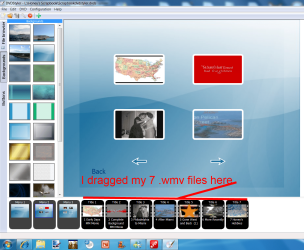
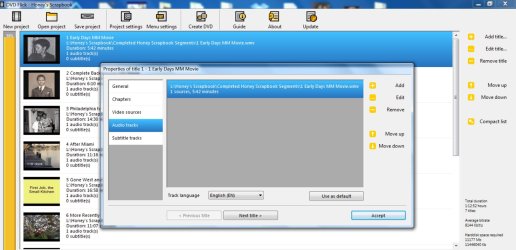
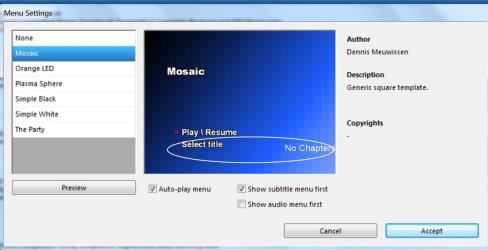
I have seven (7) .wmv files that I want to burn to DVD and have a link to each one of those files appear on the home page. I have burned several DVDs using DVDFlick and the links to the individual files do not appear and the files seem to appear in random order rather than in their numbered sequence.
I have no idea what I am doing wrong so it seems that I need basic instructions on how to burn a DVD with Chapters using DVDFlick. I would especially like the links to the chapters to be static That is, an icon to click on rather than constantly changing scenes if that is possible. Where can I find those instructions?
I have no idea what I am doing wrong so it seems that I need basic instructions on how to burn a DVD with Chapters using DVDFlick. I would especially like the links to the chapters to be static That is, an icon to click on rather than constantly changing scenes if that is possible. Where can I find those instructions?
My Computer
At a glance
Windows 7 Home Premium 64bit8 GBRadeon HD 6450
- Computer Manufacturer/Model Number
- HPE h8-1010 PC
- OS
- Windows 7 Home Premium 64bit
- Memory
- 8 GB
- Graphics Card(s)
- Radeon HD 6450