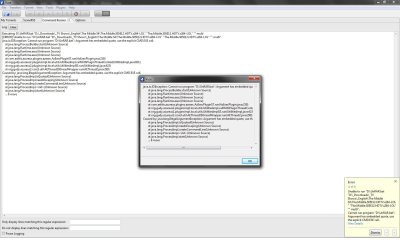
one question D,Do i have to transfer the completed files everytime to this "TEMP" Folder each time? because that would be another hassle as i have separate folder for each of the shows and each season has folder that consists of all the episodes of current seasons.
if so let me know that i have to move this completed files after dl i rather just hand extract then doing this many more steps...i wanted to set up so it automatically sets up all the files without me having to right click and set up in Vuze or move the files once completed to temp folder and then back... :/
if so let me know that i have to move this completed files after dl i rather just hand extract then doing this many more steps...i wanted to set up so it automatically sets up all the files without me having to right click and set up in Vuze or move the files once completed to temp folder and then back... :/
My Computer
At a glance
WIN 7 x64I7 5508 GB DDR39800 GTX Turbo Dual
- Computer Manufacturer/Model Number
- AlienWare GodFatheriZed!
- OS
- WIN 7 x64
- CPU
- I7 550
- Memory
- 8 GB DDR3
- Graphics Card(s)
- 9800 GTX Turbo Dual
- Monitor(s) Displays
- 21" Samsung True Colors HD + 25 SYNC Master
- Screen Resolution
- 1680*1050
- Hard Drives
- Total 1.5 TB