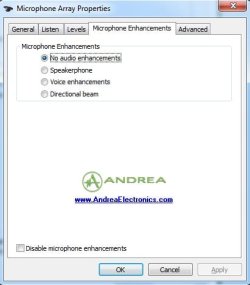
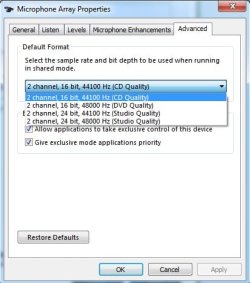
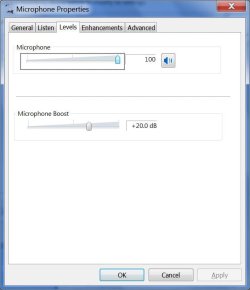
I have fixed same issue on HP Compaq 6000 Pro with Realtek HD audio card with Windows 7 Pro 64-bit using Skype everyday having microphone volume fading out or very low volume. I had even bought a 2nd headset to try but both microphones acted the same.
So, to fix this; you need to go to Control Panel>Sound>Recording Tab>Microphone and click Properties. Then you will get Microphone properties, here click on Enhancement tab and REMOVE check mark from Acoustic Echo Cancellation and might be also need to remove check mark Beam Forming, then hit Apply and OK. Then try testing MIC using Windows Sound Recorder or make Skype test call. If you have background noise, select Noise Suppression. If you have echo while you are speaking in the mic, try decreasing the Microphone boost to +20db that you might have put to max when trying to fix this issue. Please see attached screen shots.
You may also want to make sure about Chipset driver, Audio card driver, all Windows updates and anything regarding Audio in Action Center (Flag icon in system tray) messages were installed if my above fix does not fit your scenario.
Goodluck!!! Thank you
LuvTech