Hello 
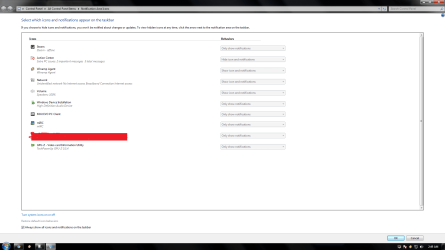
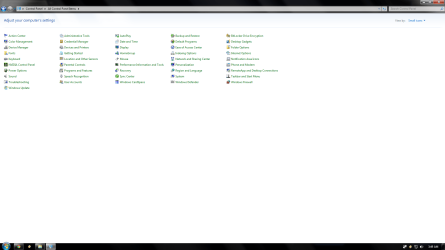
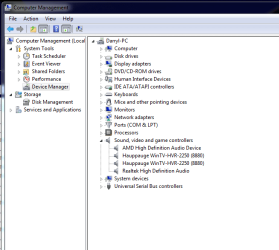
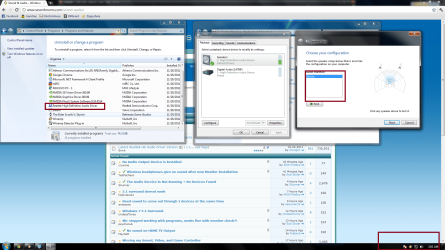
i recently formatted my computer , i installed the latest version of Realtek High Definiton Audio driver but it does not show in my system tray. and in speaker Setup i only get Stereo. And im really trying to get 5.1 stereo option because only 2 of my speakers are working
Thanks
i recently formatted my computer , i installed the latest version of Realtek High Definiton Audio driver but it does not show in my system tray. and in speaker Setup i only get Stereo. And im really trying to get 5.1 stereo option because only 2 of my speakers are working
Thanks
Attachments
My Computer
At a glance
Windows 7 Enterprise 64bitCore 2 Duo e8400 3.00ghz4gig ddr3gts 450
- OS
- Windows 7 Enterprise 64bit
- CPU
- Core 2 Duo e8400 3.00ghz
- Motherboard
- g41m-combo
- Memory
- 4gig ddr3
- Graphics Card(s)
- gts 450
- Sound Card
- na
- Monitor(s) Displays
- Samsung bx2331 LED - proline 19"
- Screen Resolution
- 1920x1080
- PSU
- 450watt Thermaltake
- Case
- Gigabyte Triton