ChaosEternal
New member
- Local time
- 1:13 PM
- Messages
- 10
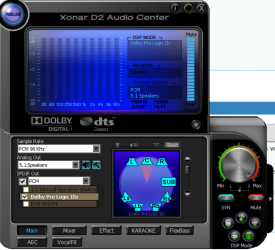
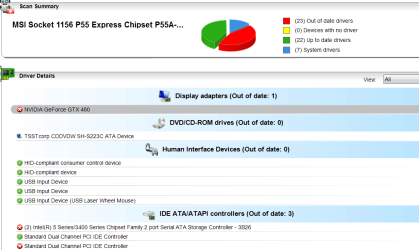
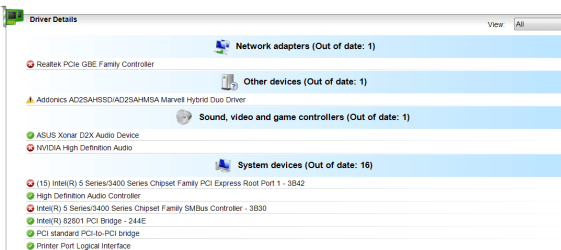
I am using xonar d2x sound card and it has been good until recently when I played videos on youtube and games it gives a loud buzzing noise. Even sounds made by windows sound produces the loud buzzing noise. It also happens on sometimes when playing videos. Other than that it works fine. I tried to use realtek sound but can't find the driver on device manager, even after downloading & installing the drivers. I tried reinstalling my xonar sound driver but it didn't fix the problem. I reformatted my pc and installed the xonar sound card but the problem is still there. I then tried installing the update for it but my pc crash (blue screen with driver_IRQL_not_less_or_equal error). After restart, there's no audio output device detected. Device manager shows Marvell 91xx Config ATA device not installed.
I'm really frustrated now. Is there anyone that can help me? Thanks alot.
I'm really frustrated now. Is there anyone that can help me? Thanks alot.
My Computer
At a glance
Windows 7 Home Premium 64bit
- OS
- Windows 7 Home Premium 64bit