Quote: Originally Posted by
zigzag3143

Quote: Originally Posted by
Sanzone
Hello, recently I upgraded my computer OS from Vista to Windows 7 and I gotta say I'm impressed. But what I'm not impressed about is the sound problem I'm dealing with now. I recently downloaded the latest RealTek Hd Audio Manager program (2.44) for my computer and for my 5.1 speakers I only get sound from the from the front two speakers, the center speaker and my subwoofers. So basically the two speakers behind me have no audio coming out of them what so ever. It's not the speakers or the sound card, because when I do the test play on the RT HD Audio Manager ( the blue play button in the box ) I get sound confirmation from each peripheral. So I also e-mailed RealTek's tech support and haven't gotten any reply. So I was wondering if anyone else had this problem and is there anyway to solve it with options here and there. Thank you so very much.
Its either a
driver issue, or a configuration issue. Was the
driver you downloaded a win 7
driver or vista driver? what ever driver worked for you in vista will work here in win 7. It will need to be installed in "compatibility" mode.
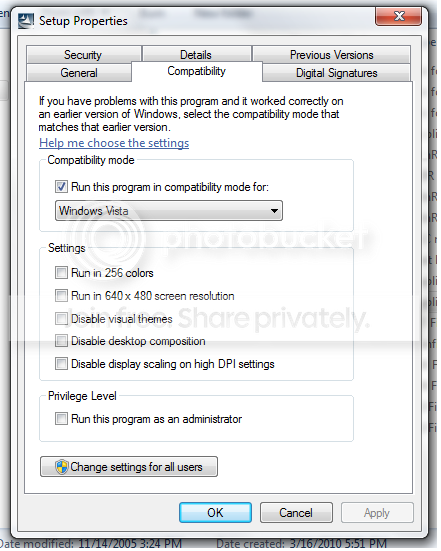
To install in compat>right click the installer>properties>compatibility>check vista.
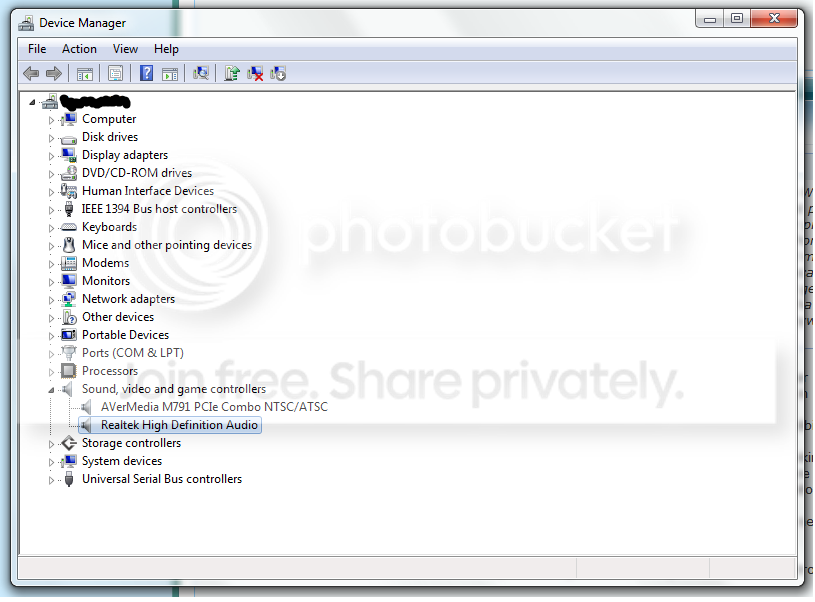
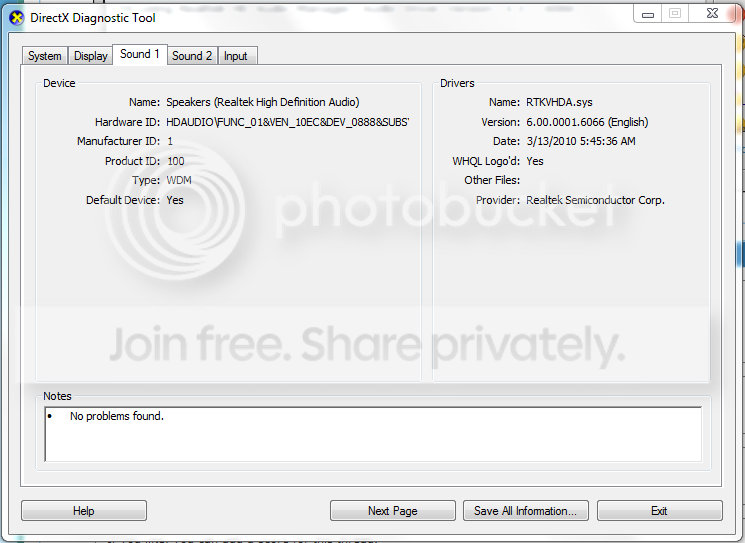
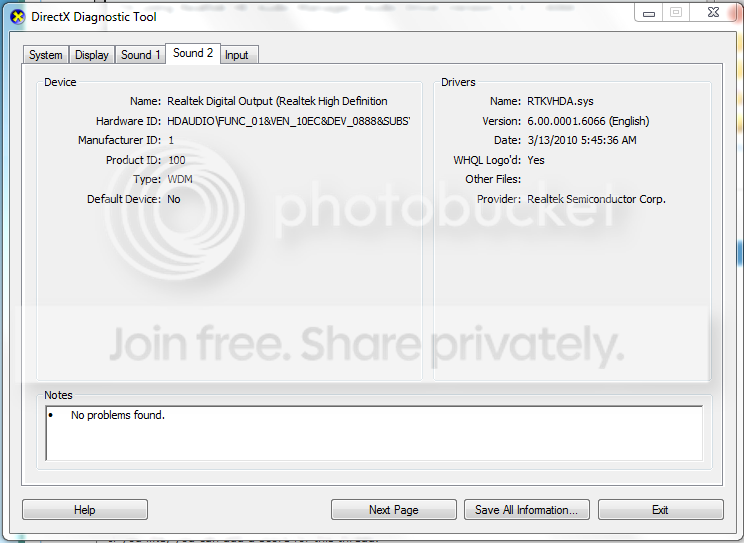
You can check to see if your current driver is installed and working by going into device manager. type device manager in search>go to the sound tab. make sure there are no yellow triangles (not working) on it. Also check to see if there are any unknown devices with yellow triangles on them
Sometimes it helps to un-install the driver and let win 7 find a new one.
If that doesnt help we can go and re-configure the sound control panel settingws.
Let us know if you need help with this
Ken
Hi Ken,
I tried both methods but still can't get my rear speakers to work.

Here's a picture of the Device Manager method.

And, here's a picture of when I tried to run it in compatibility.
I'm not sure if i followed your instructions properly for this step but I right clicked the Setup.exe , went to properties, then went to Compatibility tab and switched it to Windows Vista. Then I ran the Setup.exe again, and it made no difference.
I downloaded the driver update from RealTek's website:
Realtek
And it's up to date and says it's for both Vista and Windows 7.
Please help with the next step.