Hi;
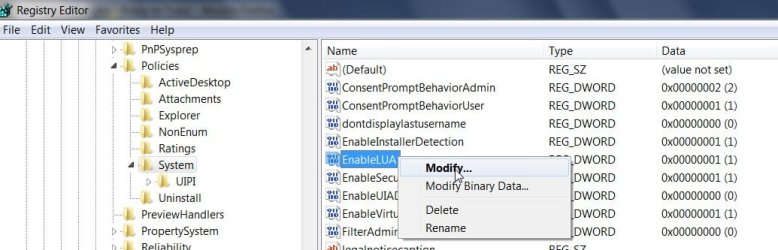
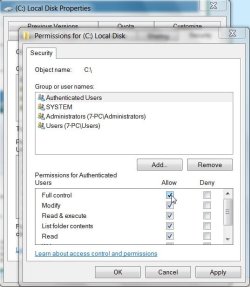
I installed Windows7 recently. I was changing permissions and accidently denied authenticated users to C drive. I was logged in as admin which is the only account. Now I cant access anythig in C Drive and cant execute any thing. I tried through safe mode as well but of no use. How can I regain access or reset permissions.
Any help would be appreciated!
cheers
I installed Windows7 recently. I was changing permissions and accidently denied authenticated users to C drive. I was logged in as admin which is the only account. Now I cant access anythig in C Drive and cant execute any thing. I tried through safe mode as well but of no use. How can I regain access or reset permissions.
Any help would be appreciated!
cheers
My Computer
At a glance
windows 7
- OS
- windows 7


 and mistakenly denied to all.