hello
i have a SyncMaster B2330HD tv/monitor with 1920 x 1080 max resolution and i use a GT 240 1gb geforce graphic card
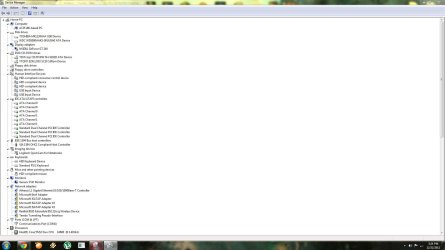
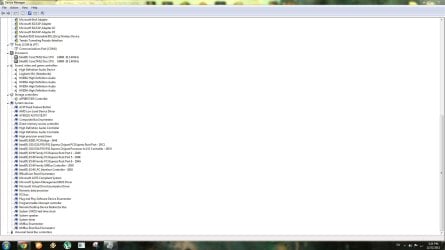
i have newest drivers and everything is updated
problem :
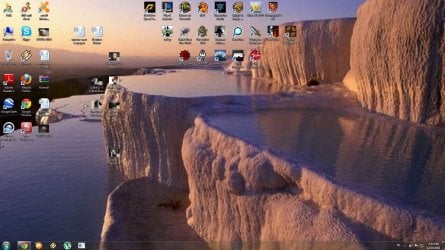
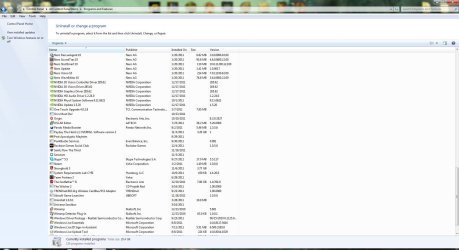
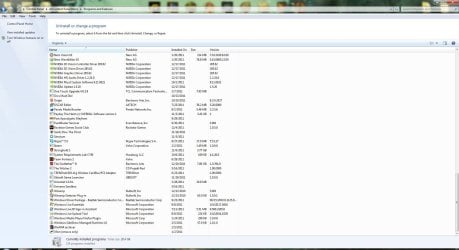
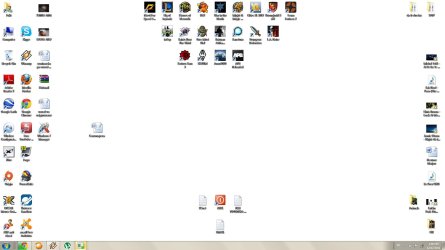
desktop background always changes to "WHITE" like in the picture i attached
after i close a game ( some games ) a part of the screen is missing . the background is still white but icons arent shown but are there
if i try to change resolution it goes down to 1280x720 or even lowest 800x600 ....... after which a reboot must be done or user log off and log back in
any way you can help ? thank you in advance
and ... i just noticed when i tried to take picture ... paint does not want to print out the picture it says low on memory or resource .. .da fak ?? :huh:
i have a SyncMaster B2330HD tv/monitor with 1920 x 1080 max resolution and i use a GT 240 1gb geforce graphic card
i have newest drivers and everything is updated
problem :
desktop background always changes to "WHITE" like in the picture i attached
after i close a game ( some games ) a part of the screen is missing . the background is still white but icons arent shown but are there
if i try to change resolution it goes down to 1280x720 or even lowest 800x600 ....... after which a reboot must be done or user log off and log back in
any way you can help ? thank you in advance
and ... i just noticed when i tried to take picture ... paint does not want to print out the picture it says low on memory or resource .. .da fak ?? :huh:
Attachments
Last edited:
My Computer
At a glance
Windows 7 64biti5 6600 3.3 GHz16gb HyperX Fury 2x8gbGigabyte G1 Gaming 1060
- Computer type
- PC/Desktop
- OS
- Windows 7 64bit
- CPU
- i5 6600 3.3 GHz
- Motherboard
- ASUS B150M-A
- Memory
- 16gb HyperX Fury 2x8gb
- Graphics Card(s)
- Gigabyte G1 Gaming 1060
- Monitor(s) Displays
- Samsung SyncMaster B2330HD
- Screen Resolution
- 1920 x 1080
- Hard Drives
- 1tb Toshiba
- PSU
- Corsair builder VS550
- Case
- SAMA Assasin
- Cooling
- Stock
- Keyboard
- A4Tech KB-28G
- Mouse
- X7 X-710BK
- Internet Speed
- 99 Mbps
- Antivirus
- Malwarebytes
- Browser
- Chrome
- Other Info
- Nothing at the moment