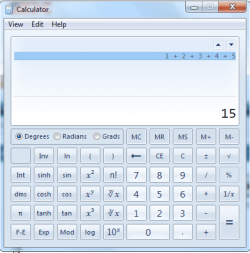
How to Open and Change Calculator View in Windows 7
Information
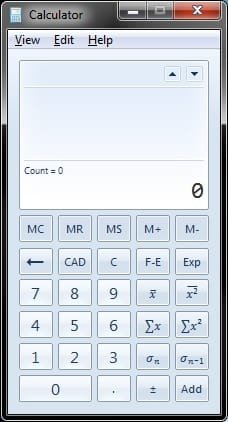
You can use Calculator to perform addition, subtraction, multiplication, and division. Calculator now also offers the advanced capabilities of scientific and statistical calculators. This will show you how to open the Windows 7 Calculator and change the Calculator to either the Standard, Scientific, Programmer, or Statistics view.
Note
The Calculator exe file is located at C:\Windows\System32\calc.exe.
Tip
You can perform calculations by clicking on the calculator buttons, or you can type calculations by using your keyboard. You can also use the numeric keypad to type numbers and operators by pressing NUM LOCK.
Here's How:
1. Open the Start Menu, type calc in the search box, and press Enter.
2. Click on the View menu bar item, and click on the mode you want to use in Calculator. (see screenshots below)
NOTE: You can choose between the Standard, Scientific, Programmer, or Statistics modes.
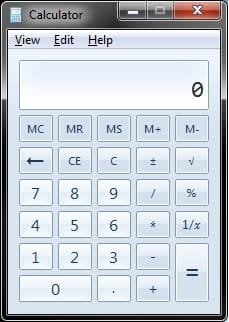
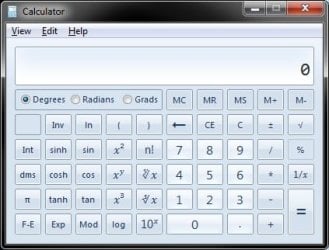
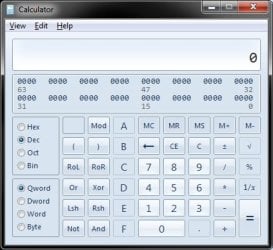
That's it,
Shawn
Last edited: