How to Open an Elevated Command Prompt in Windows 7
Information
This will show you how to open an elevated command prompt with administrator rights (Run as administrator) instead of the default command prompt without administrator rights in Windows 7.
Tip
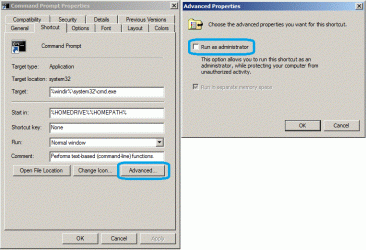
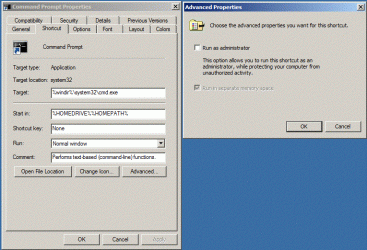
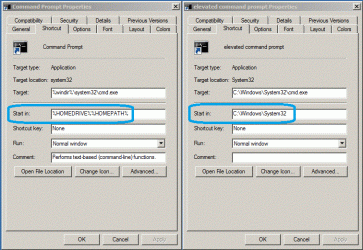
If you opened the elevated command prompt from a shortcut (ex: in Start Menu) and it opens to another location other than C:\Windows\System32, then right click on the shortcut and click on Properties. In the Shortcut tab, check to make sure that you have %HOMEDRIVE%%HOMEPATH% in the Start in field like below.

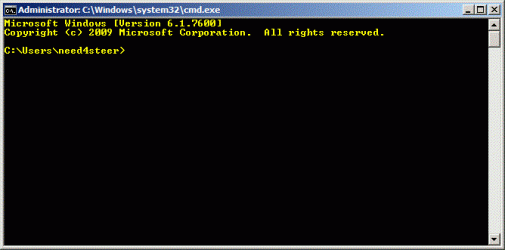
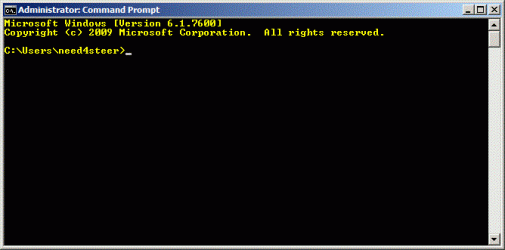
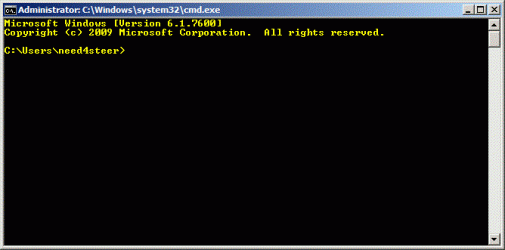
EXAMPLE: Elevated Command Prompt
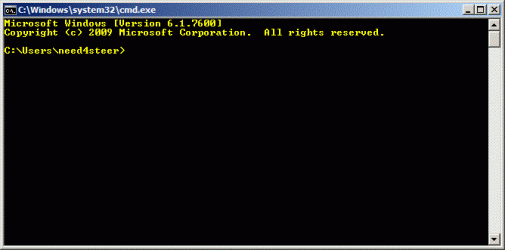
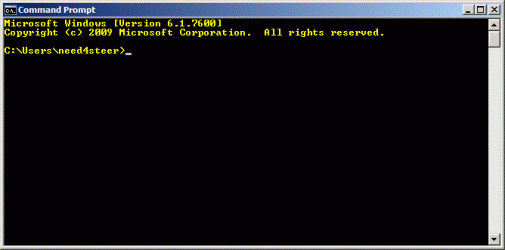
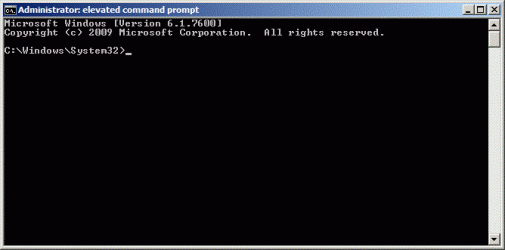
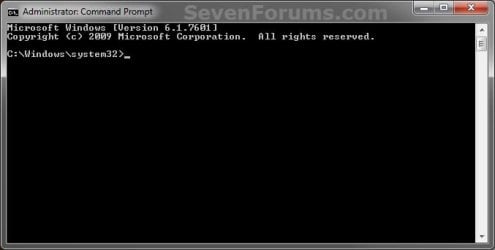
NOTE: Notice how the elevated command prompt opens to C:\Windows\System32 and not C:\Users\(user name) as the default command prompt without administrator rights.
Here's How: 1. Do step 2, 3, 4, or 5 below for how you would like to open an elevated command prompt.
2. Use an Elevated Command Prompt shortcut.
OR
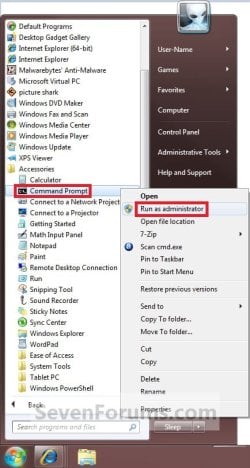
3. Open the Start Menu, click on All Programs and Accessories, right click on Command Prompt, and click on Run as administrator. (see screenshot below)
OR
4. Open the Start Menu, type cmd in the search box, and press CTRL+SHIFT+ENTER.
OR
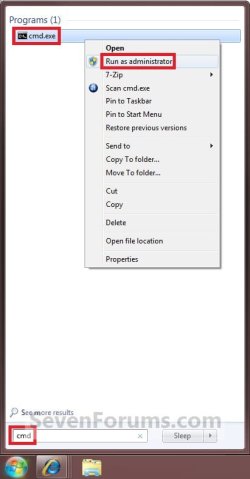
5. Open the Start Menu, type cmd in the search box, right click on cmd.exe (at top), and click on Run as administrator. (see screenshot below)
Tip
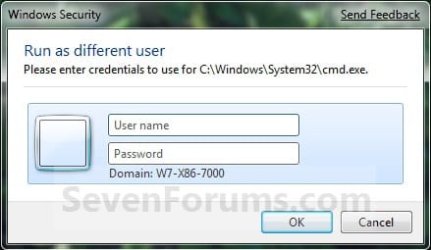
- If you are in a administrator account and get a log in prompt after doing any of the above steps, then click on the Cancel button and repeat the above step again. This will only do this for the very first time you try to open a elevated command prompt in Windows 7.
- If you are in a standard account, then you will need to type in the administrator's password to elevate the command prompt.
That's it,
Shawn
Related Tutorials
- How to Open a Command Prompt at Startup in Windows 7
- How to Open a Command Prompt in Windows 7
- How to Create an Elevated Command Prompt Shortcut in Windows 7 and Windows 8
- How to Run a Program as an Administrator in Windows 7
- How to Enable Copy to Clipboard from the Windows 7 Command Prompt
- How to Use "Open Command Window Here" in Windows 7
- How to Add or Remove "Open Command Window Here" from the Context Menu
- Add or Remove "Open Command Window Here as Administrator" to the Context Menu
- How to Personalize the Command Prompt Window
Last edited: