
Let me begin by saying I am a novice computer user and I appreciate your patience while helping me through this problem.
My HP 110-3030NR Netbook is completely wiped clean at the moment. I have a bootable USB with a copy of Windows 7 Starter. I insert the USB, boot the netbook and go through the motions of selecting language and accepting terms and conditions. I get to the infamous "Where do you want to install Windows?" screen.
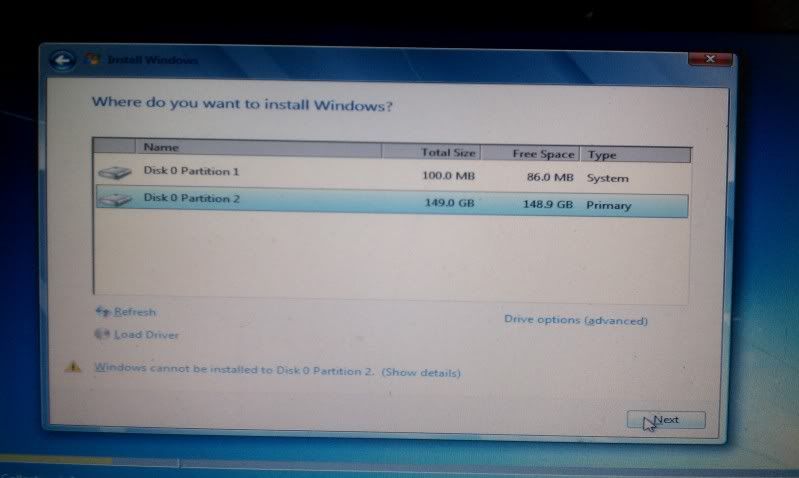
If I try to install on partition #2 it says...
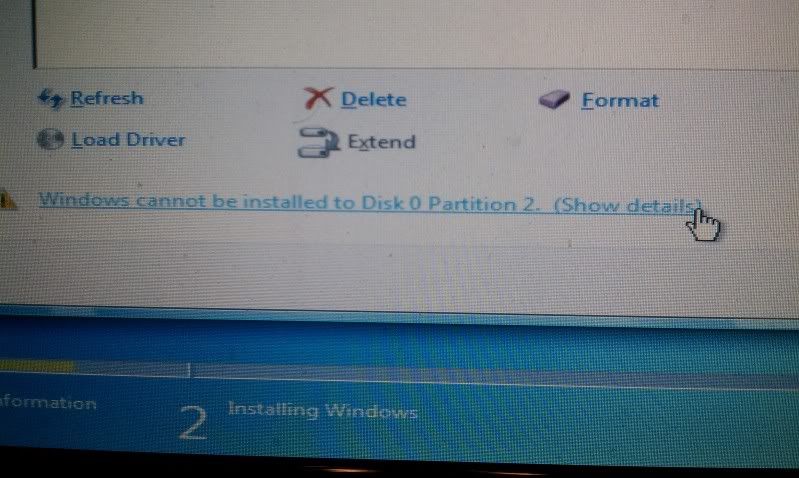
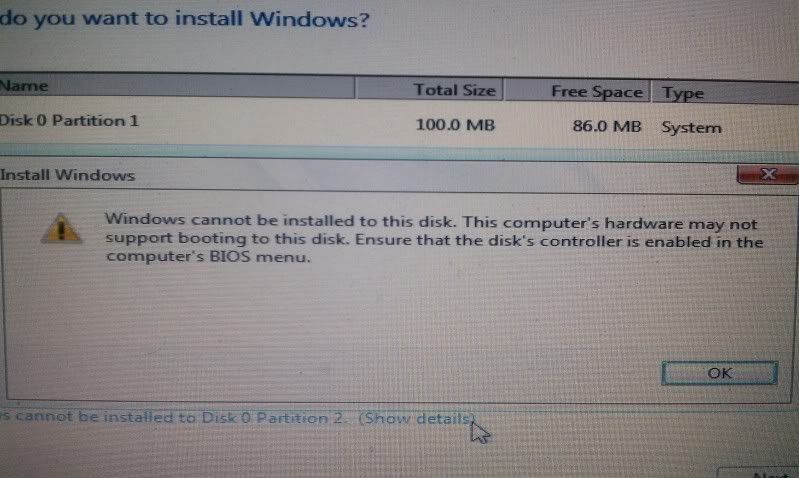
If I try to install on partition #1 it says...
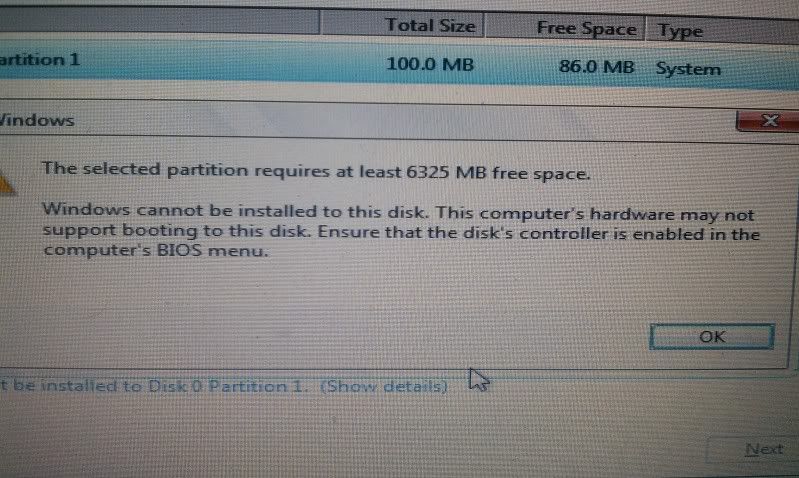
So... I gotta admit I sort of became a traitor and tried installing Linux 10 Mint because I had been told Linux will handle all partition problems itself. Well, that didn't work, it seems to be the same type of problem with a different error name, with Linux it said, "The ext4 file system creation in partition #1 of SCSI2 (0,0,0) (sdb) failed".
So I gave up on that and am now BACK to trying to install Windows 7 Starter. The only difference is that NOW when I get to "Where do you want to install Windows?" there aren't ANY partitions and at the bottom it says, "No drives were found. Click Load Driver to provide a mass storage driver for installation".
I have been to the HP website and cannot find any Mass Storage Drivers, all I found were upgrades and patches. I loaded a few promising ones on a USB and tried to load them but the computer wouldn't even recognize them.
I have read thread after thread and my problem is that I either can't understand the high tech computer lingo on how to fix this or there aren't many threads that know the solution. I cannot handle this on my own, I've been at it for three days, please help!
Once again, thank you in advance!
Oh... before I submit this thread I want to add one more thing, every couple of attempted boots I get this screen but then press CTRL ALT DLT and get past it...

Thanks!
My HP 110-3030NR Netbook is completely wiped clean at the moment. I have a bootable USB with a copy of Windows 7 Starter. I insert the USB, boot the netbook and go through the motions of selecting language and accepting terms and conditions. I get to the infamous "Where do you want to install Windows?" screen.
If I try to install on partition #2 it says...
If I try to install on partition #1 it says...
So... I gotta admit I sort of became a traitor and tried installing Linux 10 Mint because I had been told Linux will handle all partition problems itself. Well, that didn't work, it seems to be the same type of problem with a different error name, with Linux it said, "The ext4 file system creation in partition #1 of SCSI2 (0,0,0) (sdb) failed".
So I gave up on that and am now BACK to trying to install Windows 7 Starter. The only difference is that NOW when I get to "Where do you want to install Windows?" there aren't ANY partitions and at the bottom it says, "No drives were found. Click Load Driver to provide a mass storage driver for installation".
I have been to the HP website and cannot find any Mass Storage Drivers, all I found were upgrades and patches. I loaded a few promising ones on a USB and tried to load them but the computer wouldn't even recognize them.
I have read thread after thread and my problem is that I either can't understand the high tech computer lingo on how to fix this or there aren't many threads that know the solution. I cannot handle this on my own, I've been at it for three days, please help!
Once again, thank you in advance!
Oh... before I submit this thread I want to add one more thing, every couple of attempted boots I get this screen but then press CTRL ALT DLT and get past it...
Thanks!
My Computer
- OS
- None at the moment
