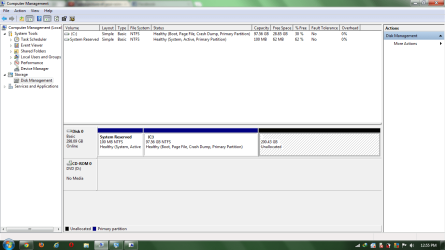
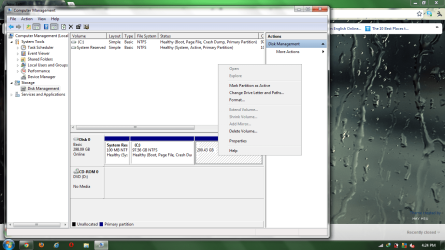
Could you post a snip/screenshot of your entire disk management drive map so we can see how your hard drive is set up?
To access disk management: From the start menu right click computer and click manage. In the left pane of the "Computer Management" window that opens up click disk management and post a snip of that.
http://www.sevenforums.com/tutorials/9733-screenshots-files-upload-post-seven-forums.html
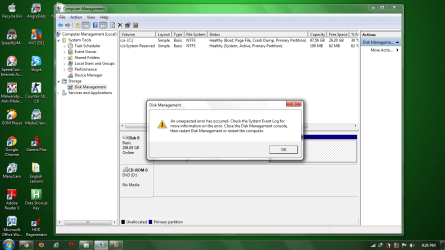
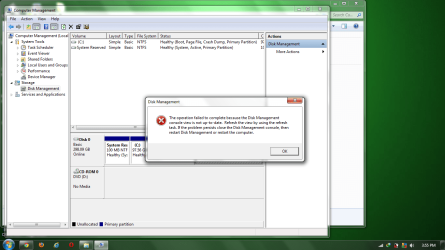
these are the pictures that i took. 3 pictures just to make sure. hope you can help me thanks
Attachments
My Computer
At a glance
windows 10 64bitRyzen 3 2200g8.00 GBVega 8 integrated graphics
- OS
- windows 10 64bit
- CPU
- Ryzen 3 2200g
- Motherboard
- msi a320m pro-vh plus
- Memory
- 8.00 GB
- Graphics Card(s)
- Vega 8 integrated graphics