How to slipstream SATA drivers into Windows XP setup CD, on your dual boot PC with Windows 7 or Vista
When you install Win XP, setup can not find your Hard Drive.


1) Download & Install nLite
nLite - Deployment Tool for the bootable Unattended Windows installation
2) Make a new folder for your Windows XP image.
Note: for this example, I am using the name Win XP Sata.
3) Insert XP CD & start nLite
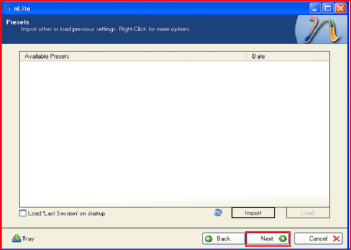
4) Click Next.
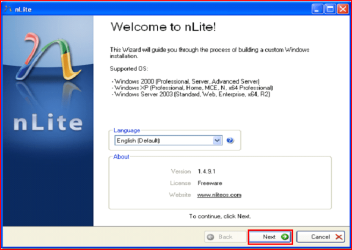
5) Choose your Windows XP image folder, & Click Next, than OK.
Note: nLite will put the image into your folder.
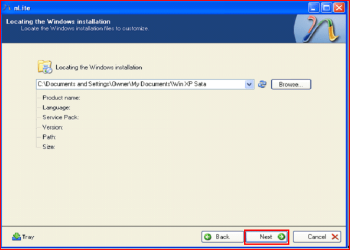

6) Click Next.
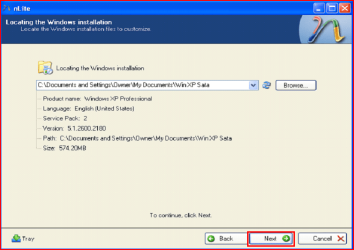
7) Click Next.
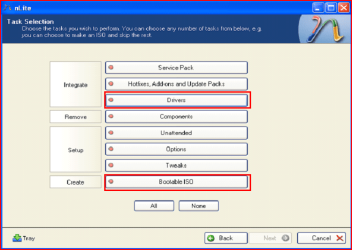
8) Choose Integrate Drivers & Create Bootable ISO
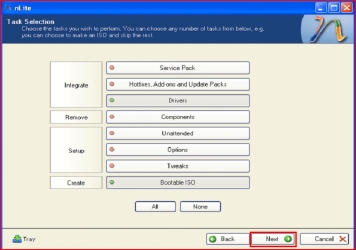
9) Click Next.
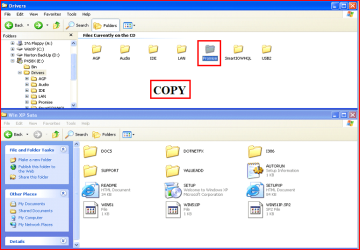
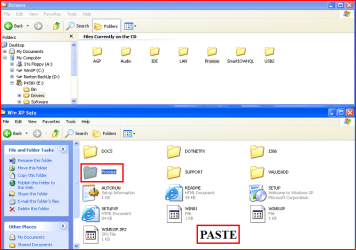
10) Copy & Paste your Sata Driver to your image folder.
Note: for this example, I am using Promise Fastrak 376.
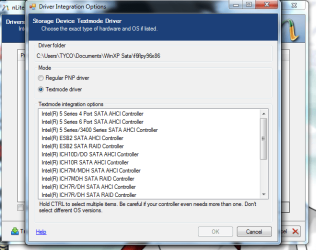
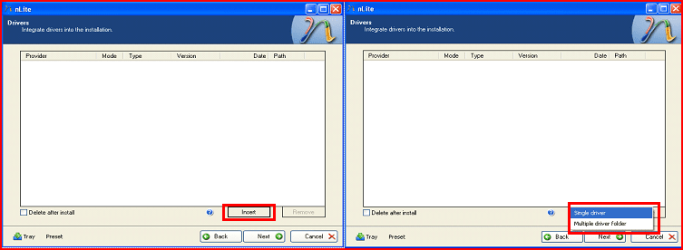
11) Click Insect, than Single Driver.
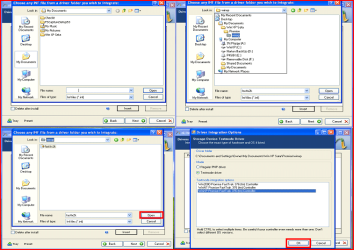
12) Locate your Sata Setup Inf file.
Click Open, than OK.
Note: for this example the file is called fasttx2k.
Note: for this example, I am using Promise Fastrak 376.
13) Click Next.
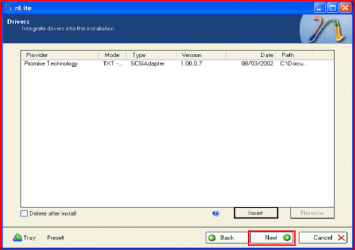
14) Click Yes, than Next.
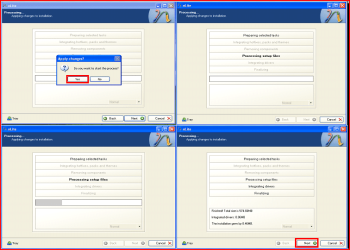
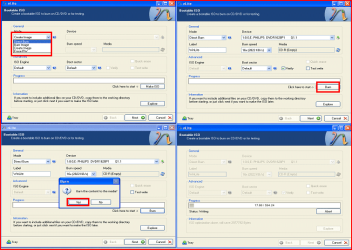
15) Choose Direct Burn.
Click Burn, than Yes.
Note: nLite will now burn your new CD.
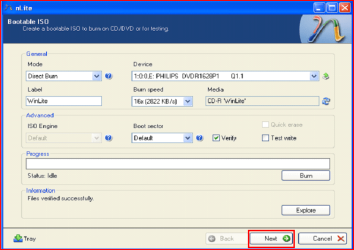
16) Click Next.
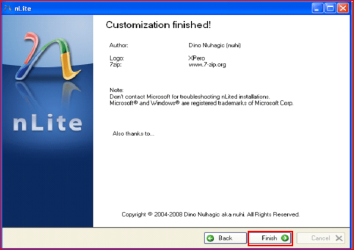
17) Click Finish.
Your Sata drive will now show up in setup.

Last edited by a moderator:


 This is a great tut, however the pics are so small I cannot makeout any detail
 so am having a difficult time trying to follow directions. I got down to the section on integrating drivers and am stuck. Please help. I checked the hardware on my system to get driver names, then copied them to the install folder on my hard drive. I found them under system32\drivers - one is named disk.sys and one named partmgr.sys Now it says to locate the sata inf folder - could someone tell me where it is located and what it is named?
 I located an inf folder with same name as one of the driver files, could this be it? Sorry to be so slow on the uptake and appreciate any help you could give.