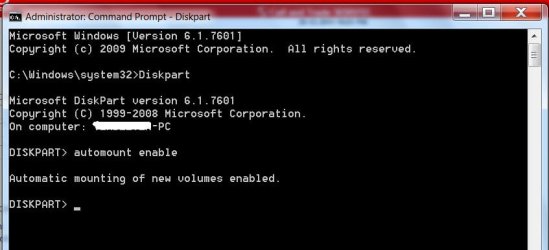
Hello everyone.
I have a problem with my computer Windows 7 Home Premium x64.
I try to install an internet USB Stick. Everytime I disconnect and connect my device (on the same USB port), the computer recognizes it as a new device and installs it, but the software wont recognize it.
I believe that I have a registry problem. Is there anything I can do to solve it? (re-install is the last thing I want)
Thank you!
I have a problem with my computer Windows 7 Home Premium x64.
I try to install an internet USB Stick. Everytime I disconnect and connect my device (on the same USB port), the computer recognizes it as a new device and installs it, but the software wont recognize it.
I believe that I have a registry problem. Is there anything I can do to solve it? (re-install is the last thing I want)
Thank you!
My Computer
At a glance
Windows 7 x64
- OS
- Windows 7 x64