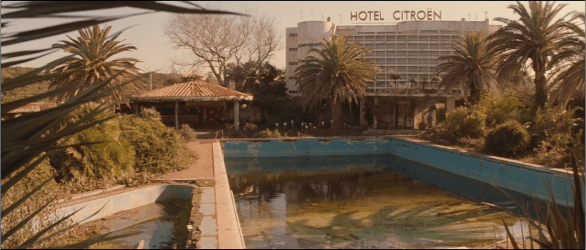
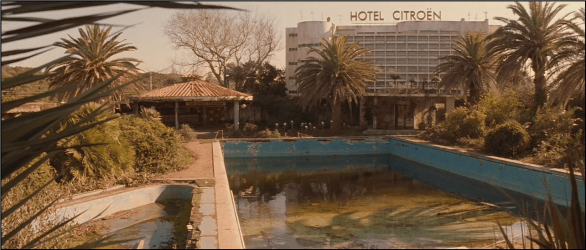
Short version: When I play files in 7MC, they look less detailed, less sharp, and the colors are more muted, than when I play the exact same file in WMP or MPC-HC.
Longer version and backstory: I installed Gabest’s Matroska Splitters for x64 and made the registry changes to get .mkv files to work in 7MC, per this. First thing I noticed was that my 720p AVC file looked not HD. I then booted up MPC-HC and resized the window to the same size as my 7MC window, and switched back and forth between the two. In 7MC, the colors are flatter, less vibrant, and the image looks softer, and not as sharp, while MPC has really vivid (almost too vivid) colors, darker blacks, and the most important part, the image just looks sharper. Like higher resolution. Like what I should expect out of 720p content. With the frame paused, in MPC, I can see pixel edges and jaggies, but not in 7MC, so it looks like perhaps some post processing or anti-aliasing is going on. I also want to note that it appears this problem also occurs with XviD .avi files, but NOT live HD TV (that looks sharper than the 720p files). Finally, I decided to test out WMP, and the image looks much, much more closer to MPC, than 7MC (the image is clearly sharp. The colors are not identical, but fairly close. Perhaps there is a color profile difference between the two players).
So, any idea how to get 7MC to make these files look as good as the other players?
Longer version and backstory: I installed Gabest’s Matroska Splitters for x64 and made the registry changes to get .mkv files to work in 7MC, per this. First thing I noticed was that my 720p AVC file looked not HD. I then booted up MPC-HC and resized the window to the same size as my 7MC window, and switched back and forth between the two. In 7MC, the colors are flatter, less vibrant, and the image looks softer, and not as sharp, while MPC has really vivid (almost too vivid) colors, darker blacks, and the most important part, the image just looks sharper. Like higher resolution. Like what I should expect out of 720p content. With the frame paused, in MPC, I can see pixel edges and jaggies, but not in 7MC, so it looks like perhaps some post processing or anti-aliasing is going on. I also want to note that it appears this problem also occurs with XviD .avi files, but NOT live HD TV (that looks sharper than the 720p files). Finally, I decided to test out WMP, and the image looks much, much more closer to MPC, than 7MC (the image is clearly sharp. The colors are not identical, but fairly close. Perhaps there is a color profile difference between the two players).
So, any idea how to get 7MC to make these files look as good as the other players?
My Computer
At a glance
W7 Pro x64AMD|A64 X2 5400+ 2.8G1Gx2|OCZ DII1066OCZ2N10662GK Ronboard Radeon 3200HD
- OS
- W7 Pro x64
- CPU
- AMD|A64 X2 5400+ 2.8G
- Motherboard
- ASUS M3A78-EM AM2+ 780G
- Memory
- 1Gx2|OCZ DII1066OCZ2N10662GK R
- Graphics Card(s)
- onboard Radeon 3200HD
- Sound Card
- M-Audio Revolution 7.1
- Monitor(s) Displays
- Dell 30" 3007wfp-HC
- Hard Drives
- 320G WD3200AAKS
1T WD10EACS
1.5T SAMSUNG HD154UI
- PSU
- SEASONIC|SS-550HT 550W
- Case
- ANTEC|SOLO BK/SIL
- Cooling
- Scythe Ninja 2