"Depending on how you answer these questions, there are several possible solutions:
Solution 1
Collapse this imageExpand this image
Solution 1 is the minimal solution. The operating system is simple to reinstall without data being affected, such as with an update.
Solution 2
Collapse this imageExpand this image
Solution 2 simplifies data backup. Archive data is no longer changed and does not have to be backed up continuously.
Solution 3
Collapse this imageExpand this image
Solution 3 also simplifies data backup. The operating system and data can be backed up separately in image files.
Solution 4
Collapse this imageExpand this image
Solution 4 is a good solution if you want to store Web sites, tools, and so on, temporarily. Then you can periodically format the download partition."
Reinstalling Windows XP Home (Part 3): Creating partitions
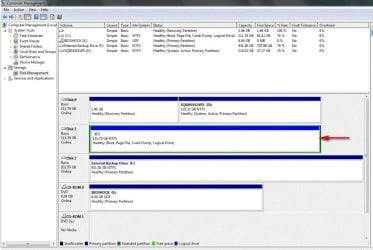
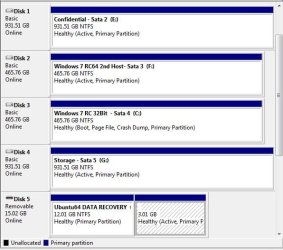
Since somehow 7 ended up on the wrong type of partition to begin with you can see how it should have looked by comparing the two images 1)booted in 64bit RC host 2)booted in 32bit RC with boot files, mbr still on host. An image taken from a bad install to begin with would only restore a problematic situation onto a new primary.
Like I suggested before especially with a new SSD being looked at the second drive can simply be reformatted and used for storage as is or see the present partition replaced by a fresh primary allowing for a clean install of 7.
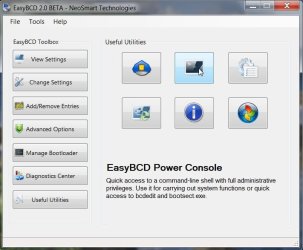
If this had been a primary then the manual construct of a new BCD store would be an option for seeing the drive made bootable where you could then try a repair install. The best option now of course would be backing things up from the drive and seeing the corrections needed.