Hi there
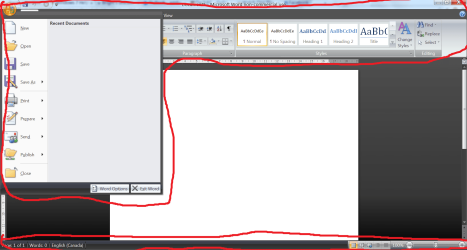
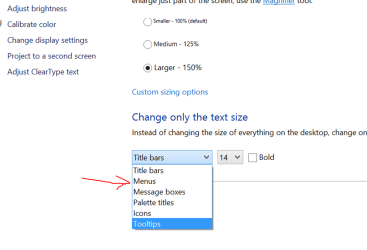
try re-setting the Menu size in the Display options -- right mouse click on the desktop, choose personalize and then choose menus from the bottom option. (Done from the WINDOWS desktop -- not from Office itself).
Example screenshot
Cheers
jimbo
Attachments
menus.png
51.9 KB
· Views: 5
My Computer
At a glance
Linux CENTOS 7 / various Windows OS'es and se...Intel i7 Intel i58GB, 16GBOn Motherboard
Computer type
PC/Desktop
Computer Manufacturer/Model Number
Custom built, several laptops HP/ASUS
OS
Linux CENTOS 7 / various Windows OS'es and servers
hmmm, so I messed around with the display settings a bit (changing the text size and stuff), and somehow it is fixed now
still not sure what caused it lol