My Computer
- Computer Manufacturer/Model Number
- Asus
- OS
- Windows 7 7127
- CPU
- Quad 6600
- Motherboard
- Asus PB5
- Memory
- 4GB
- Graphics Card(s)
- 7600GT
- Monitor(s) Displays
- 26"



Hello Gawasa,
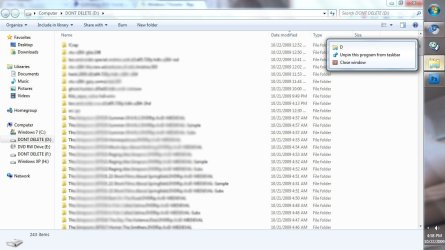
You could pin the folder as a toolbar instead. The same method in this tutorial for Quick Launch can be used for this. Just navigate to your folder location instead in step 2.
http://www.sevenforums.com/tutorials/888-quick-launch-enable-disable.html
Hope this helps,
Shawn


That would be great thanks Shawn.I'm working on a tutorial now for how to pin a folder to the taskbar. When I finish in a bit I'll post back a link for it here for you.
That would be great thanks Shawn.