
Hi all.
not that great at program writing, or even if there is one out there presently.
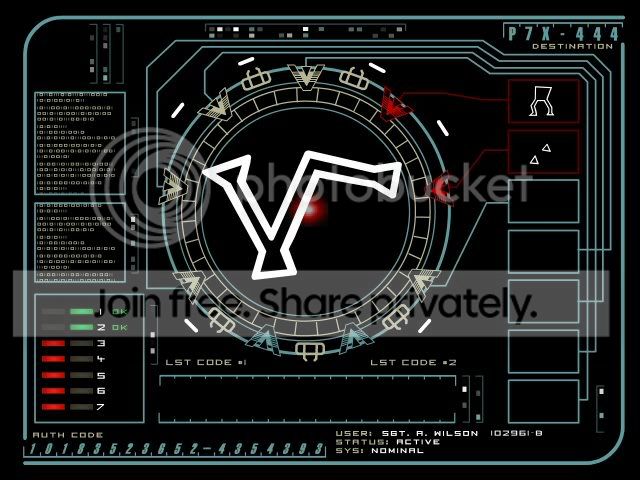
what im wanting to do is to completely re-vamp the logon screen by replicating the stargate dialing sequence using a series of buttons on the right hand side that will become the password 'input' method.
does anyone know of a program or way to do this?
to those unfamiliar to the setup, im after something like this:
and the password buttons would go to the right
not that great at program writing, or even if there is one out there presently.
what im wanting to do is to completely re-vamp the logon screen by replicating the stargate dialing sequence using a series of buttons on the right hand side that will become the password 'input' method.
does anyone know of a program or way to do this?
to those unfamiliar to the setup, im after something like this:
and the password buttons would go to the right
Last edited by a moderator:
My Computer
- OS
- Australian Capital Territory