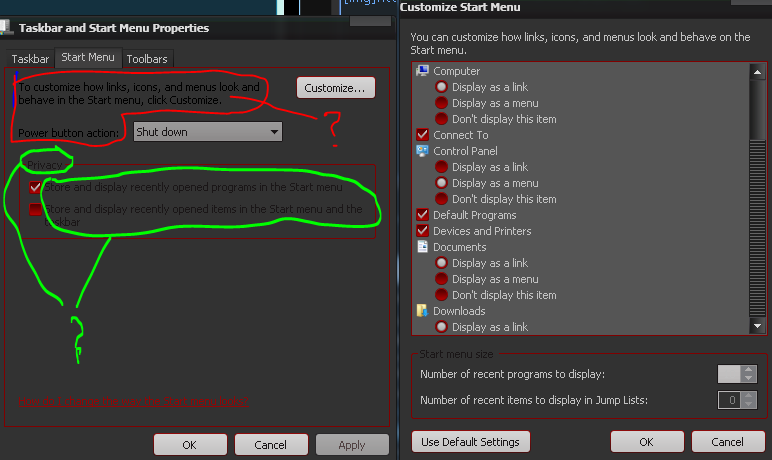
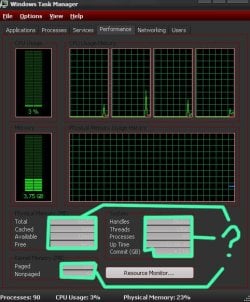
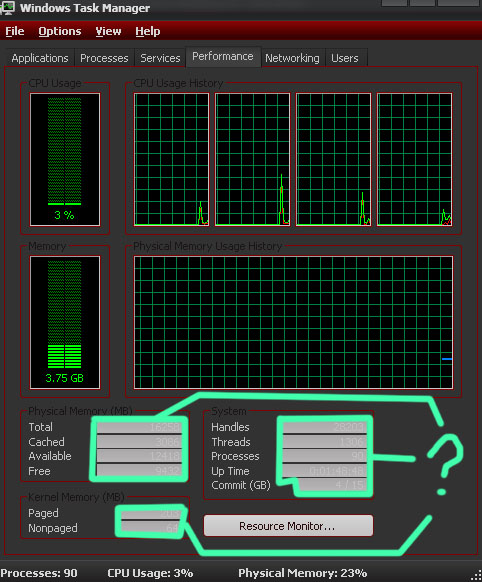
Where to change these bg color and text color in WSB? (help located)

nnq2603

New member
Local time
9:18 PM
Messages
20
I've read Dave Senior's "Complete Guide Theme Building" for Win7 and did a bunch of personal modification of Win7 theme for personal usage. But long time I didn't touch this task, so now comeback even I purposely search for some propertise and color but I still can't figure it out. I know it is still there but I read and compare page by page from the guide document without success.
RWaMLce.jpg

9lUYdXi.png


Thanks a lot for reading and helping. Have a nice day.
 

Attachments

  • ask.jpg
    ask.jpg
    77.8 KB · Views: 6
  • ask.PNG
    ask.PNG
    16.4 KB · Views: 0

My Computer My Computer

At a glance

Windows 7 Ultimate x64Intel(R) Core(TM) i5-6402P Skylake (14nm) 115...8.00 GB single DDR4 @ 1066MHzIntel(R) HD Graphics 510 (rev6)

OS
Windows 7 Ultimate x64
CPU
Intel(R) Core(TM) i5-6402P Skylake (14nm) 1151 LGA
Motherboard
MSI B150M MORTAR (MS-7972) 2.0
Memory
8.00 GB single DDR4 @ 1066MHz
Graphics Card(s)
Intel(R) HD Graphics 510 (rev6)
Sound Card
High Definition Audio Device
Monitor(s) Displays
HP S2032 1600x900 (60Hz)
Hard Drives
Model ST1000DM 003-1SB10C SCSI Disk Device
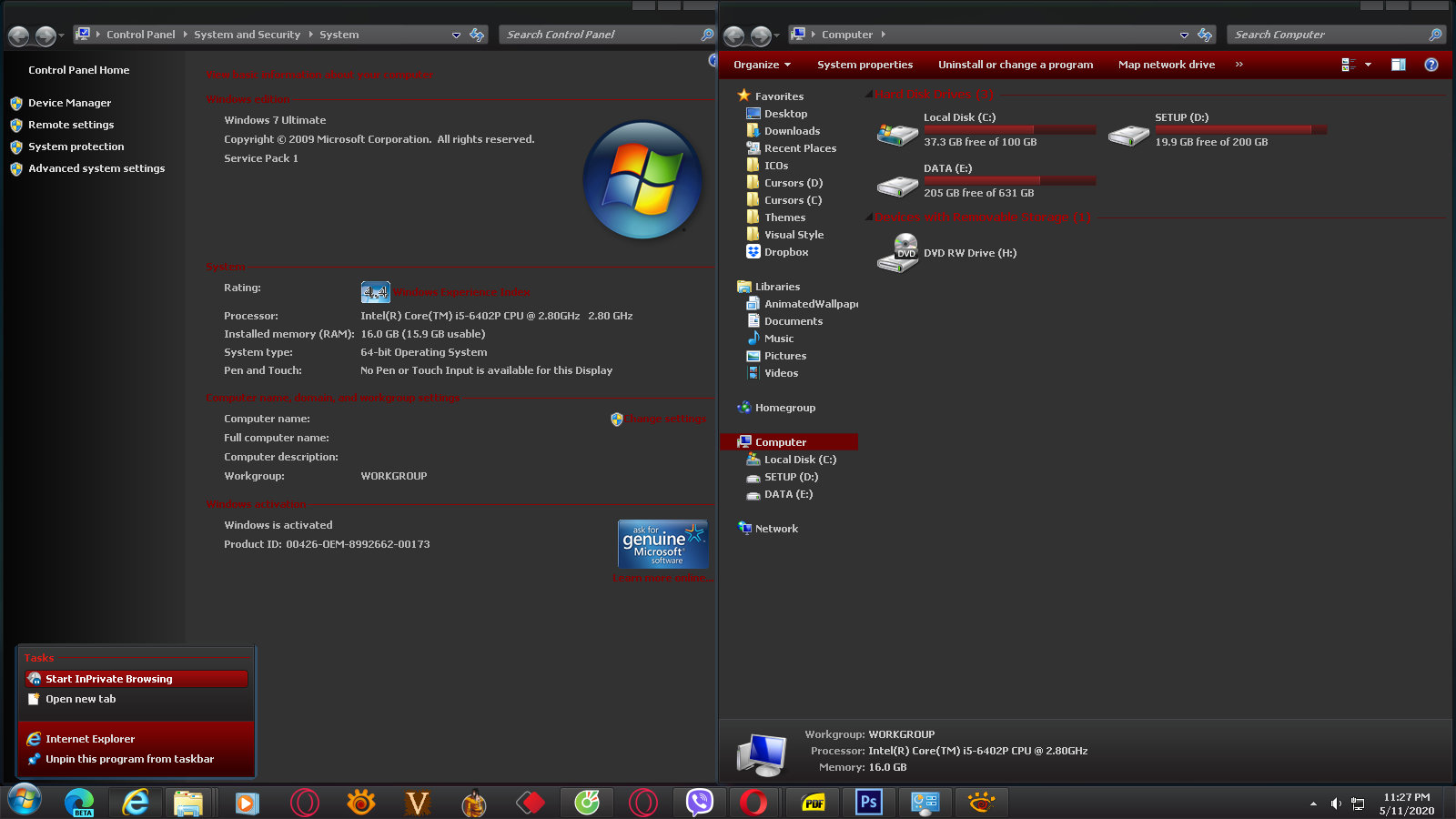
edit1: So far I set all text color that I found to bright color but still quite a handful of dark text in properties windows.
Other typical, frequently used windows look alright.
LfLR6cs.jpg

But those text in properties windows, background color in performance tab on taskmanager still out of place. I can't figure it out and google returns a lot of similar thing but not the thing I was looking for. Thanks for help.
 

My Computer My Computer

At a glance

Windows 7 Ultimate x64Intel(R) Core(TM) i5-6402P Skylake (14nm) 115...8.00 GB single DDR4 @ 1066MHzIntel(R) HD Graphics 510 (rev6)
OS
Windows 7 Ultimate x64
CPU
Intel(R) Core(TM) i5-6402P Skylake (14nm) 1151 LGA
Motherboard
MSI B150M MORTAR (MS-7972) 2.0
Memory
8.00 GB single DDR4 @ 1066MHz
Graphics Card(s)
Intel(R) HD Graphics 510 (rev6)
Sound Card
High Definition Audio Device
Monitor(s) Displays
HP S2032 1600x900 (60Hz)
Hard Drives
Model ST1000DM 003-1SB10C SCSI Disk Device
How did you change those texts color on the sidepanel? Im talking about the "device manager" "remote settings" etc. on the system properties
 

My Computer My Computer

At a glance

Windows Server 2008 x64Intel Xeon E5405 2.00GhzKingston DDR3 2X2 4GB RAMNvidia Geforce GT 730
Computer type
PC/Desktop
Computer Manufacturer/Model Number
Casper (Custom Build)
OS
Windows Server 2008 x64
CPU
Intel Xeon E5405 2.00Ghz
Motherboard
Asus P5G41C-M LX
Memory
Kingston DDR3 2X2 4GB RAM
Graphics Card(s)
Nvidia Geforce GT 730
Back
Top