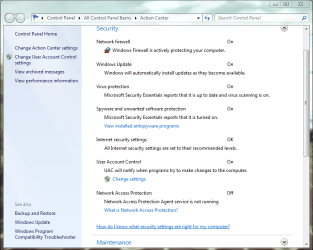
From what I understood MSE does not uninstall Defender. It is just supposed to turn it completely off. Which it failed to do. What is weird is that fact that MSE did in fact work properly for a while. Defender just randomly started telling me it wasn't started. Then a clean install of MSE didn't fix it either.
Hello !!
Try to download the Removal Tool.
Download this cleanup tool from Microsoft:
http://go.microsoft.com/fwlink/?linkid=81699 (
this tool is for OneCare but works with MSE also). After the tool runs if it prompts for a reboot please do so
If that fails then follow the below steps
1. Download MSE from the website and save the file on the Desktop.
2. Start Search by typing CMD and select "Run as Administrator".
3. In the Command Prompt console type: CD %USERPROFILE%\Desktop <- Hit ENTER
4. Type: msse <- then hit the TAB button.
mssefullinstall-amd64fre-en-us-vista-win7.exe
6. Now put a space in between the whole line and put /U as seen below:
mssefullinstall-amd64fre-en-us-vista-win7.exe /U
7. Hit ENTER and this should uninstall Microsoft Security Essentials.
After that
1. Type in
services.msc in Start menu search box and hit enter. Click continue button if you are prompted with a UAC message.
2. Scroll down the services list to you see Windows Defender name. Right-click on the Windows Defender name and select
Properties.
3. Under General tab, set the start up type to “
Disabled” and click the
Apply button to save the changes.
Then reboot and install MSE.
Hope this helps,
Captain