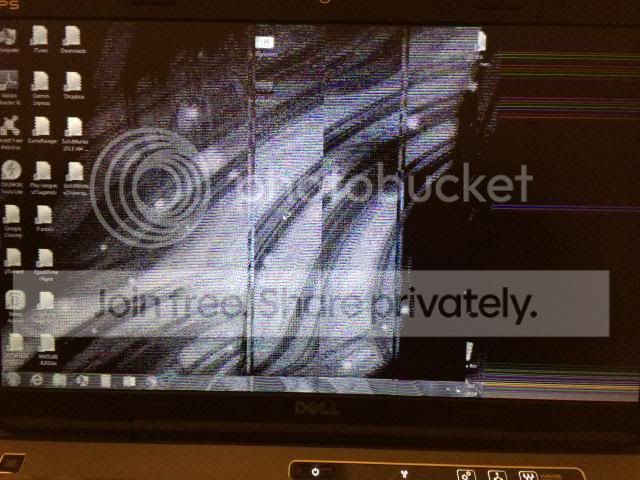
XPS Laptop screen flickering and distorted – nVidia and Intel Drivers
I did a fresh install of windows 7 on my laptop. I then got a DELL engineer from the software team to do a drivers install.
But the screen on full resolution has problems. When I turn on the laptop and log in the screen gets all weird and flickers and shows grey lines and it’s very hard to use.
To resolve this I press the sleep button and then turn it back on.
I have intel 3000 graphics and nvidia graphics driver 332.21
Any help would be much appreciated
My Computer
At a glance
Windows 7 64 bit Home Premium2.20 GHz8GBnVidia 550M
Hi Welcome to Seven Forums .. Your best option would be to go to the Dell Website and Download the Drivers for your Graphics Card ... See if that helps any .. I assume you paid to get this repaired by the DELL engineer .. It should be their job to fix it ..
I told dell that they need to sort this out as they messed it up.
So they sent an engineer down to change the motherboard.
That took about 30 mins to replace which was a refurb. And didn't help at all. So the engineer installed and reinstalled the same driver. Which resolved the issue for 2 hours.
After that I was just annoyed with the quality of the engineers and fixed it myself.
I deleted the driver and installed a legacy driver called intel family.
Dell support gave me the option to send it in for repair. But I declined as they've scratched and chipped my old laptop before and made it worse.
My Computer
At a glance
Windows 7 64 bit Home Premium2.20 GHz8GBnVidia 550M