
How to See Services Running Under svchost.exe Process in Windows 7
Information
Microsoft defines svchost.exe as a generic host process name for services that run from dynamic link libraries. This will show you how to identify what services are running under a single process of svchost.exe.
Here's How:
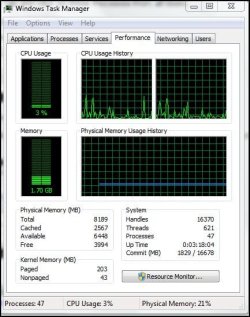
1. Open up the Task Manager by either typing taskmgr.exe in the Start Menu Search Bar, pressing Ctrl+Shift+Esc, Ctrl+Alt+Delete or Right-Clicking on the taskbar and selecting Start Task Manager.
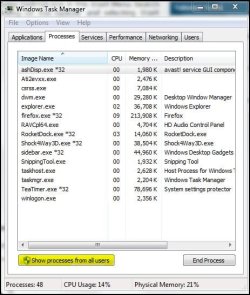
2. Go to the Process Tab and click on Show Processes From All Users.
A) Now, you will see a list of svchost.exe processes.
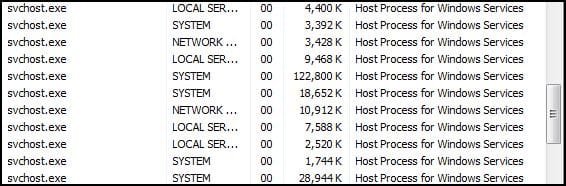
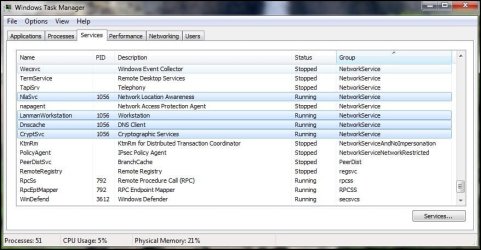
3. Right-Click on a svchost.exe process and select Go to Service/s.
A) This will jump to the Services Tab and the services running under that certain svchost.exe process will be highlighted.
That's it.
Aaron
Related Tutorials
- How to Open Resource Monitor in Windows 7
- How to Create a Elevated Windows 7 Task Manager Shortcut
- How to Allow or Deny Access of Task Manager for a Specific User
- How to Add or Remove Columns in Windows 7 Task Manager
- How to Enable or Disable Task Manager in Vista and Windows 7
- How to Turn Task Manager "Always On Top" On or Off
Last edited by a moderator: