If you have any questions ask them but don't just throw up your hands.
You are of coruse correct. I need to roll up my sleeves and get through this.
Okay the remaining troubleshooting items to do are :
1-move to SATA1
2-reset BIOS to AHCI l then ATA/IDE.
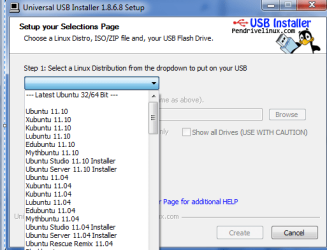
3-ISO files to USB
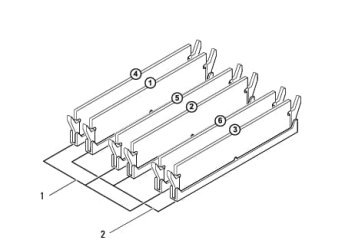
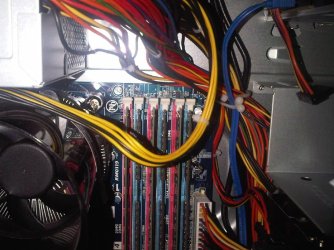
4-RAM removal
5-CMOS reset
6-use of System recovery disc as last resort
and yes I will have questions, as some of these are steps I have never done in the past to reinstall windows.
#1)
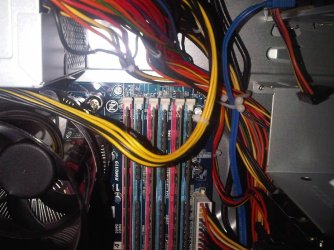
SATA 1 - There are two SATA sets. See pic
- one set at the top , 2 connectors, DVD and spatr (SATA0, SATA1)
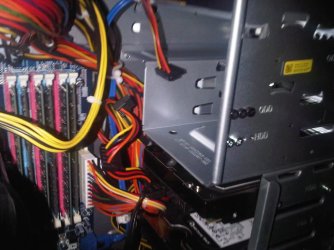
- one set at the bottom 3 connectors for hard drives ( SATA2,SATA3,SATA4)
So I cannot make the hard drive SATA1 unless I pair it with DVD. This not how it came configured and I believe I read that its not a good idea ( to have a DVD and HD on the same SATA channel). So I dont think there is much I can do here.
#2)
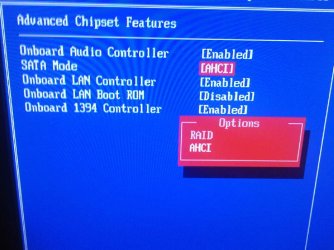
ACHI The only ACHI related setting I found was a choice of ACHI vs RAID. I cant do much more of this one. See pic below.
#3)
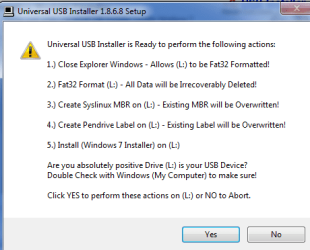
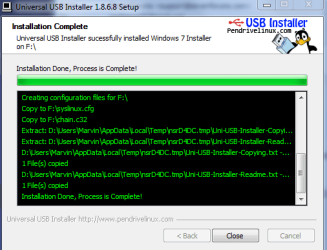
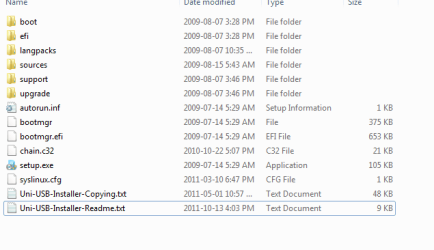
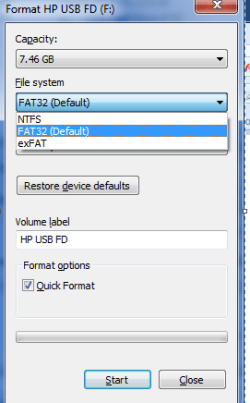
USB . Okay, cocnepts sounds very simple but the instructions you gave are for an expert user. I cannot understand what you are saying, Your instructions were
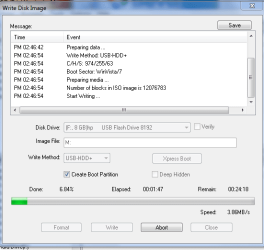
"write the DVD ISO to flash stick to try install: Install UltraISO trial version, on File tab Open DVD or ISO, on BOotable Tab choose Write Disk Image, Format, Write. Boot under USB, Removable, HD's on one-time BIOS Boot Menu or by setting first to boot in BIOS setup. " I'm sure this makes perfect sense to you, but I have no ideas what this means. Is there a tutorial that shows me how to get from a DVD format to a USB format. Yes I have a 4GB USB drive.
EDIT - OK, I get it now....but I got a Disk/Image Capacity overflow error. Will buy an 8GB dirve tomorrow.
# 4)
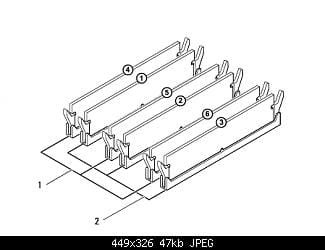
RAM -
UPDATE: I actually have a 3 channel set of 6 GB ( 3 x 2GB sticks) and 3 channel set of 12 GB ( 3 x 4GB sticks). See post 52.
#5)
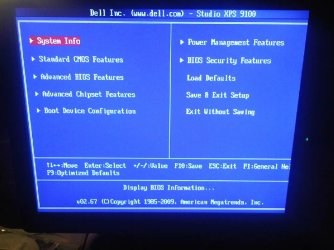
CMOS reset - I cannot find this feature off the menu . See below. If I do find it, do the settings get set back to something normal, automatically?


 Keep us posted.