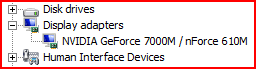
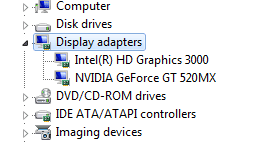
Try the latest Nvidia driver to see what screen resolutions are available after disabling the Intel adapter.
If that doesn't help the try the same with the Intel.
Have you checked the logs and system resources to see if there are any other clues to the boot delay: Troubleshooting Steps for Windows 7
If not you can trace the cause with certainty by Gathering a Startup, Shutdown, Sleep, Hibernate, or Reboot Trace - Windows 7 Forums
I have the latest NVIDIA and Intel driver and the resolution of NVIDIA is less than Intel driver.
I will check other solutions provided by you and will let you know if problem persists.
Thanks
My Computer
At a glance
Windows 7 Home Premium 32 bit
- OS
- Windows 7 Home Premium 32 bit