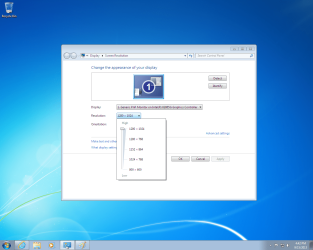
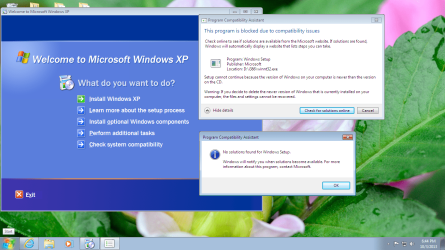
So when you try to install the Driver from Dell it gives you that message, even though you still have Standard VGA Display driver in Device Manager?
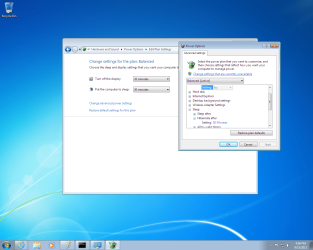
I would try it to see if it offers you different and better screen resolutions, allows Sleep and Hibernate in Power Options. Again you may have to install it in XP SP2 Compatibility mode.
If it doesn't work better and offer those options then I would roll it back to Standard VGA in Device Manager.
How is performance overall once this driver is resolved? Is it better than XP, as it should be or I would go back to XP?
When I did tried to update the driver from Dell I end up getting an error message about the OS. Then I tried the Compatibility Mode to use XP SP2 which it gave me an error message. Then I tried the driver from the Intel website gave me an error message. Tried the driver from Intel again and was able to install but I got the message, but wasn't sure if I should do the that or not and showed you the picture.
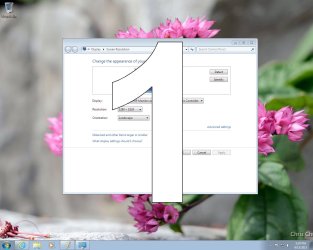
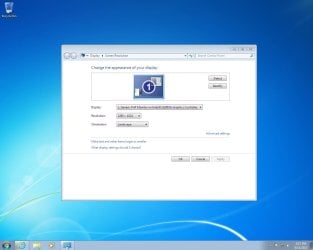
Before doing the driver update from Intel, I decided to try to Compatibility Mode with the driver from Dell again, it install and restarted the PC. The screen "looks normal" now! Finally! I know the monitor that I'm using is old probably a 15 or 17 inch monitor that came w/ the PC, but it's looks normal right?
Attachments
My Computer
At a glance
Windows 7 64 bit
- OS
- Windows 7 64 bit