

Hi guys, today we will look at the newest antimalware suite from Panda Security: Panda Global Protection 2010 beta. Its also one of the Windows 7 security providers.
So the installation begins:
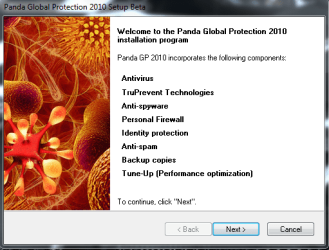
After acccepting the license agreement, even before the installer, Panda started a Scan.
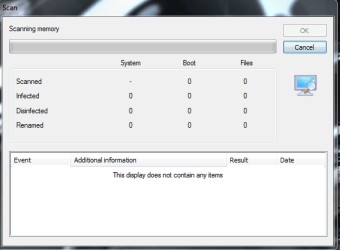
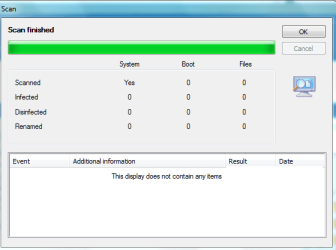
Scan finished within a minute.
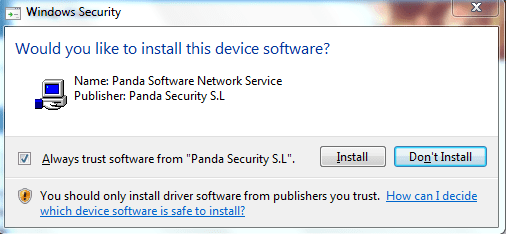
You will get a Windows Security popup asking if you trust the software.
Also, a restart will be required after installation.
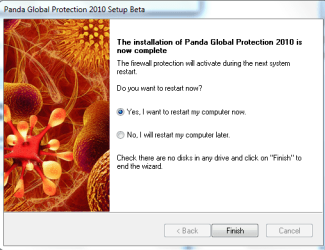
It took around 3-5 mins to install Panda Global Protection 2010 beta 2 and everything went smooth so far.
The update wizard popped up after restarting the system.
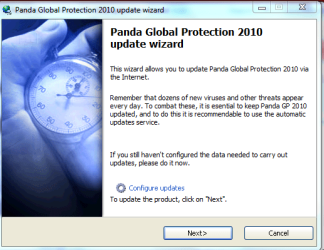
Also, an pop up appears to Activate the Product.
After Activation, it provides a 3 months license for the beta.

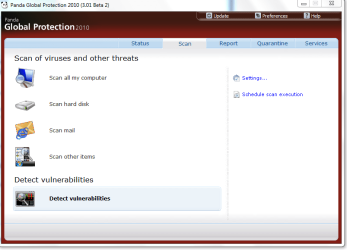
These are the scanning options. Strange that they did not include a quick scan feature.
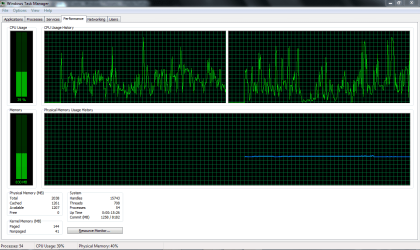
During scan, it uses around 35-40 MB RAM. However, they will have to work on the CPU usage. When pulled up task manager, i was surprised to see that there were actually 16 processes running.

PGP 2010 moved all the suspicious files to Quarantine and deleted all infected items. The firewall is also strong.
The detections are impressive.


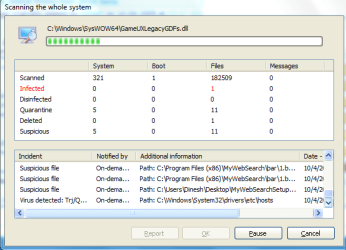
Under Preferences, it has options to reduce CPU usage and self diagnosis.
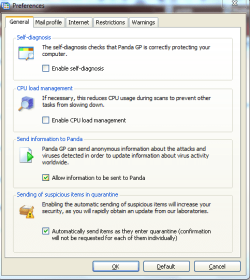
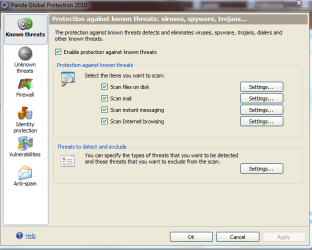
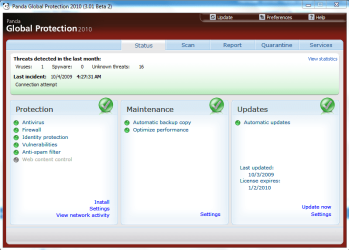
It has a lot of settings that makes Panda Global Protection 2010 highly customizable.
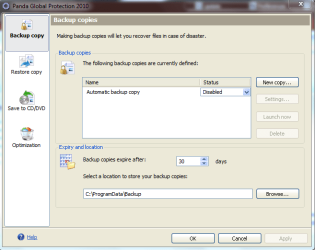
It also has Automatic Backup and Optimize Performance option.

Overall a solid protection against viruses and spywares. Really impressive and light weight product.
4.8/5.
So the installation begins:
After acccepting the license agreement, even before the installer, Panda started a Scan.
Scan finished within a minute.
You will get a Windows Security popup asking if you trust the software.
Also, a restart will be required after installation.
It took around 3-5 mins to install Panda Global Protection 2010 beta 2 and everything went smooth so far.
The update wizard popped up after restarting the system.
Also, an pop up appears to Activate the Product.
After Activation, it provides a 3 months license for the beta.
These are the scanning options. Strange that they did not include a quick scan feature.
During scan, it uses around 35-40 MB RAM. However, they will have to work on the CPU usage. When pulled up task manager, i was surprised to see that there were actually 16 processes running.
PGP 2010 moved all the suspicious files to Quarantine and deleted all infected items. The firewall is also strong.
The detections are impressive.
Under Preferences, it has options to reduce CPU usage and self diagnosis.
It has a lot of settings that makes Panda Global Protection 2010 highly customizable.
It also has Automatic Backup and Optimize Performance option.
Overall a solid protection against viruses and spywares. Really impressive and light weight product.
4.8/5.
Last edited:
My Computer
- Computer Manufacturer/Model Number
- Samsung NP530U4B-S02IN
- OS
- Windows® 8 Pro (64-bit)
- CPU
- Intel® Core™ i5 Processor 2467M (1.60GHz, 3MB L3 Cache)
- Motherboard
- Samsung Electronics
- Memory
- 6GB DDR3 System Memory at 1,333MHz (on BD 4GB + 2GB x 1)
- Graphics Card(s)
- AMD Radeon™ HD7550M 1GB DDR3 (Ext. Graphic)
- Sound Card
- Realtek High Definition Audio
- Monitor(s) Displays
- 35.56cm (14.0) SuperBright 300nit HD LED Display
- Screen Resolution
- 1366x768
- Hard Drives
- 1TB S-ATA II Hard Drive (5400RPM) with ExpressCache 16GB SSD
- Internet Speed
- sucks
- Antivirus
- Microsoft Security Essentials
- Browser
- Google Chrome (Sync enabled)
