Hello,
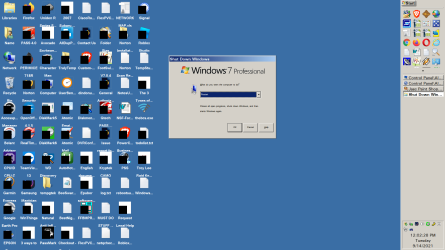
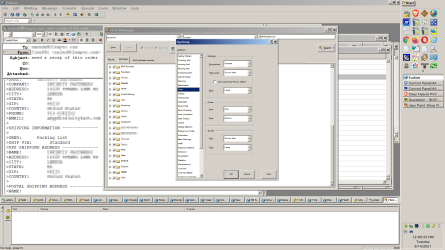
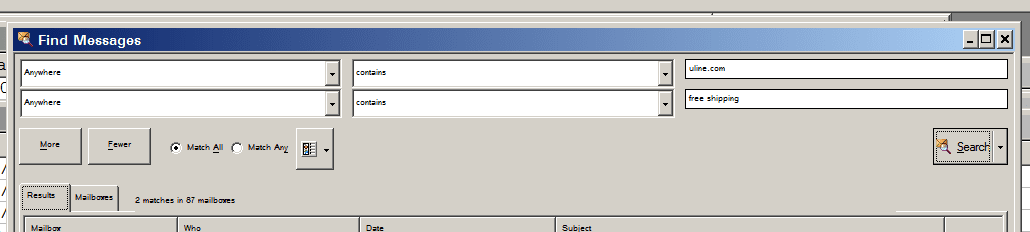
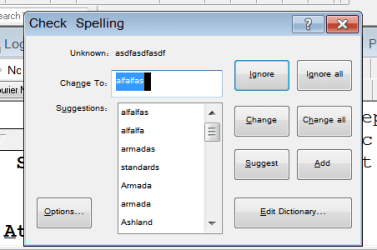
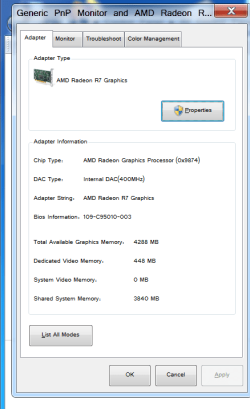
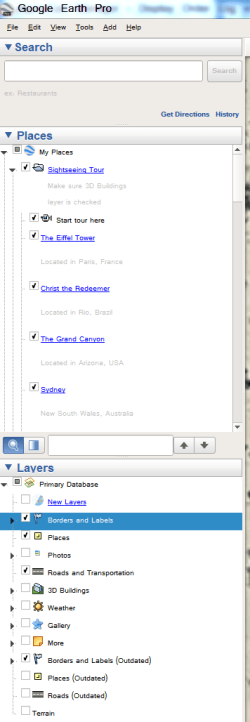
I'm an old guy with failing vision and mild color blindness and long time user of Windows 7 and use the computer for many, many applications. One thing that has really bugged me is that I can't set these font sizes. I CAN SET the faces, but the size issue has been a challenge. See the attached.
Also, look at the TINY font in the address bar of my browser. Does this on Chrome, Opera and Brave. Firefox does not do this.
To list the fonts that I'm trying to change the size to are:
the BUTTONS TEXT on the buttons in the task bar (Blue circle)
the size of the font in the address bar in Chrome based browsers (red circle)
the "window text" in any open application (yellow arrow)
the "windows system font" (orange arrow.)
If anyone could help, that would be great.
This is windows 7 with Classic Shell.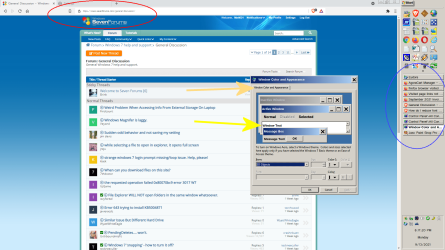
Also if anyone knows the FONT FACE and SIZE of the listings when you open file explorer. I have changed it, but I don't know how it did it so I can't change it back. It was something I changed when trying to do some of the above and it did not have the effect expected.
Thanks.
I'm an old guy with failing vision and mild color blindness and long time user of Windows 7 and use the computer for many, many applications. One thing that has really bugged me is that I can't set these font sizes. I CAN SET the faces, but the size issue has been a challenge. See the attached.
Also, look at the TINY font in the address bar of my browser. Does this on Chrome, Opera and Brave. Firefox does not do this.
To list the fonts that I'm trying to change the size to are:
the BUTTONS TEXT on the buttons in the task bar (Blue circle)
the size of the font in the address bar in Chrome based browsers (red circle)
the "window text" in any open application (yellow arrow)
the "windows system font" (orange arrow.)
If anyone could help, that would be great.
This is windows 7 with Classic Shell.
Also if anyone knows the FONT FACE and SIZE of the listings when you open file explorer. I have changed it, but I don't know how it did it so I can't change it back. It was something I changed when trying to do some of the above and it did not have the effect expected.
Thanks.
My Computers
-
At a glance
windows 7 64bitAMD A1216gigbuilt in- Computer type
- PC/Desktop
- Computer Manufacturer/Model Number
- custom
- OS
- windows 7 64bit
- CPU
- AMD A12
- Motherboard
- Gigabyte AB350MD3H
- Memory
- 16gig
- Graphics Card(s)
- built in
- Sound Card
- built in
- Monitor(s) Displays
- Asus
- Screen Resolution
- 2560x1440
- Hard Drives
- Samsung 980 Pro NVMe
Various other Samsung SSD drives
-
- Computer type
- PC/Desktop
- Antivirus
- Yes