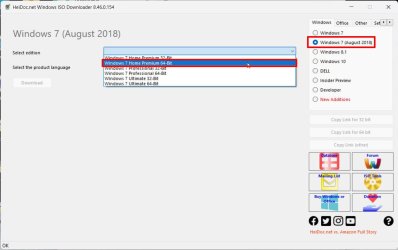
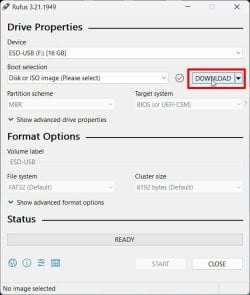
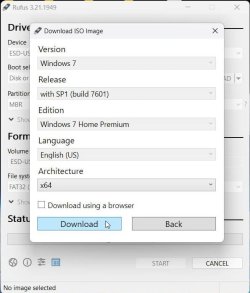
You don't need to use Rufus. All you need is a Win 7 installation iso.
To make a Win 7 USB boot able drive:
Open a CMD window as administrator and type:
diskpart
list disk (it will list all drives. Identify the USB drive number)
select disk n (replace n by the USB drive number obtained with list disk)
clean
convert mbr
create part primary
select part 1
format fs=fat32 quick
assign
active
exit (to exit diskpart)
If you have a Win 7 installation iso file
On Win 7 use
7Zip to extract all files and folders from the Win 7 iso file to the USB drive.
On Win 10, mount the iso file and copy all files and folders to the USB drive.
If you have a Win 7 installation DVD
On another computer that has ODD, copy all files and folders from the DVD to the USB drive
To make it UEFI boot able you must add the
\efi\boot folder
To make it universal (all Win 7 versions), go to \sources on the USB drive and delete \sources\ei.cfg