Hi guys, this problem pursuited me since the days when i just have been starting to work with win 7
So maybe someone still doesn't want to move to win 10 and needs the solution

To cut the long story short - i have tried all solutions and stopped on hardlinks solution proposed above. I have created attached batch file based on hardlinks solution
What attached batch file does:
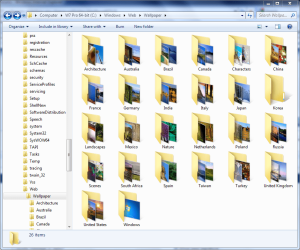
- iterates through all files in your root wallpapers folder including all subfolders
- creates hardlinks for every file of format .jpg .png or .jpeg in specified hardlinks folder that you will create
- ignores any other file formats
- it will resolve situation when you have files with same names - it will create links for each file! (a slight change to hardlink name will be applied, source files will be left untouched ofc)
- batch will exit without prompt so you can put it in autorun on windows startup (in case you work with wallpapers heavily
)
- before creating any hardlinks batch file will delete any existing hardlinks in your hardlinks folder, so basically when you have made any chagnes to folder structure or files content of your root "Wallpapers" folder (or whatever name you have) then you just need to run batch file and its done!
- it doesnt matter where you will store batch file, it should run ok unless you have set wrong paths (i hae left my paths as an example)
How to use:
1. Download batch file and put it in the place you want to run it from
2. Create folder for hardlinks in location you prefer
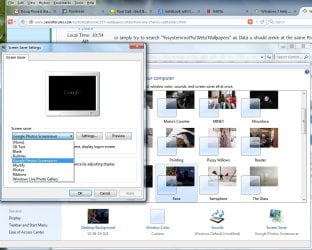
3. Change windows setting so it looks for wallpapers in that hardlinks folder you have created in step 2
4. Edit the file putting folder paths that you use - put it only in the top of file - you dont need to change anything anywhere else (you will see where to put your paths in the header of file - easy cake)
- ROOT_PICTURE_FOLDER_PATH
- HARDLINKS_FOLDER_NAME
- HARDLINKS_FOLDER_PATH
5. Save the file and run it whenever you like
Cheers.