Why is it there is always somebody who has to say that 64 bit OS's don't support 32 bit applications. Now this is true in some cases, however, on the whole most 32 bit applications will work on a 64 bit OS. Remember when NT 3.5 came out all anybody could say was that 16 bit programing was never going to work with it—well guess what. . .you right they were wrong.
If you have a 64 bit system and have 32 bit applications that will not run on a 64 bit system then you still have options.
1. Setup your computer to run on a dual boot. If you have one HDD then format into two separate drives. Then download both the 32 and 64 bit win 7 installations and run them. If your system is a 64 bit this will allow you to run win 7 64 and get the full use of the installed ram over 3.3 Gbits, and to run applications that do support 64 bit programing (Photoshop, MS Office 2010, Lightroom, etc.).
2. Install the 64 bit system then run a virtual machine (VM Ware Workstation, Virtual Box 3.0, or the new Windows 7 Virtual Machine with Virtual XP for 32 bit programing).
Don't go by what the doom sayers are saying, they are doing nothing more than showing their ignorants.



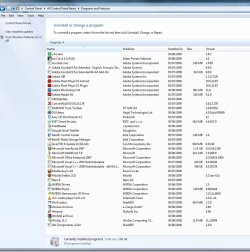


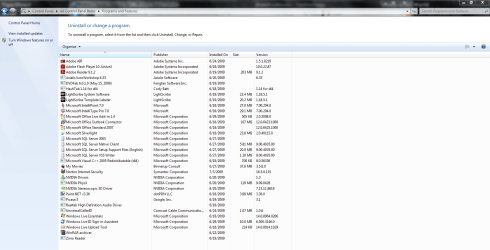
 Yes it works with IE, but i'm not using IE.