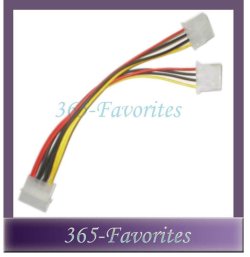
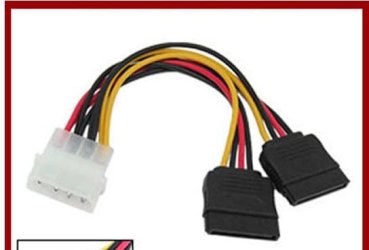
I have an 320 GB HDD that came in my computer. Now i want to add the HDD (80 GB) that was in my old computer to install another OS on it. (i know that i can install two ore more OS on a single HDD using partitions but i don't want to do this). So i googled about adding a second HDD and in every post i found was this that i need to add something on the pins so that the HDD knows if it is main or secondary.
So if anybody can explain me step by step what i need to do it install / add to second HDD to my PC.
So if anybody can explain me step by step what i need to do it install / add to second HDD to my PC.
My Computer
- Computer Manufacturer/Model Number
- Custom bulit
- OS
- Windows 7 Ultimate x64 SP1
- CPU
- Intel Core 2 Duo E7400 @ 2.81 GHz Socket 775 LGA
- Motherboard
- MSI 7519 P43 Neo
- Memory
- Kingston (3x2GB) 6GB DDR2 @ 600 MHz
- Graphics Card(s)
- Nvidia GeFoce 9800 GT (512 MB)
- Sound Card
- Realtek HD audio
- Monitor(s) Displays
- Samusng SyncMaster 2043NW
- Screen Resolution
- 1680 x 1050
- Hard Drives
- 3.5'' 320GB ST3320613A SATA II 3.0 Gb/s
- PSU
- Standard (details N/A)
- Case
- Vento A8 ASUS chassis
- Cooling
- Cooler Mater Standard Series Case Fan
- Keyboard
- Standard PS/2 Keyboard Turbo Spero
- Mouse
- Logitech Laser RX 1000
- Internet Speed
- 4096 Kb/s
- Other Info
- High Speed USB 2.0 integrated memory card reader,LG HL-DT-ST DVD-RAM GH22NS30 ATA Drive, TP-LINK TD-8901GB rADSL 2+ router, Sony MegaBass SRS-A37 Stereo Speakers, Realtek PCIe GBE Family Controller.