
glatzfront
New member
- Local time
- 9:03 PM
- Messages
- 26
Vista Ultimate SP2
Need help please?
Clean reinstall of vista plus SP2
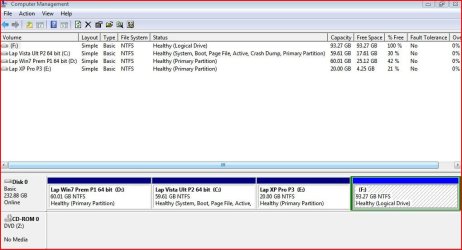
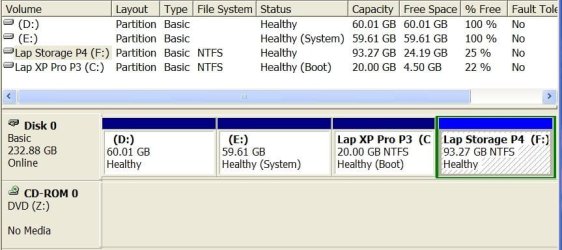
Went to computer management and changed drive letters to be in order, have done this many times before on all my versions.
Before changing the drive letter, I had access to the storage partition
I now get "F:\is not accessible, Access is denied"
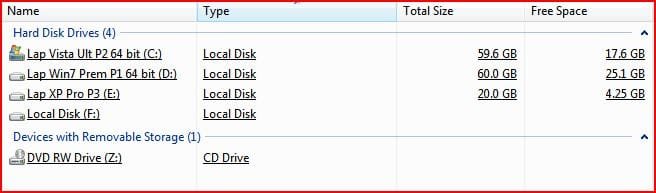
I've changed permissions and I've lost the drive name "Lap Storage P4"
I'm the Owner and have full permissions
I have a lot of information that I need on this drive.
Could someone help me how to regain access!!!!!!!!!!!!!!
Need help please?
Clean reinstall of vista plus SP2
Went to computer management and changed drive letters to be in order, have done this many times before on all my versions.
Before changing the drive letter, I had access to the storage partition
I now get "F:\is not accessible, Access is denied"
I've changed permissions and I've lost the drive name "Lap Storage P4"
I'm the Owner and have full permissions
I have a lot of information that I need on this drive.
Could someone help me how to regain access!!!!!!!!!!!!!!
Attachments
My Computer
- OS
- Win7 Premium

