
Hello guys,
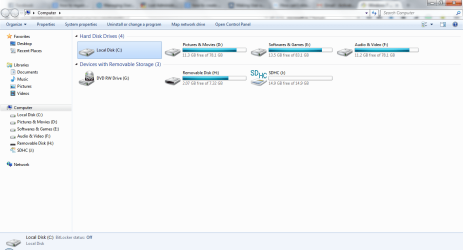
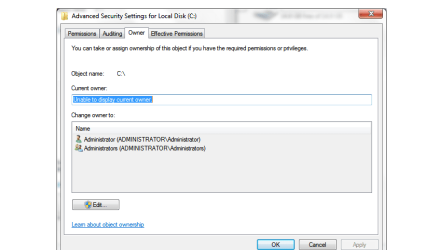
Before enabling guest account, i tried to secure the system drive so that no one can access except administrator. Most probably i selected authenticated users in security tab. Think that's why i can't access. Now i can't create any other user, no access to device manager.
Help me out!
Before enabling guest account, i tried to secure the system drive so that no one can access except administrator. Most probably i selected authenticated users in security tab. Think that's why i can't access. Now i can't create any other user, no access to device manager.
Help me out!
Attachments
My Computer
- Computer type
- Laptop
- Computer Manufacturer/Model Number
- HP
- OS
- Windows 7 Ultimate x64
- CPU
- Core i3
- Motherboard
- Intel
- Memory
- 4 GB
- Hard Drives
- 320GB
- Antivirus
- avast pro
- Browser
- Mozilla Firefox


