Hi Everyone,
I am still using Win7 64bit Ultimate SP1, and today discovered the "Administrative Tools" icon in Control Panel was "greyed out".
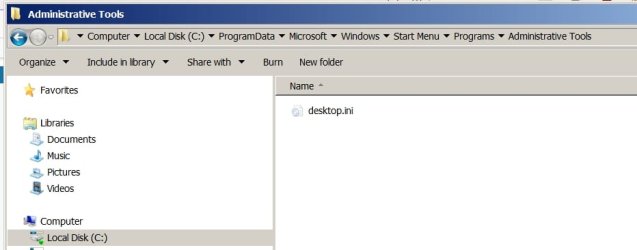
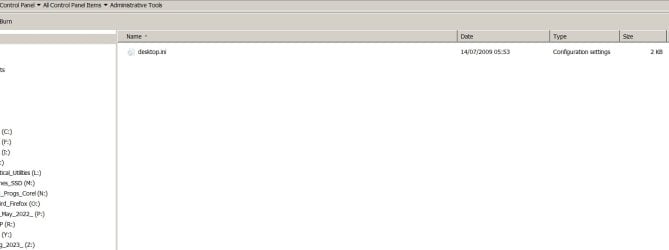
It was also totally unresponsive when clicked - producing only an empty dialogue box (see below) together with a listing of all other drives.
I have tried starting from the <Start> box, but just get the same result.
Can anyone point me to a solution for restoring it please?
Thank you.
I am still using Win7 64bit Ultimate SP1, and today discovered the "Administrative Tools" icon in Control Panel was "greyed out".
It was also totally unresponsive when clicked - producing only an empty dialogue box (see below) together with a listing of all other drives.
I have tried starting from the <Start> box, but just get the same result.
Can anyone point me to a solution for restoring it please?
Thank you.
Attachments
My Computer
- Computer type
- PC/Desktop
- Computer Manufacturer/Model Number
- Asus
- OS
- Win7 Ultimate SP1 64bit
- CPU
- Intel i5
- Motherboard
- H170M-PLUS
- Memory
- 32gb
- Graphics Card(s)
- Radeon 550
- Hard Drives
- Mainly Toshiba 5Tb's but three Samsung SSD's too. Total capacity of around 60Tb.
Mainly External in Orico 4-Bay enclosures.
- Antivirus
- Zone Alarm Extreme Security
- Browser
- FireFox