shortforharriet
New member
- Local time
- 9:31 AM
- Messages
- 6
Hi,
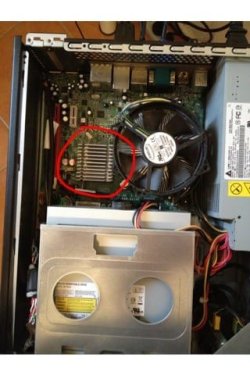
I've run into trouble with my desktop computer (Acer Aspire x1800), and have identified the likely issue as being related to improperly connected RAM. The problem is, I have no idea how to find the RAM and get to it so I can fix the connection. I've opened the casing on the tower, but I understand that further disassembly is required to get to the RAM.
I'm very very un-savvy with tech, so if anyone could walk me through exactly how to take apart the necessary parts, and how to identify the RAM, that would be wonderful. I've attached an image of the inside of the computer for easy reference.
Thanks in advance.
I've run into trouble with my desktop computer (Acer Aspire x1800), and have identified the likely issue as being related to improperly connected RAM. The problem is, I have no idea how to find the RAM and get to it so I can fix the connection. I've opened the casing on the tower, but I understand that further disassembly is required to get to the RAM.
I'm very very un-savvy with tech, so if anyone could walk me through exactly how to take apart the necessary parts, and how to identify the RAM, that would be wonderful. I've attached an image of the inside of the computer for easy reference.
Thanks in advance.
My Computer
At a glance
Windows 7
- OS
- Windows 7


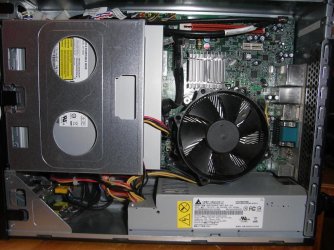
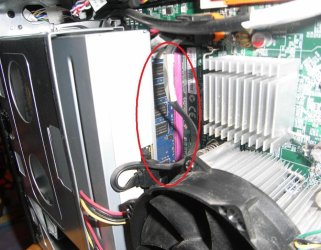

 I don't want to jinx it, but I think it may be ok. I guess if it's not, I'll be back, but otherwise, thanks so much for the help guys, I was running in circles thinking there was some awful huge problem.