Solved All folders named X in Y path behave abnormally

ppgab

New member
Local time
5:27 AM
Messages
6
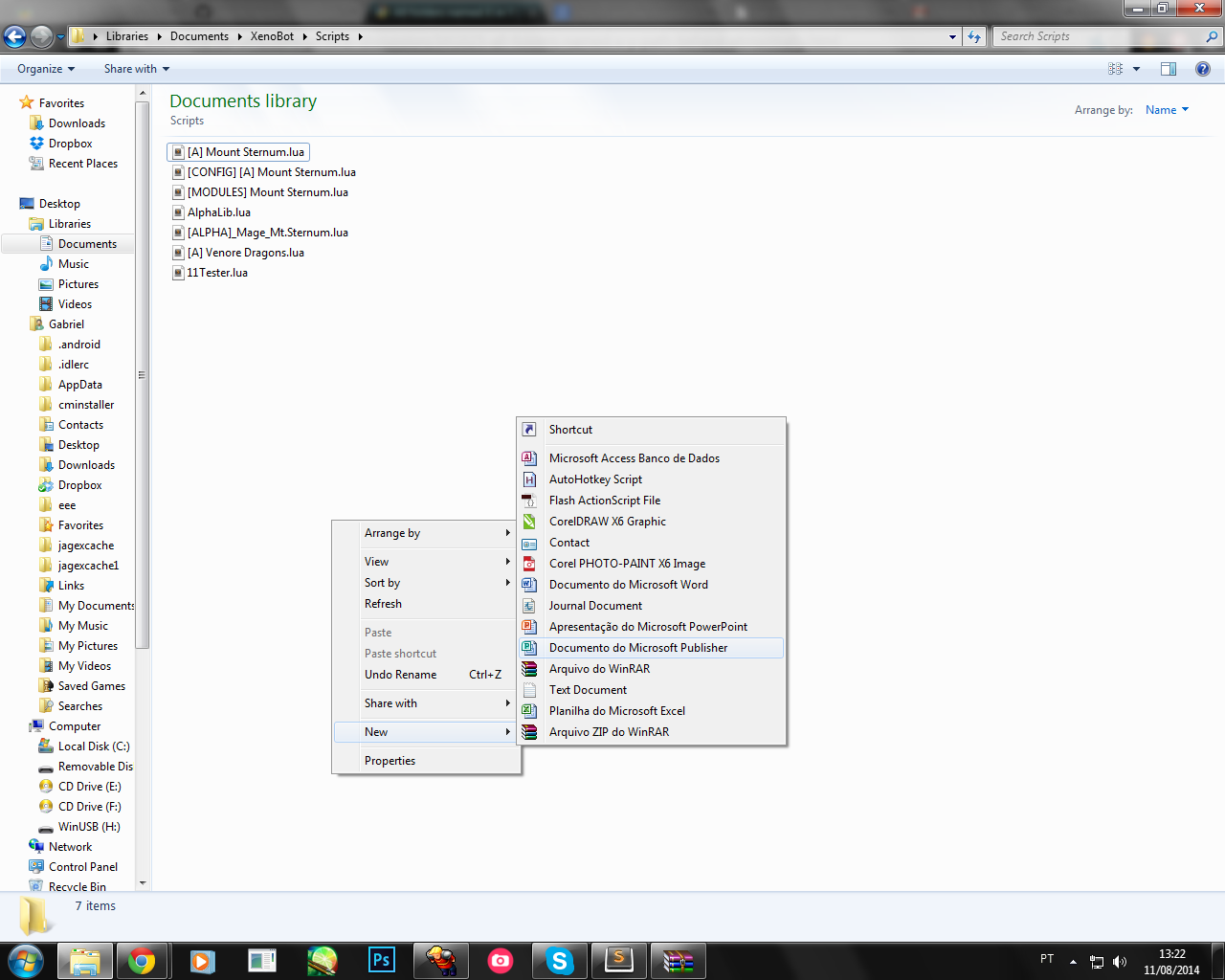
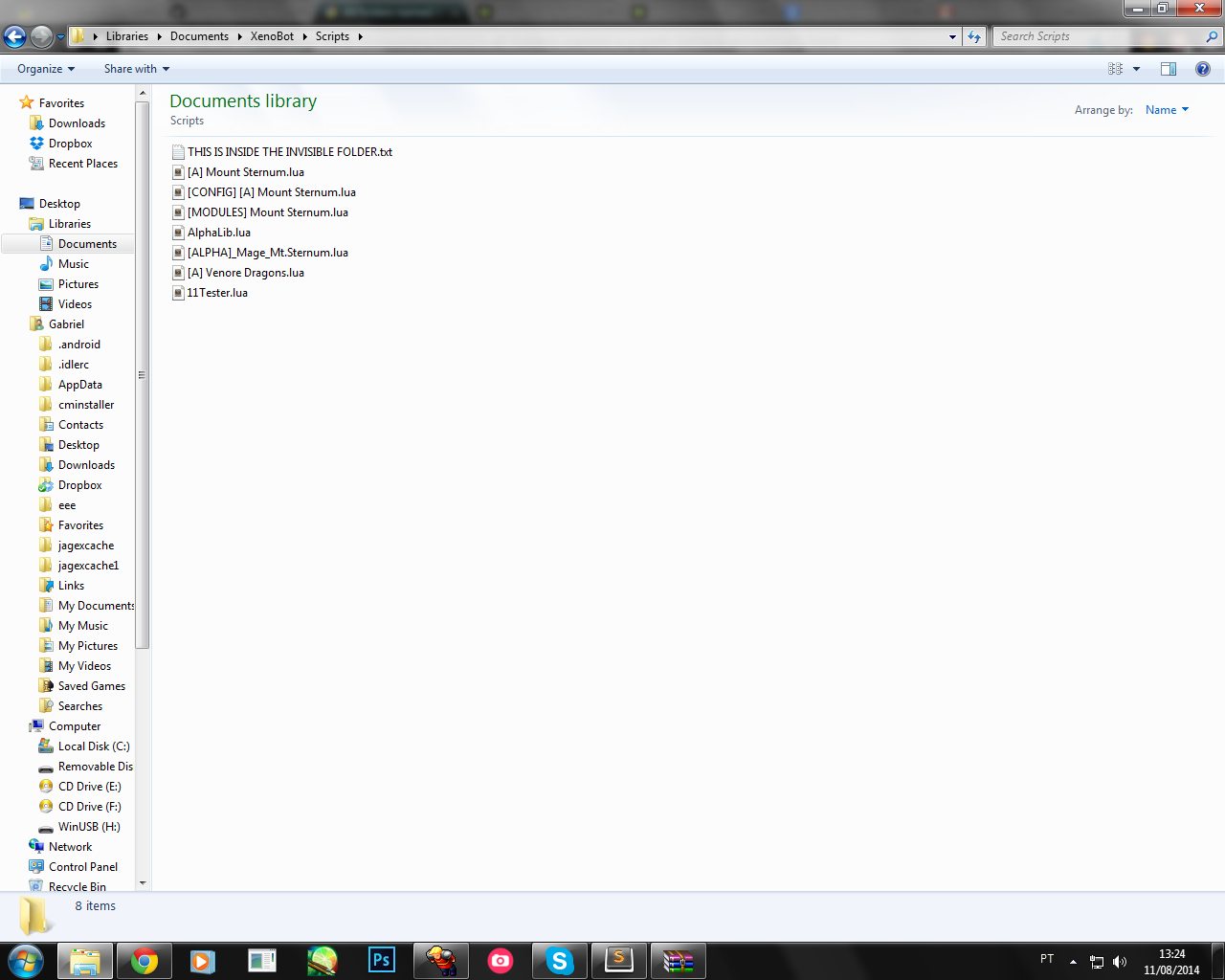
The issue i'm having is that every folder inside C:/Users/Me/Documents/Xenobot named "Scripts", doesn't allow me to create a new folder inside it, i managed to create one using C# but it's invisible, but the files inside the invisible folder are shown in "Scripts".

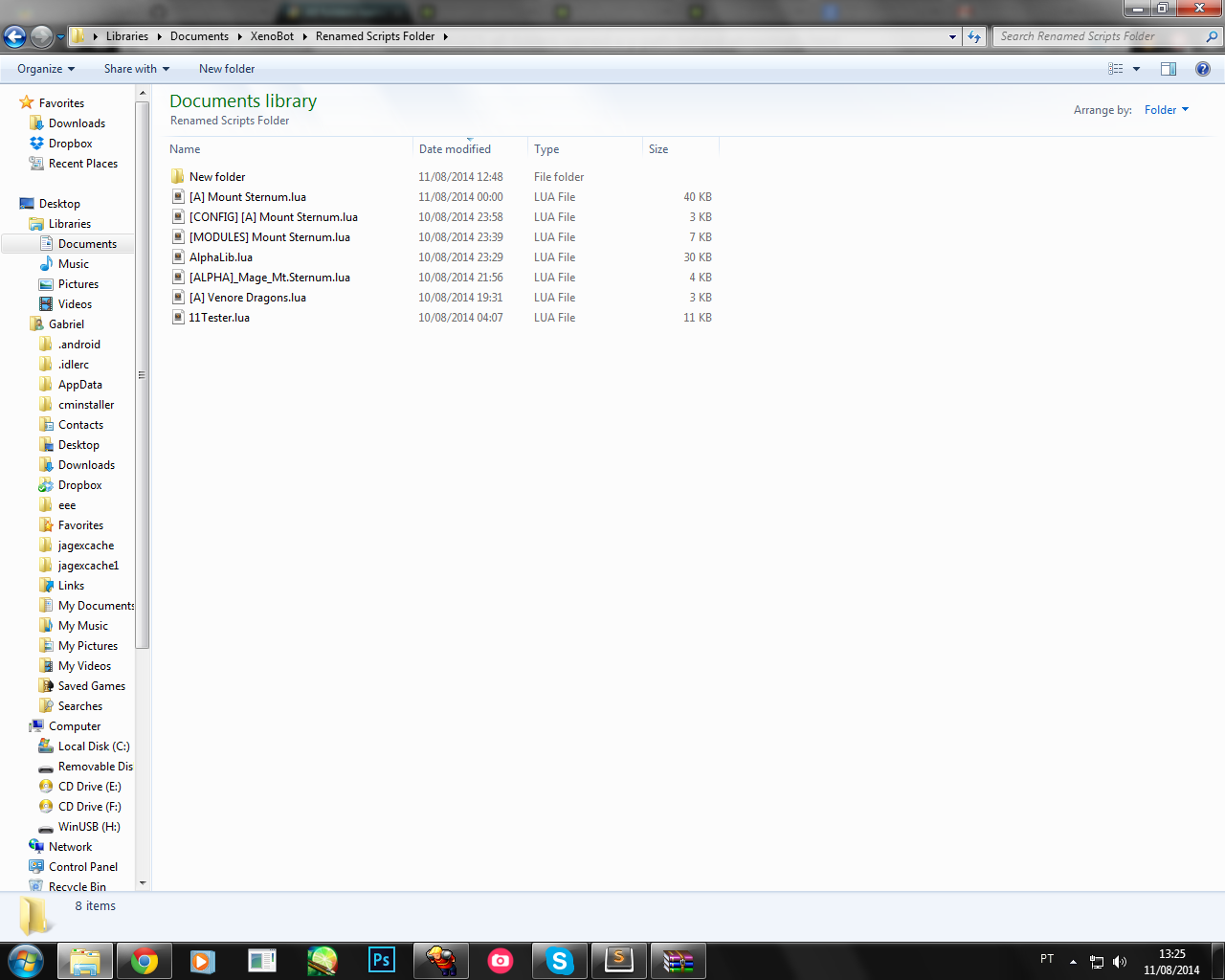
If I rename "Scripts" to something else it goes back to normal, and if I create a new folder called "Scripts" it behaves abnormally.

How can I not only solve it but trace what caused this?

edit: if i rename it to "scripts" it also occurs
 
Last edited:

My Computer My Computer

At a glance

Windows 7 Ultimate x86 32
Computer type
PC/Desktop
OS
Windows 7 Ultimate x86 32
Took me a LONG while to understand what you're posting. Still in a confused state.

In any case before I clarify my confusion, any error message appear when you "weren't allowed to create a new folder inside it"?
 

My Computer My Computer

At a glance

Windows 10 Pro
Computer type
Laptop
Computer Manufacturer/Model Number
Lenovo E450
OS
Windows 10 Pro
Yeah, a little more clarity would help.

Welcome to the forums!
 

My Computer My Computer

At a glance

Win 7 Pro 64-bitIntel Core i516 GB Dell, 6 GB ToshibaIntel crap on both but Dell also has nVidia G...
Computer type
Laptop
Computer Manufacturer/Model Number
Dell Insprion 7559 next to a Toshiba Portege
OS
Win 7 Pro 64-bit
CPU
Intel Core i5
Motherboard
Intel
Memory
16 GB Dell, 6 GB Toshiba
Graphics Card(s)
Intel crap on both but Dell also has nVidia GeForce GTX960M
Sound Card
RealTek
Monitor(s) Displays
internal and external ACER KA270H 27"
Screen Resolution
1920x1080
Hard Drives
SSD 256 GB plus numerous WD Red or Purple on USB3 docks. Used to buy a lot of Seagate but tossed them the second time I got unrecoverable disc corruption in the midst of use.
Keyboard
Garage Mouse SW and some cheap Amazon China made USB device
Mouse
Garage Mouse and some cheap Amazon China made USB device
Internet Speed
50 Mbps (allegedly, depends on server)
Antivirus
Defender, Malwarebytes Premium and Kaspersky
Browser
IE 11, and Chrome something
sorry let me try again ^^ (how do i mention?)

This only happens to folders named "scripts" or "Scripts" inside Documents/Xenobot

Can't create :
p42GYr4.png


If i create one by pasting it :
adSyhTG.png


If I rename it:
Ksbq8Ry.png


To me it seems like a registry issue but I don't know how to solve it or track what caused it.
No malwares found whatsoever, the developer of Xenobot says it has nothing to do with the software
 

My Computer My Computer

At a glance

Windows 7 Ultimate x86 32
Computer type
PC/Desktop
OS
Windows 7 Ultimate x86 32
Solved.

The issue was that the option was set to Arrange by>Type instead of Arrange by>Folder.

I have no idea why this would be automatically applied to every folder named "s/Scripts"

If someone knows what could have caused this i'd love to know
 
Last edited:

My Computer My Computer

At a glance

Windows 7 Ultimate x86 32
Computer type
PC/Desktop
OS
Windows 7 Ultimate x86 32
Back
Top