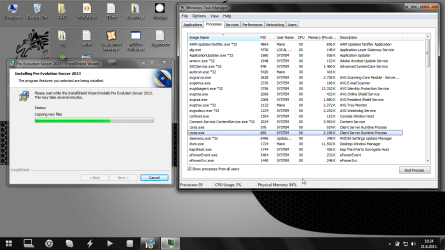
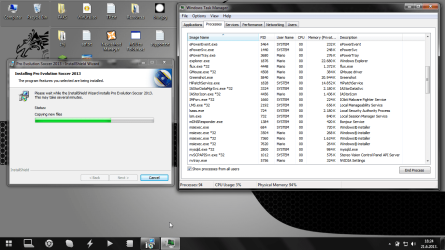
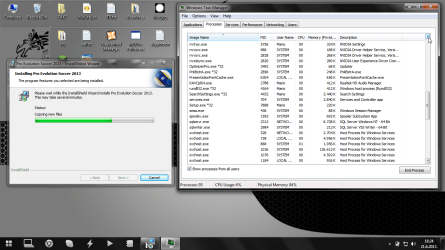
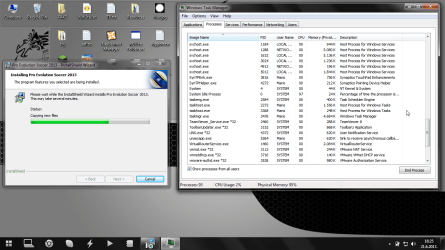
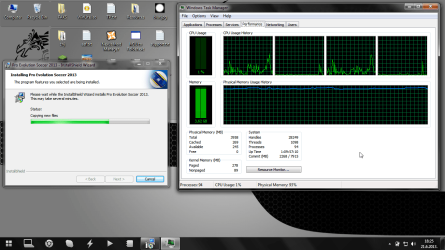
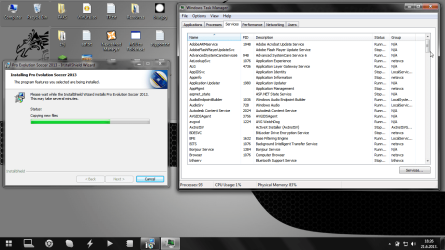
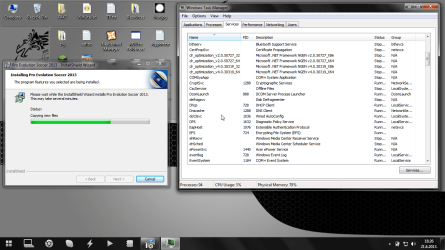
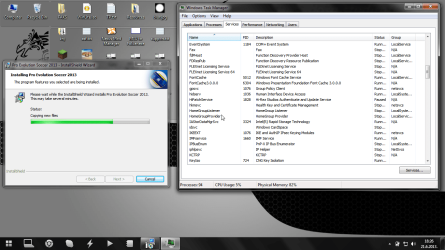
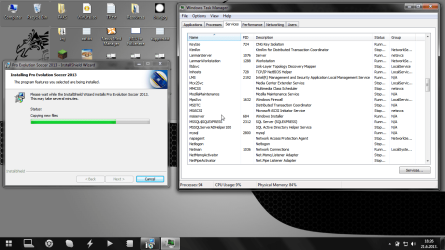
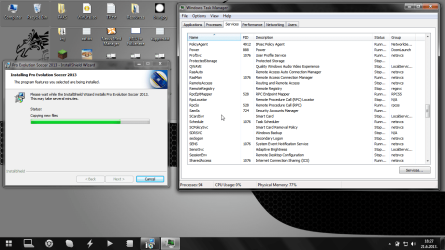
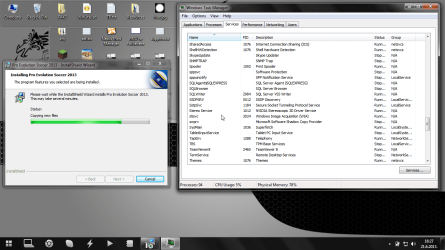
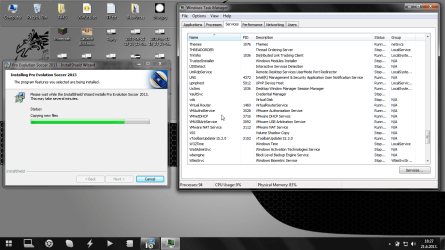
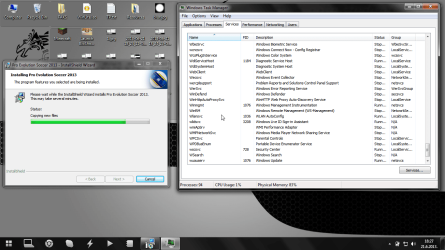
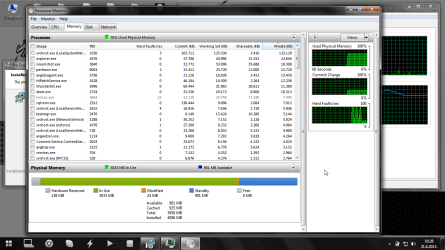
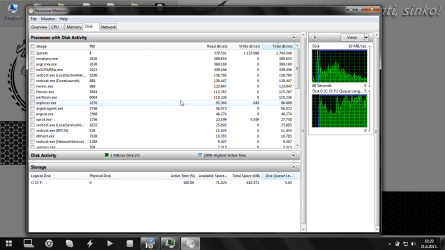
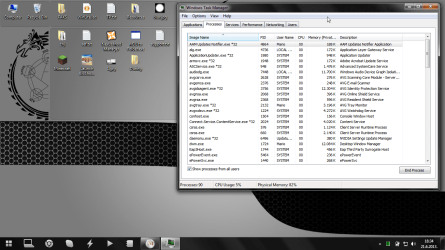
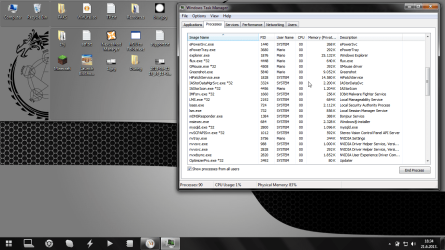
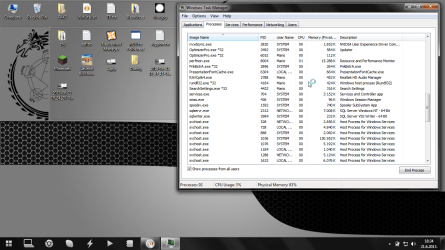
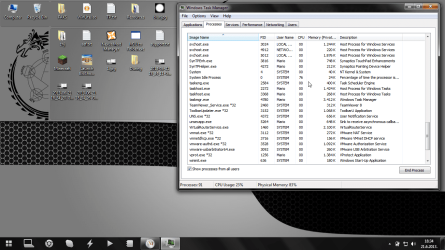
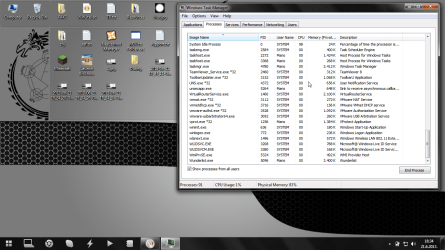
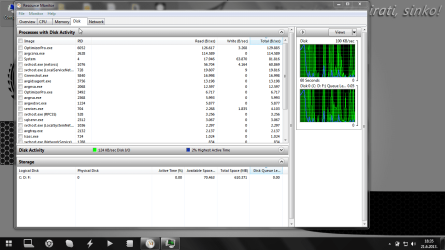
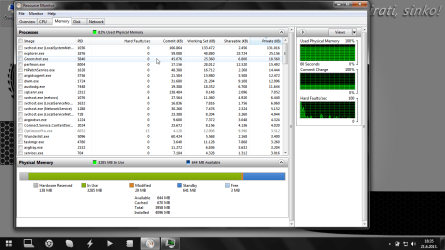
Judging by your first pictures, you seem like you run a lot of things at once so that's why I'm suggesting you look into your startup items; if you only load what you NEED to load at the startup, that will definitely reduce some of that memory. Keep us posted with that picture of the processes list.
You can see your startup items with this method:
1. Windows key + r to load a run window
2. Type in Msconfig
3. Look at the startup tab
4. Don't uncheck anything that you KNOW you need for example: your internet card/adapter, a virus scanner, etc. Some people might go against that but it's what I do.
You can see your startup items with this method:
1. Windows key + r to load a run window
2. Type in Msconfig
3. Look at the startup tab
4. Don't uncheck anything that you KNOW you need for example: your internet card/adapter, a virus scanner, etc. Some people might go against that but it's what I do.
My Computer
At a glance
Microsoft Windows 7 Ultimate 64-bit 7601 Mult...Intel(R) Core(TM) i5-2400S CPU @ 2.50GHz6.00 GBIntel(R) HD Graphics
- Computer type
- PC/Desktop
- Computer Manufacturer/Model Number
- HP
- OS
- Microsoft Windows 7 Ultimate 64-bit 7601 Multiprocessor Free Service Pack 1
- CPU
- Intel(R) Core(TM) i5-2400S CPU @ 2.50GHz
- Motherboard
- PEGATRON CORPORATION 2AC2
- Memory
- 6.00 GB
- Graphics Card(s)
- Intel(R) HD Graphics
- Sound Card
- (1) Realtek High Definition Audio (2) HD Pro Webcam C910
- Monitor(s) Displays
- MAIN: HP S2331; Second: HP 2009m
- Screen Resolution
- 1600 x 900 x 32 bits (4294967296 colors) @ 60 Hz
- Hard Drives
- (1) ATA Hitachi HDS72101 SCSI Disk Device (
- PSU
- 300W Stock
- Case
- Stock HP Dv7T
- Cooling
- 1 Case Fan; 1 stock CPU cooler
- Antivirus
- MS Security Essentials
- Browser
- Google Chrome/Chromium