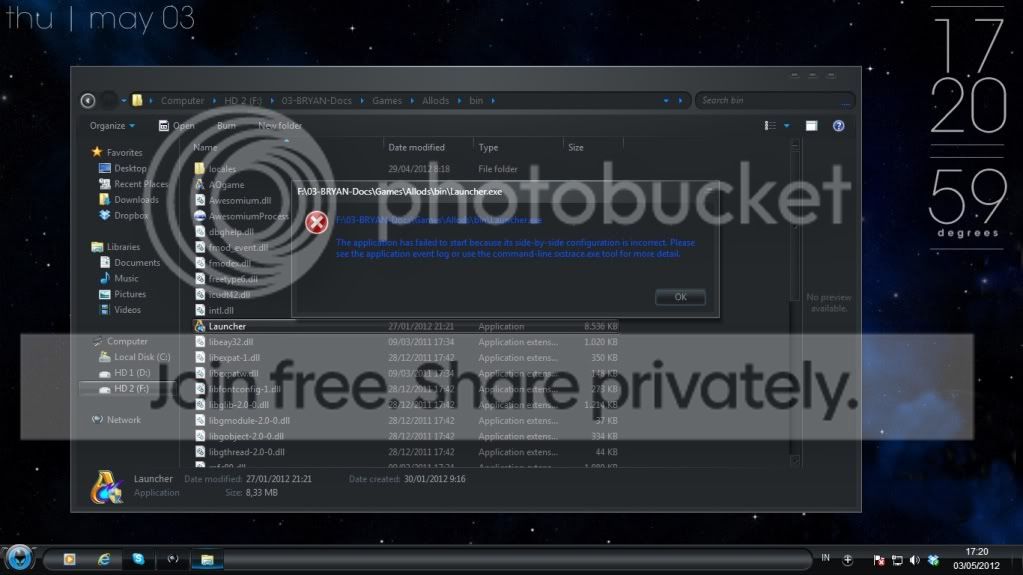
It could be hard disk errors or data corruption. It could also be due to a virus or program conflict.
Run Disk Check with both boxes checked for all HDDs and with Automatically fix file system errors checked for all SSDs. Post back your logs for the checks after finding them using http://www.sevenforums.com/tutorials/96938-check-disk-chkdsk-read-event-viewer-log.html.
For any drives that do not give the message: Windows has checked the file system and found no problems
run disk check again as above. In other words, if it says: Windows has made corrections to the file system
after running the disk check, run the disk check again.
Download and install Malwarebytes, update it, do not start the free trial, and then run a full scan. Also run a full scan with the antivirus software you have installed for your system. If you do not have antivirus software installed, see the http://www.sevenforums.com/system-s...-system-security-combination.html#post1732627 for better security steps and scanning tools. Make sure to update the security software before running the full scan.