- Local time
- 6:36 AM
- Messages
- 831
My Computer
- Computer Manufacturer/Model Number
- aspire 5920
- OS
- Windows 8 Professional x64
- CPU
- core 2 duo T5550
- Memory
- 4 GB
- Graphics Card(s)
- GMA X3100
- Hard Drives
- 160 GB + 320 GB
- Internet Speed
- 2 mbps


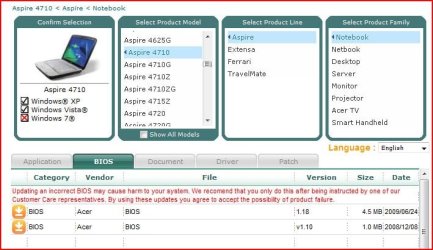
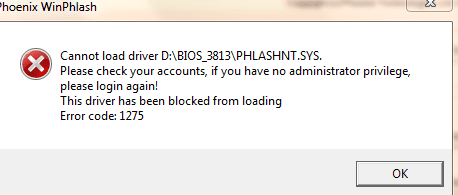
Well, I would suggest that you flash in DOS from a usb thumb drive. If you will tell me the details of your system and the bios, I can walk you through the steps.It is a bios flash file and I downloaded it from acer.com
Go ahead.can I tell u why I am planning to flash bios?
How often do you check? And does the OS recognize the drive, does everything work normally? Pl. provide some more details.my optical drive sometimes wont be displayed in the bios..thats why...

The solution about deleting the upper and lower filters is the one suggested in my earlier post too.The solution in this thread may help you:
CD/DVD Drive not recognized - Tech Support Forum